Finding the right keywords makes or breaks your SEO strategy. I have tested dozens of keyword research tools over the past decade, and the right tools make the difference between ranking on page one or getting lost in search results.
Keyword research is the foundation of every successful content strategy. Without it, you are creating content in the dark, hoping someone might find it. But with the right approach and tools, you can identify precisely what your target audience is searching for and create content that meets their needs.
In 2026, the SEO landscape continues to evolve. AI-powered search engines like ChatGPT and Perplexity are changing how people find information. Google’s algorithms are getting smarter, focusing more on user intent and content quality than ever before. This means your keyword research strategy needs to be more sophisticated than simply finding high-volume keywords.
I am sharing 20 keyword research tools for SEO that I actually use in my daily work. These are not just random recommendations. These are the tools that have helped me grow websites to hundreds of thousands of monthly visitors and generate significant results for clients.
At The Tool Marketer, we focus on exploring and reviewing powerful digital marketing tools that actually move the needle. This comprehensive guide covers both free and paid options, with honest pros and cons for each tool. Whether you are just starting with keyword research for beginners or you are an experienced SEO professional looking for better alternatives, this list has something valuable for you.
What is the Best Keyword Research Technique in SEO?
The best keyword research technique starts with Google Autocomplete. Open an incognito window, type your seed keyword slowly, and watch the suggestions appear. These are real searches happening right now.
Here is why this works so well: Google Autocomplete shows you what real people are typing into the search bar at this very moment. Unlike paid keyword research tools that might have outdated data or miss trending terms, autocomplete gives you fresh, real-time insights into what your audience actually wants to know.
I analyze the search results to identify gaps and mismatches in search intent. For example, if I search for “keyword research” and see that most results are about tools, but people are also asking “how to do keyword research step by step,” that suggests a content gap I can fill.
This basic technique works because it shows you exactly what your target audience is searching for without relying on potentially outdated data from third-party tools. You are going straight to the source: Google itself.
I combine this approach with several other free tools to create a comprehensive keyword research strategy:
- Google Keyword Planner for search volume validation and understanding commercial intent through CPC data
- Google Trends for identifying seasonal patterns, trending topics, and comparing keyword variations over time
- Keywords Everywhere Chrome extension for getting real-time metrics directly in search results without switching tabs
This is how I consistently find hidden-gem keywords that my competitors miss. It is the foundation of my keyword research process, and I recommend that every beginner start here before investing in expensive tools. Once you master this free approach, you will know exactly what features you need in a paid tool.
The beauty of this technique is that it costs nothing but time. You can spend 30 minutes right now and walk away with 20-50 solid keyword ideas that have real search demand. That is more valuable than spending hours in a premium tool looking at vanity metrics.
What is the Most Accurate Keyword Research Tool?
For real-time discovery, Google Autocomplete is most accurate because it reflects current searches. When someone types a query, and Google suggests completions, those suggestions are based on real search behavior from millions of users.
For analyzing metrics like search volume, competition, and ranking difficulty, Ahrefs and Semrush provide the most reliable data. These platforms have invested heavily in building massive keyword databases with billions of keywords. Their search volume estimates use sophisticated algorithms and years of collected data.
Google Keyword Planner is also highly accurate since it pulls data directly from Google Ads campaigns. The CPC data shows how much advertisers pay per click, indicating the commercial value of those clicks. However, it provides broad search volume ranges rather than exact numbers.
The truth is, different tools excel at other things. I use multiple tools together: Google Autocomplete for discovery, Google Keyword Planner for validation, and Ahrefs for detailed analysis. This multi-tool approach gives me confidence in my keyword selections.
Are There Free Keyword Research Tools?
Yes! Some of the best keyword research tools are completely free. My top recommendations include:
Google Keyword Planner provides search volume data and keyword suggestions directly from Google. While it shows broad ranges, it is excellent for validating keyword demand and understanding commercial intent through CPC metrics.
Google Autocomplete shows real-time search queries. I use this daily to discover long tail keywords and question-based queries that paid tools often miss.
Google Trends reveals whether keywords are growing or declining. This helps me avoid wasting time on declining topics and focus on rising opportunities.
Google Search Console shows which keywords you already rank for. I find quick wins by identifying keywords with high impressions but low clicks, then optimizing that content.
AlsoAsked and AnswerThePublic help find question-based keywords perfect for comprehensive content. Both offer limited free searches daily.
These free tools provide enough data to build effective keyword strategies. I used only free tools for my first two years in SEO and still achieved strong results.
20 Best Keyword Research Tools in 2026 (Free + Paid)

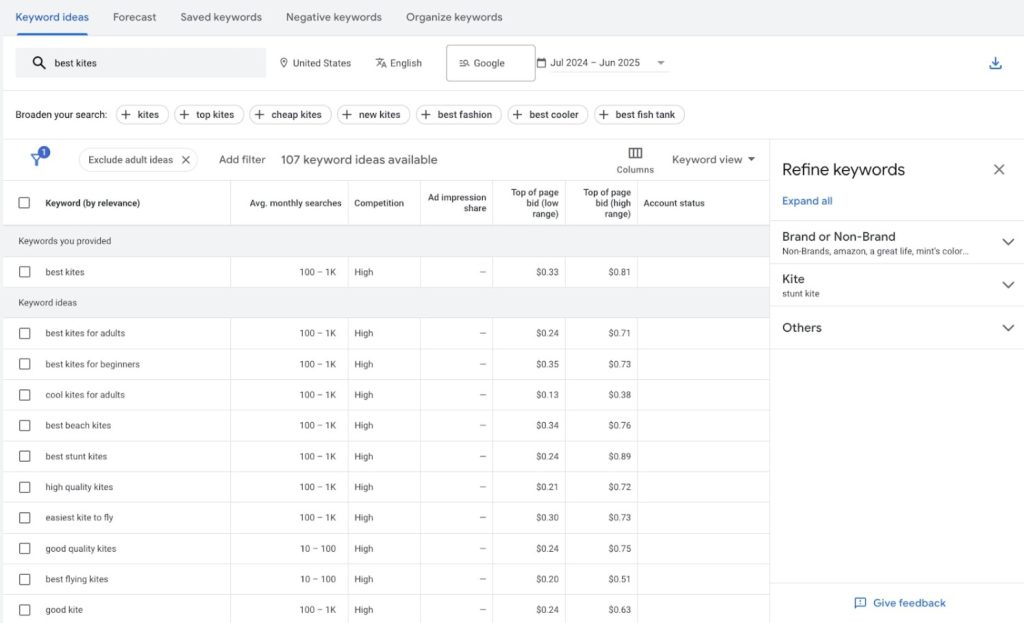
Google Keyword Planner validates search volume and reveals keyword competition. Built into Google Ads, it provides data directly from Google with monthly search volume ranges, competition levels, and CPC data.
I use “Get search volume and forecasts” to analyze keyword lists. It’s completely free and highly reliable for understanding keyword demand.
Google Keyword Planner Pros and Cons
Pros:
- Completely free with a Google Ads account
- Direct Google data for high reliability
- Shows competition and CPC for commercial analysis
- Provides related keyword suggestions
- Integrates with Google Ads campaigns
Cons:
- Requires Google Ads account access
- Broad volume ranges instead of exact numbers
- Interface sometimes loads slowly
- Limited filtering versus premium tools
- Generic keyword suggestions
Is Google Keyword Planner Good for SEO?
Yes, Google Keyword Planner is excellent for SEO, especially for beginners. It helps understand search demand, identify opportunities, and validate ideas with real Google data. I recommend it as the starting point for learning keyword research.
Is the Google Keyword Tool Free?
Yes, 100% free. You need a Google Ads account, but you don’t need to run ads or spend money. Simply sign up, navigate to Keyword Planner, and start researching.
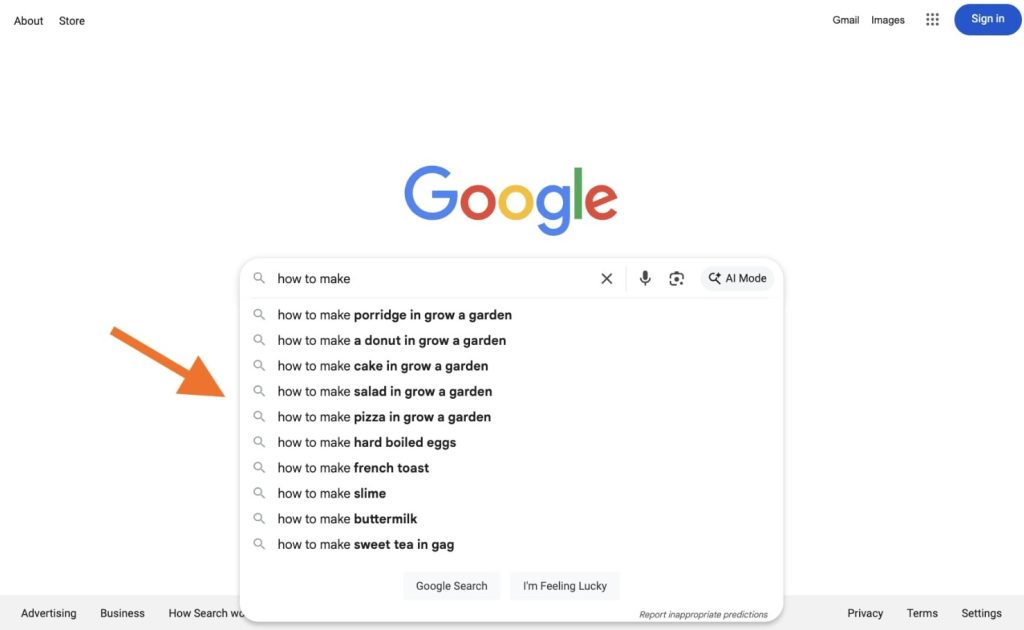
Google Autocomplete is my secret weapon for finding keywords that other tools miss. When you type in Google’s search bar, it suggests completions based on popular searches.
I use incognito mode to avoid personalized results. I type slowly, adding one letter at a time and noting suggestions. I also use modifiers like “how to,” “what is,” and “best” to uncover different keyword types.
This method helped me discover some of my highest-performing content ideas.
What is Autocomplete in Google Search?
Autocomplete predicts and displays search queries as you type. It uses real search data, trending topics, and location to suggest relevant searches. For SEO, it’s a goldmine of keyword ideas reflecting actual user behavior.
Google Autocomplete Pros and Cons
Pros:
- Completely free and accessible
- Shows real-time queries from users
- Reveals keywords not in paid tools
- Helps understand natural search patterns
- Works across devices and locations
Cons:
- Doesn’t provide search volume data
- Requires manual research documentation
- Results vary by location and personalization
- Time-consuming for thorough research
- No organization or export features
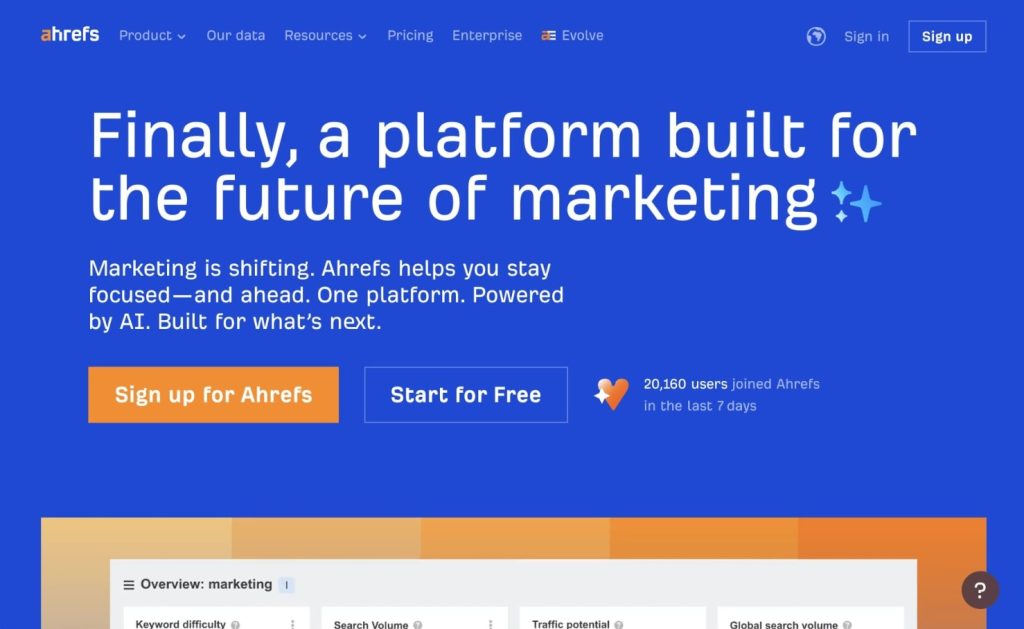
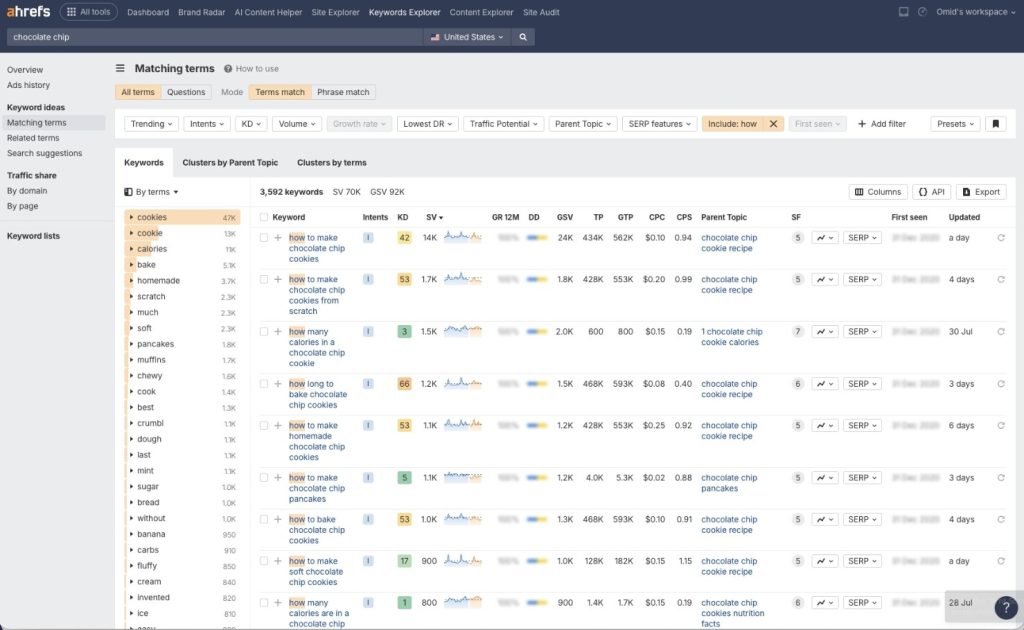
Ahrefs is the most comprehensive SEO keyword research tool I use. Keywords Explorer provides exact search volume, keyword difficulty scores, and detailed SERP analysis, with thousands of related keywords, all available instantly.
The quality and depth of data sets set Ahrefs apart. Competitor analysis features are outstanding. I regularly analyze competitor websites to see their rankings, identify content gaps, and find opportunities.
Ahrefs Pros and Cons
Pros:
- Most accurate industry search volume data
- Extensive keyword database with billions of keywords
- Powerful competitor and gap analysis tools
- Detailed SERP analysis with difficulty estimates
- Regular updates and excellent support
- Intuitive, easy-to-learn interface
Cons:
- High at $129/month starting price
- Can overwhelm beginners
- Requires credits for data updates
- Some features have learning curves
- Overkill for basic keyword research only
Ahrefs Pricing
- Lite: $129/month (1 user, 500 credits/month, 6 months history)
- Standard: $249/month (1 user, unlimited credits, 2 years history)
- Advanced: $449/month (3 users, unlimited credits, 5 years history)
- Enterprise: $14,990/year (API access, custom limits, SSO)
Ahrefs Reviews and Ratings
- G2: 4.5/5 stars (589+ reviews)
- Capterra: 4.7/5 stars (579+ reviews)
Users praise accurate data, comprehensive features, and excellent support. The main complaint is pricing for small businesses.
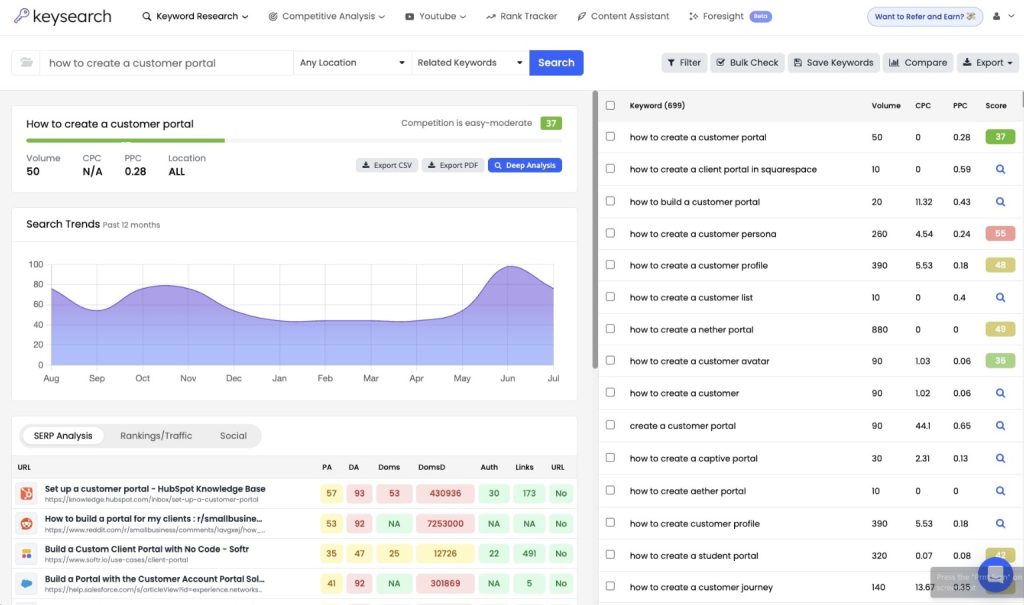
KeySearch is the budget-friendly Ahrefs alternative I recommend to beginners. At just $24/month, it provides solid keyword research without breaking budgets.
The Brainstorm feature includes Google Autocomplete data, as well as autocomplete from YouTube, Bing, and other search engines. The rank tracking and SERP analysis at this price point is impressive.
KeySearch Pros and Cons
Pros:
- Very affordable at $24/month
- Includes autocomplete from multiple search engines
- Built-in rank tracking and SERP analysis
- AI content editor and competitor analysis
- Good for learning SEO basics
Cons:
- Outdated user interface design
- Data loading can be slow
- Uses Moz API, sometimes less accurate
- Smaller keyword database than premium tools
- Limited advanced filtering
KeySearch Pricing
Starter: $24/month or $240/year (200 searches/day, 80 tracked keywords, 5K AI credits)
Pro: $48/month or $480/year (500 searches/day, 200 tracked keywords, 15K AI credits)
Both include all core features with a 7-day free trial available.
KeySearch Reviews and Ratings
Trustpilot: 3.8/5 stars (26+ reviews)
Reviews are mixed, with users appreciating affordability but noting concerns about data accuracy and interface limitations.
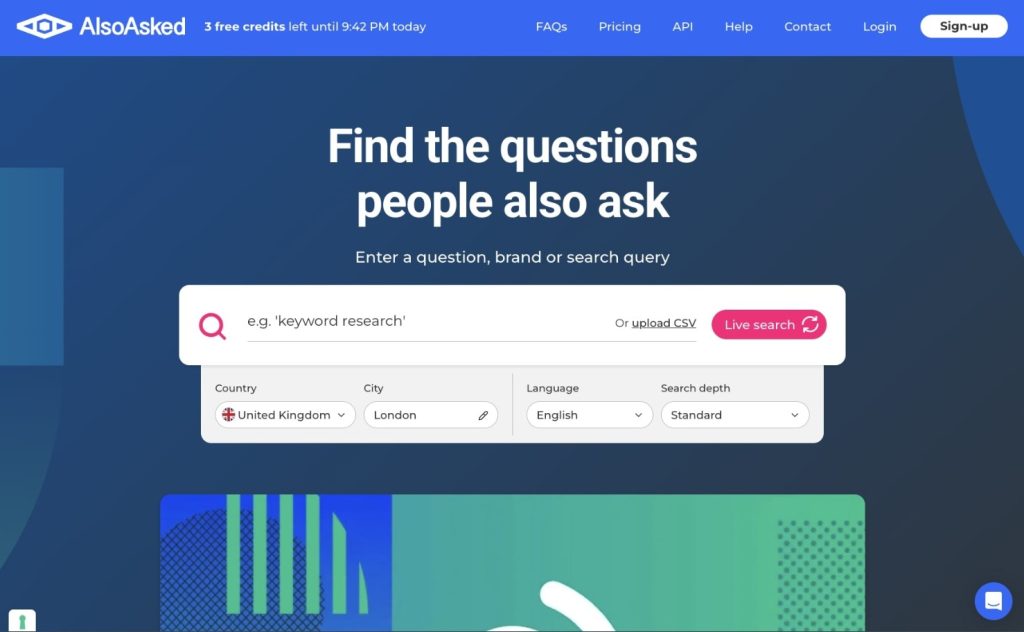
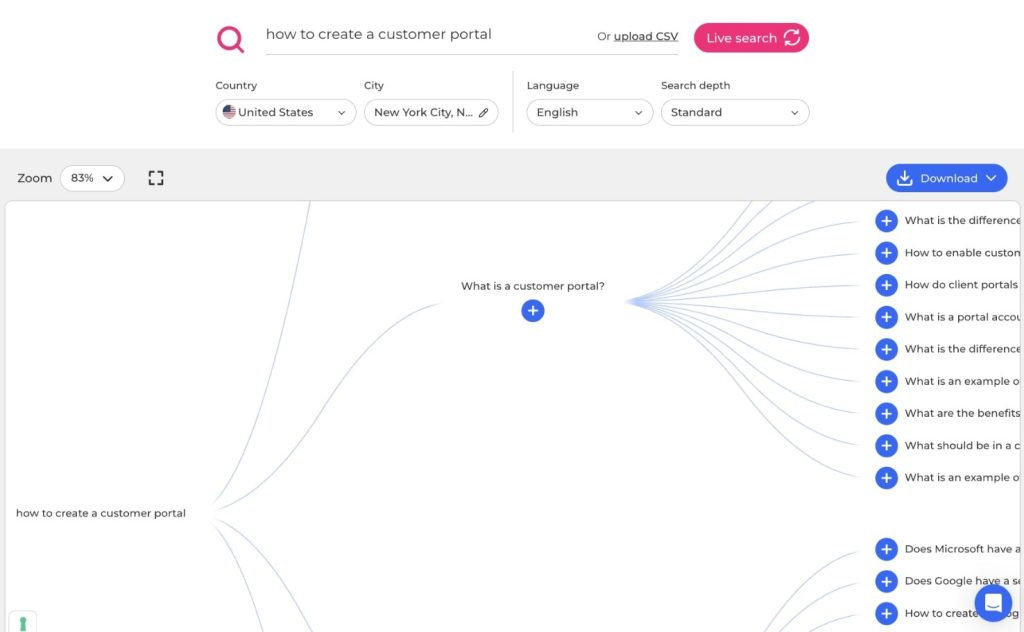
AlsoAsked specializes in finding questions people ask about your topic. It creates visual mind maps showing related questions organized by depth and relevance.
I also use AlsoAsked when creating content outlines. After identifying target keywords, I generate reports to see what questions articles should answer. These become H2 and H3 subheadings.
AlsoAsked Pricing
- Basic: $15/month (100 searches)
- Lite: $29/month (300 searches)
- Pro: $59/month (1,000 searches)
The free version allows 3 searches. For regular content creation, the Lite plan provides enough searches for most users.
AlsoAsked Reviews and Ratings
- Product Hunt: 5/5 stars (2 reviews)
Limited reviews, but users appreciate the unique visualisation and question-focused approach.
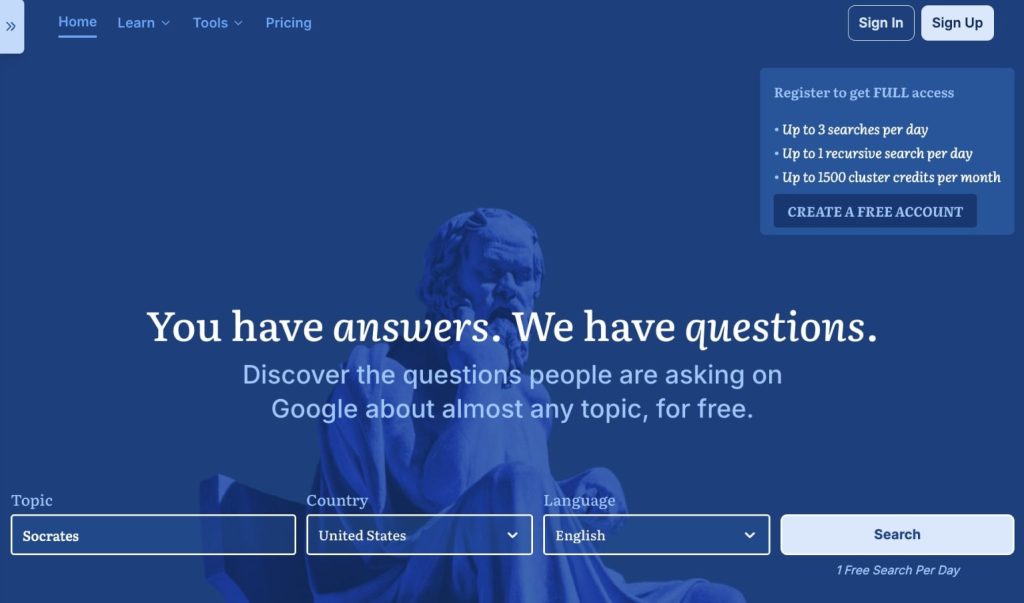
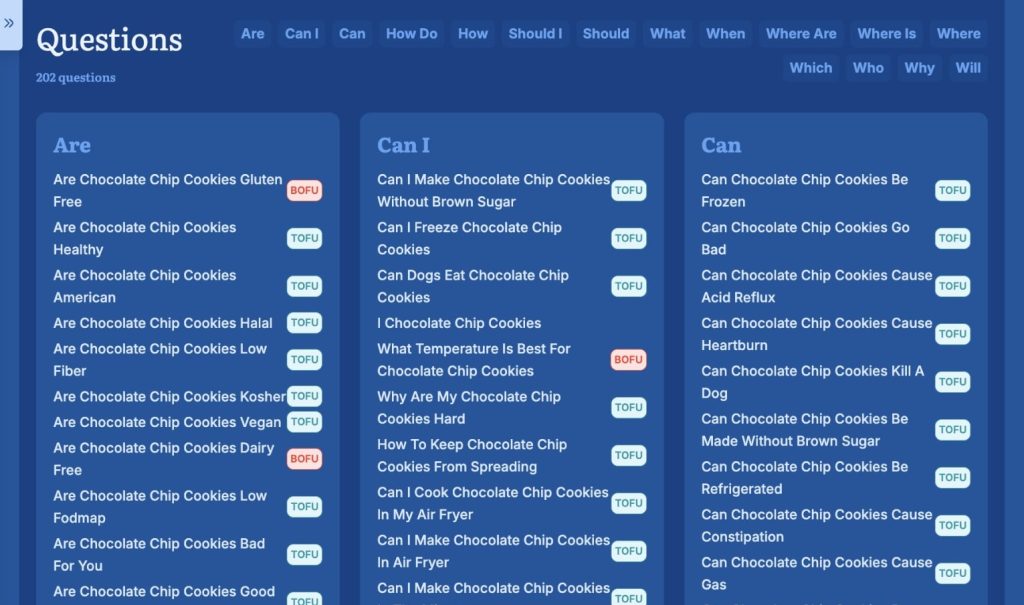
Answer Socrates is similar to AlsoAsked but includes additional data sources. It generates comprehensive reports that organise questions by modifiers such as “how,” “what,” “why,” “when,” and “where.”
The tool displays People Also Ask questions, which are perfect for FAQ sections. The free version allows one daily search, enough for casual users.
Answer Socrates Pricing
- Socrates Lite: $9/month (100 keyword searches, 30 recursive searches)
- Seneca: $29/month (500 keyword searches, 100 recursive searches)
- Aurelius: $49/month (unlimited keyword searches, 500 recursive searches)
All include CSV downloads, SEO metrics, and AI model tracking. Very competitive pricing.
Answer Socrates Reviews and Ratings
- Product Hunt: 5/5 stars (1 review)
Limited reviews but positive feedback on question research capabilities and affordable pricing.
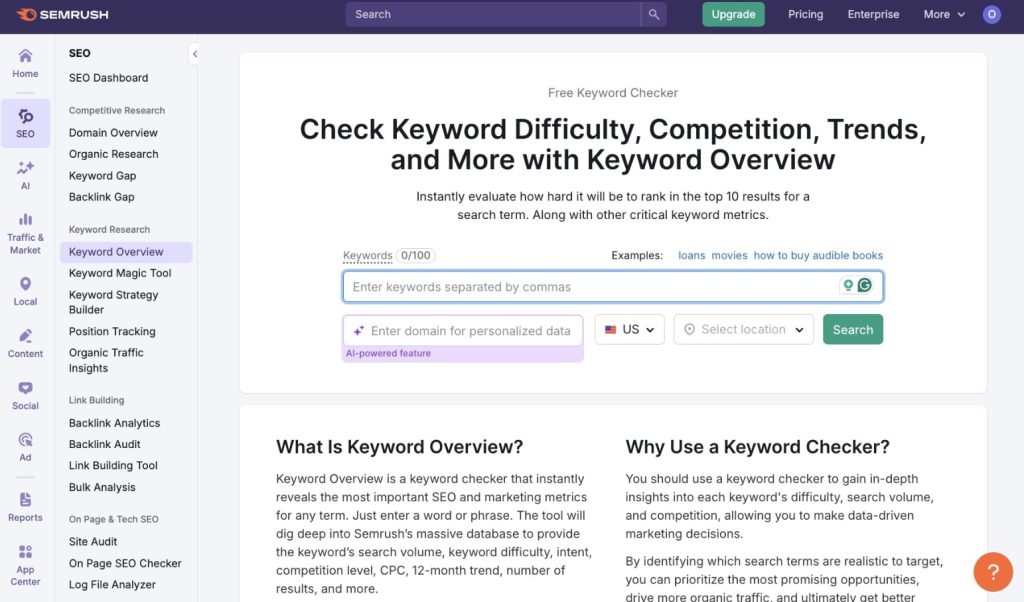
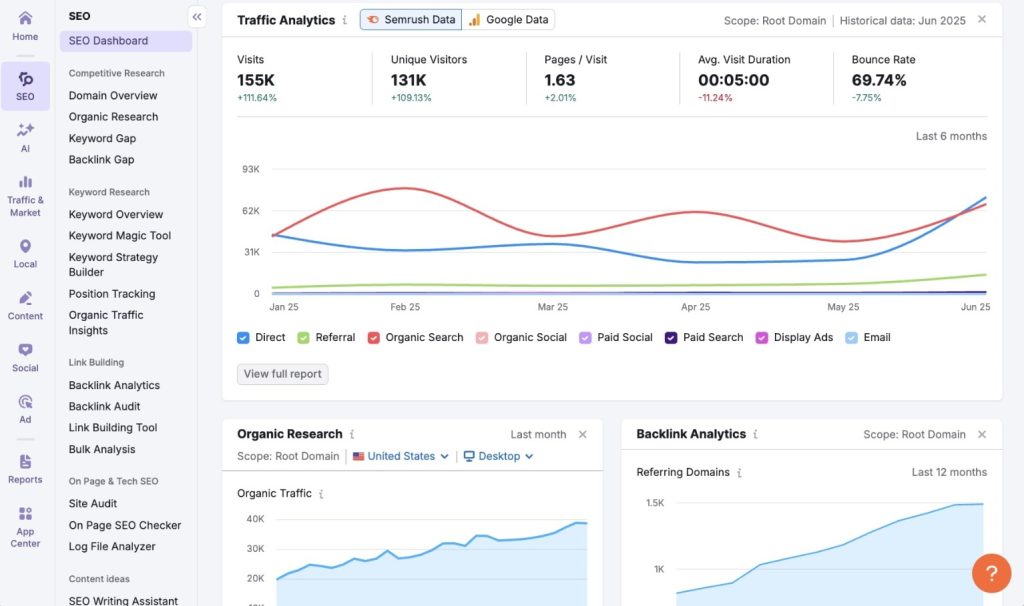
Semrush is one of the most comprehensive SEO platforms, competing with Ahrefs. The Keyword Magic Tool generates thousands of keyword variations organized by topic and intent.
Semrush is particularly strong for competitor analysis. Position Tracking monitors keyword rankings daily across locations and devices. Combined with site audits and backlink analysis, it’s a complete SEO solution.
Semrush Pricing
- Pro: $139.95/month (500 tracked keywords, 10,000 results per report)
- Guru: $249.95/month (1,500 tracked keywords, 30,000 results per report)
- Business: $499.95/month (5,000 tracked keywords, 50,000 results per report)
Pricing similar to Ahrefs. Individual consultants and small agencies find Pro or Guru plans sufficient.
Semrush Reviews and Ratings
- G2: 4.5/5 stars (2,713+ reviews)
- Capterra: 4.6/5 stars (2,301+ reviews)
Consistently high ratings for comprehensive features and reliable data. Users appreciate the all-in-one platform approach.
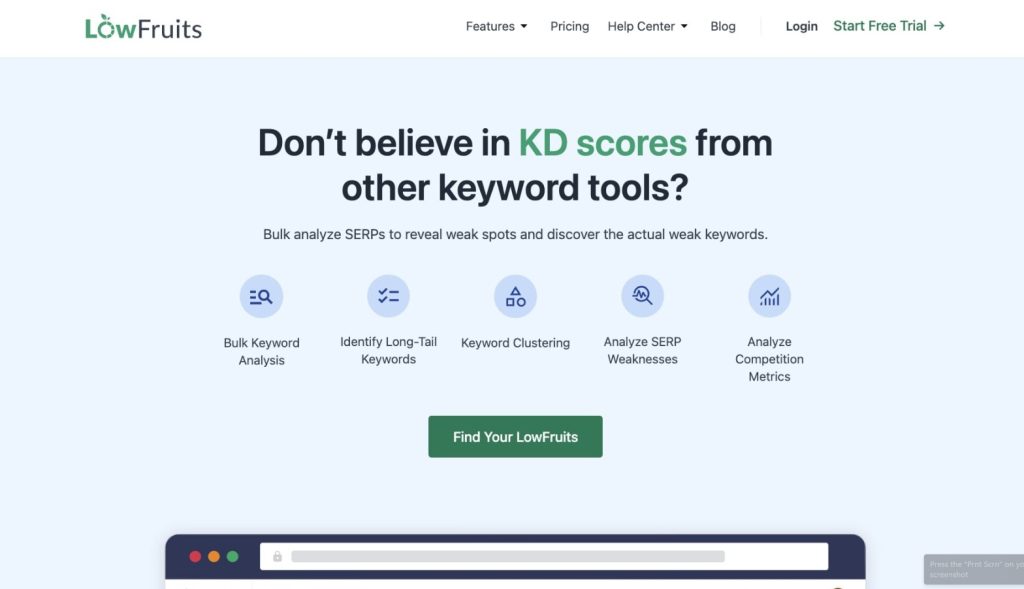
LowFruits specializes in finding low competition keywords that new websites can rank for. It analyzes SERPs to identify weak competition and realistic ranking opportunities.
Perfect for new websites without domain authority. I’ve used it successfully with client websites needing quick wins, generating consistent organic traffic within 60-90 days.
LowFruits Pricing
- Standard: $29.90/month (3,000 credits, 100 tracked keywords)
- Premium: $79.90/month (10,000 credits, 500 tracked keywords)
Credits apply to keyword analyses, competitor extractions, and sitemap analyses. Both plans include all core features.
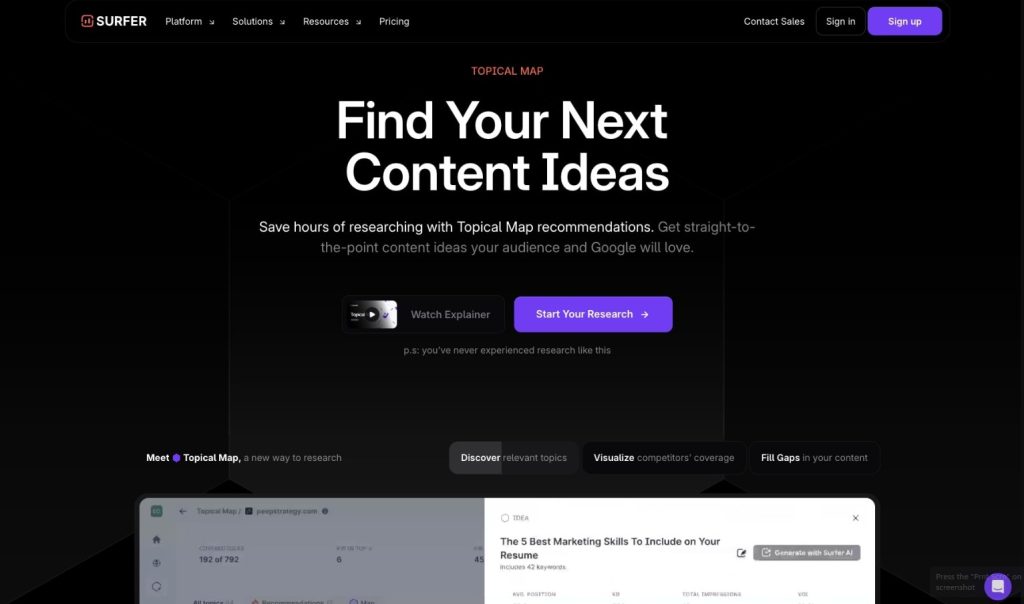
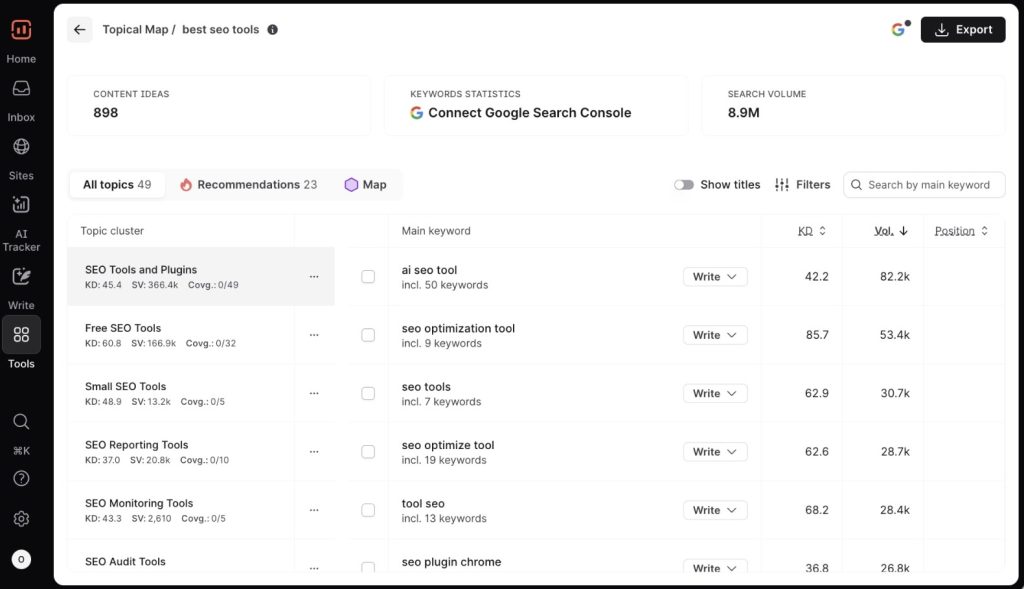
Surfer is primarily a content optimization platform with powerful keyword research capabilities. The Topical Map feature helps systematically build topical authority.
I use Surfer to identify keyword clusters and related topics. The Chrome extension provides keyword suggestions directly in Google search results.
Surfer Pricing
- Essential: $99/month (currently $79/month annual billing)
- Scale: $219/month (currently $175/month yearly billing)
- Enterprise: Custom pricing
All include keyword research, SERP analyzer, and content editor. Essential works for most individual creators and small teams.
Surfer Reviews and Ratings
- G2: 4.8/5 stars (537+ reviews)
- Capterra: 4.9/5 stars (418+ reviews)
Users love content optimization capabilities and appreciate the integrated approach to keyword research and content creation.
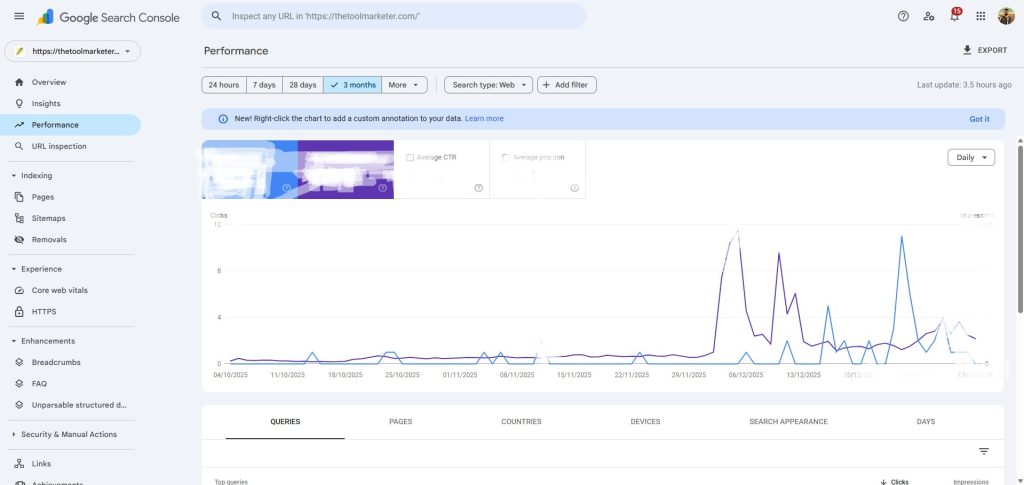
Google Search Console is essential for understanding the performance of existing content. While not a traditional keyword research tool, it provides invaluable data about keywords you’re already ranking for.
I sort queries by impressions and look for deep impressions with low clicks. These are terms where I’m ranking on page 2 or 3 and could be optimised.
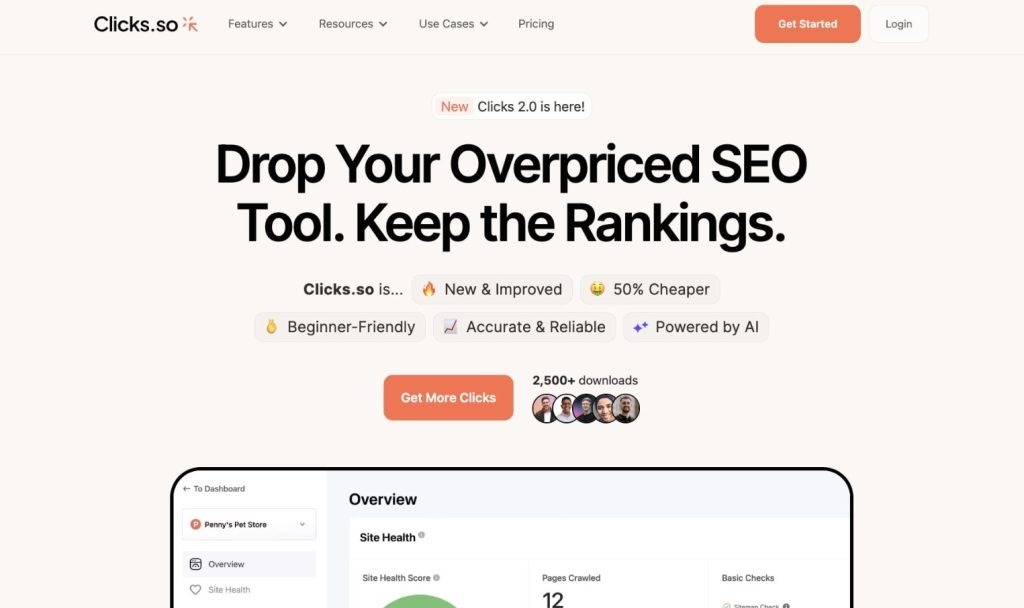
Clicks.so is another budget-friendly all-in-one SEO tool similar to KeySearch. It includes keyword research, site analysis, backlink tracking, and rank tracking.
I’ve tested it and found it helpful for basic needs. However, I noticed discrepancies in search volume data compared to other tools.
Clicks.so Pricing
- Solo: $24.99/month (5 projects, 100 keyword reports)
- Freelancer: $49.99/month (10 projects, 250 keyword reports)
- Agency: $74.99/month (15 projects, 500 keyword reports)
Pricing is competitive with budget SEO tools, though data quality concerns may require verification.
Clicks.so Reviews and Ratings
- G2: 5/5 stars (1 review)
- Product Hunt: 5/5 stars (1 review)
Minimal reviews make it difficult to assess overall satisfaction. Approach with cautious optimism.
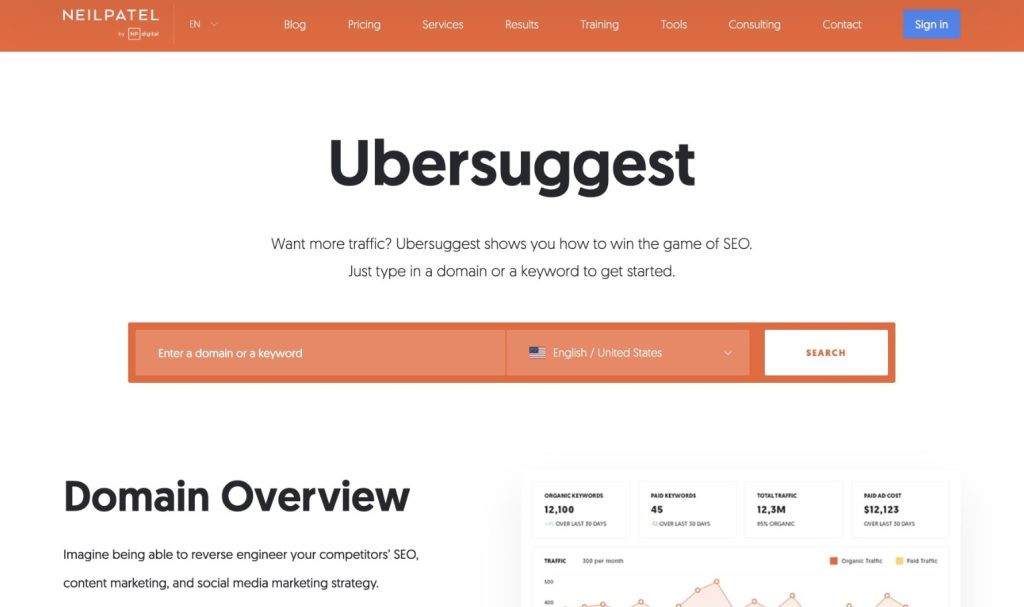
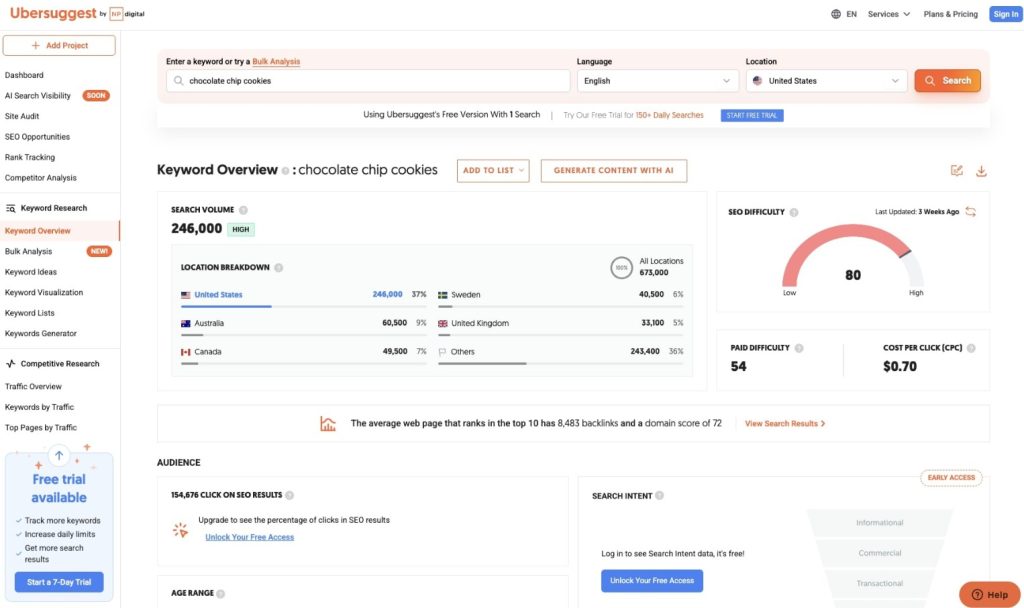
Ubersuggest, now owned by Neil Patel, is a solid all-around online keyword research tool. I most appreciate the geographic breakdown showing which countries drive searches for specific keywords.
The tool provides comprehensive data, including search volume, CPC, competition levels, and trending information. It’s useful for both SEO and paid advertising keyword research.
While Ubersuggest may not excel at finding new keyword ideas, it analyzes keywords you’ve already identified well. The geographic data is particularly valuable for local keyword research and international SEO.
Ubersuggest Pricing
- Individual: $29/month (1 domain, 150 searches/day, 125 tracked keywords)
- Business: $49/month (7 domains, 300 searches/day, 150 tracked keywords per domain)
- Enterprise: $99/month (15 domains, 900 searches/day, 300 tracked keywords per domain)
Free trial available before committing. Pricing is reasonable compared to premium alternatives.
Ubersuggest Reviews and Ratings
- G2: 4.2/5 stars (143+ reviews)
- Capterra: 4.4/5 stars (93+ reviews)
Generally favorable reviews with users appreciating affordability and Neil Patel’s educational content. Some note that the interface could be more intuitive.
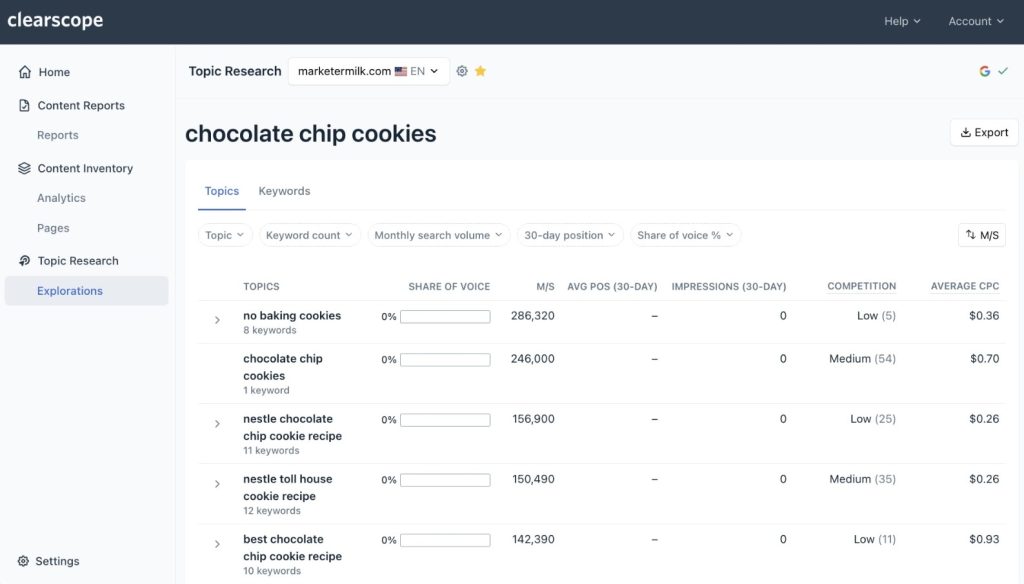
Clearscope is a premium content optimization platform with excellent keyword research capabilities. Topics Explorer helps discover which keywords to target and how to build topical authority.
What makes Clearscope special is content reporting. After selecting keywords, you generate reports that tell you exactly which topics to cover, which related terms to include, and how comprehensive the content needs to be.
I’ve used Clearscope for 3 years and consistently see content rank on page 1 when following its recommendations. Quality insights justify the premium pricing.
Clearscope Pricing
- Essentials: $189/month (20 content reports, 50 keyword discoveries)
- Business: $399/month (20 content reports, 50 keyword discoveries, dedicated account manager)
- Enterprise: Custom pricing (includes SSO, custom credits, crawler whitelisting)
Pricing is steep, but ROI is strong for serious content marketers and agencies.
Clearscope Reviews and Ratings
- G2: 4.9/5 stars (91+ reviews)
- Capterra: 4.9/5 stars (60+ reviews)
Exceptional ratings with users praising content recommendation quality and ease of use.
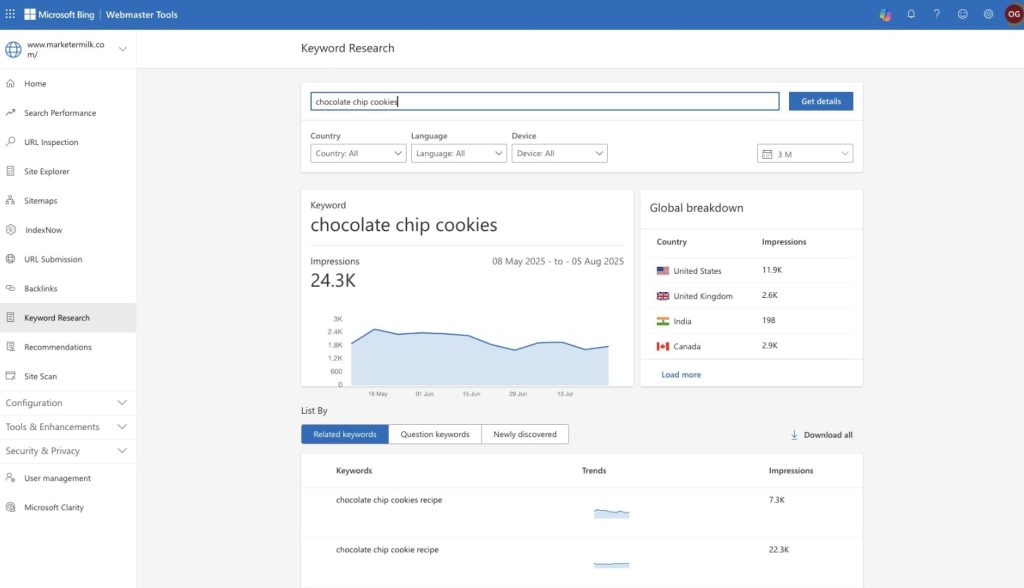
Bing Webmaster Tools is Microsoft’s answer to Google Search Console. While Bing represents a smaller share of search traffic, it’s still worth monitoring if you receive Bing traffic.
The platform includes a dedicated Keyword Research section, which Google Search Console lacks. It provides keyword suggestions, trending data, country-specific information, and impression data.
I check Bing Webmaster Tools occasionally because I receive 3-5% of my traffic from Bing. For websites with significant Bing traffic, this free tool provides valuable keyword insights.
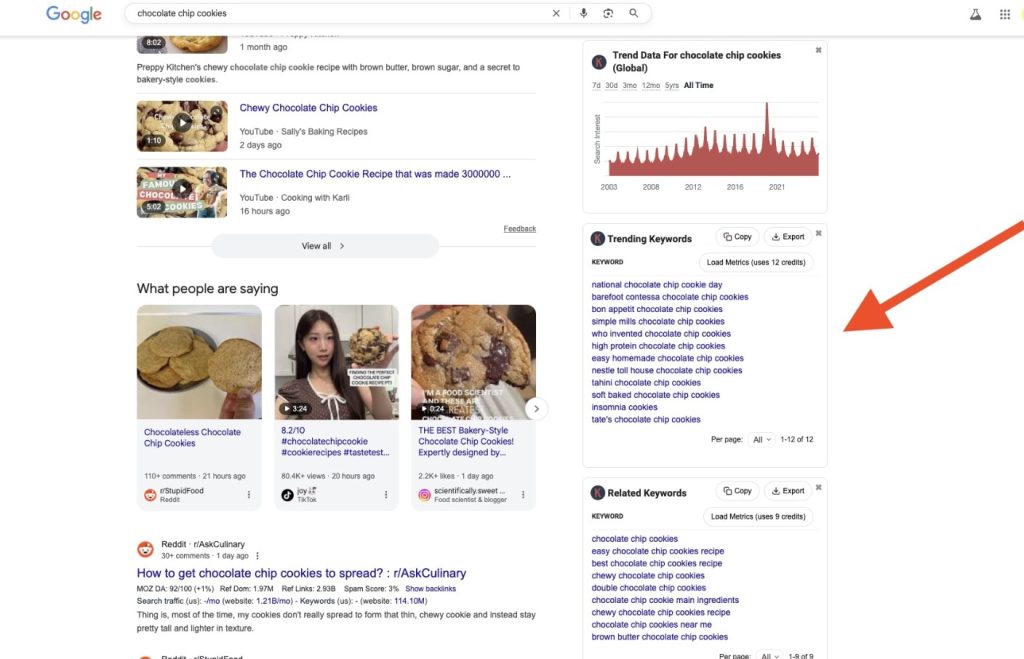
Keywords Everywhere is a Chrome extension that displays keyword data directly in your browser while searching. It’s incredibly convenient for real-time keyword research.
When I use Google Autocomplete, Keywords Everywhere shows search volume next to each suggestion. This eliminates the need to copy keywords into another tool for validation.
The extension also displays related keywords, People Also Search For terms, and trending keywords alongside search results. It’s a must-have tool for efficient keyword research.
Keywords Everywhere Pricing
- Silver: $72/year (400,000 credits, 5 user seats)
- Gold: $300/year (2 million credits, 20 user seats)
- Platinum: $960/year (8 million credits, 100 user seats)
A credit-based system means you only pay for the data actually used. Most individual users find the Silver plan sufficient.
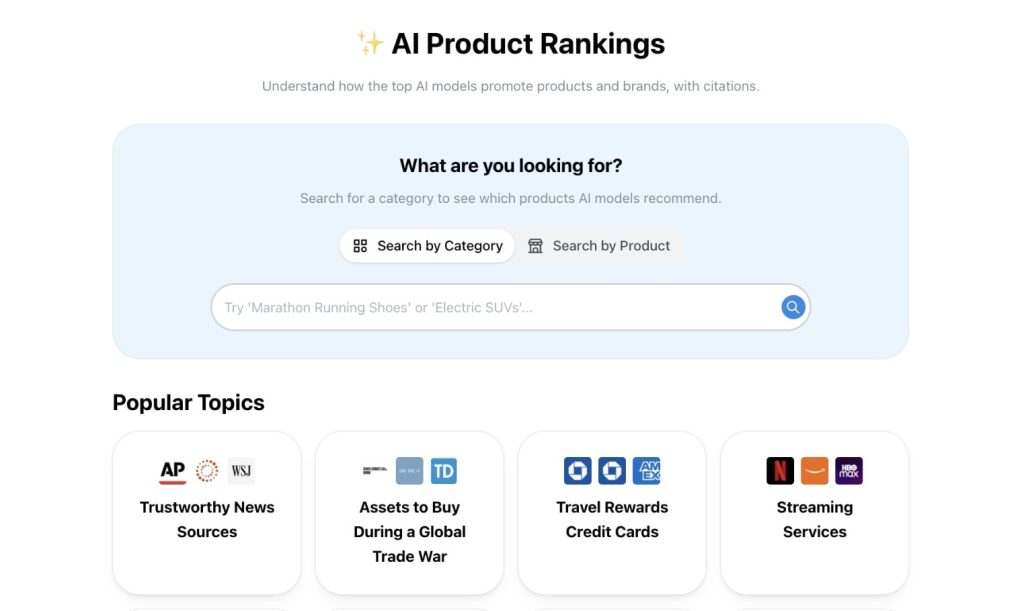
ProductRank.ai is a free tool for tracking visibility in AI search engines and large language models. As AI search grows, understanding how content appears in AI responses becomes increasingly essential.
I use ProductRank.ai to check which brands and websites get cited in ChatGPT, Claude, and Perplexity for specific queries. This helps optimize content for AI visibility, the future of search.
The tool is entirely free and provides insights that traditional SEO tools don’t offer. It’s essential for staying ahead of the AI search trend.
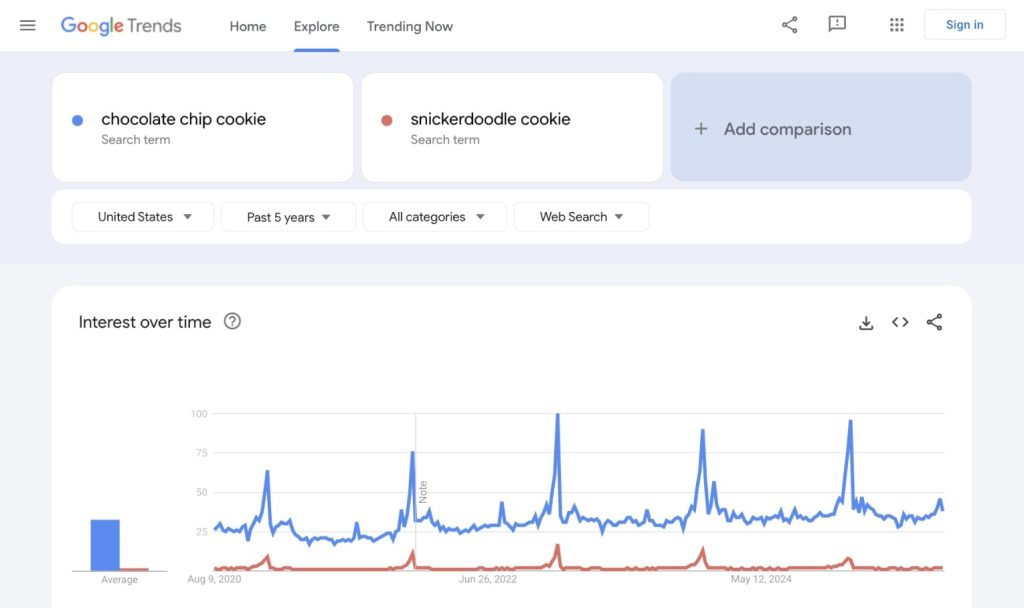
Google Trends helps me understand keyword popularity over time. I use it to identify seasonal trends, compare keyword variations, and spot rising search topics.
When choosing between similar keywords, I plug both into Google Trends to see which has better momentum and growth potential. This helps prioritize keywords that are gaining traction rather than declining.
The related queries feature also reveals trending topics I might have missed. For time-sensitive content and trending topics, Google Trends is invaluable.
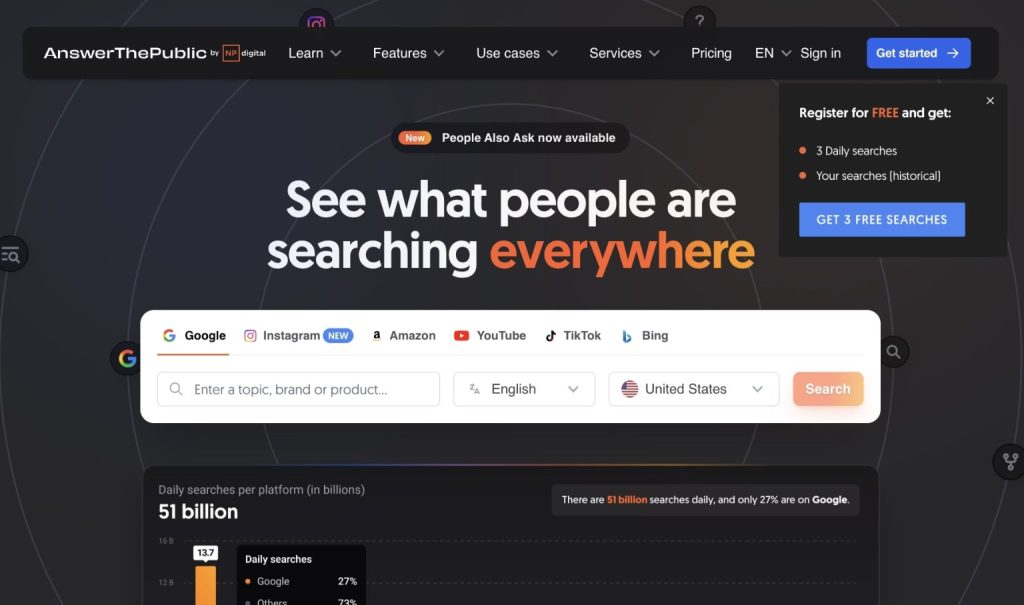
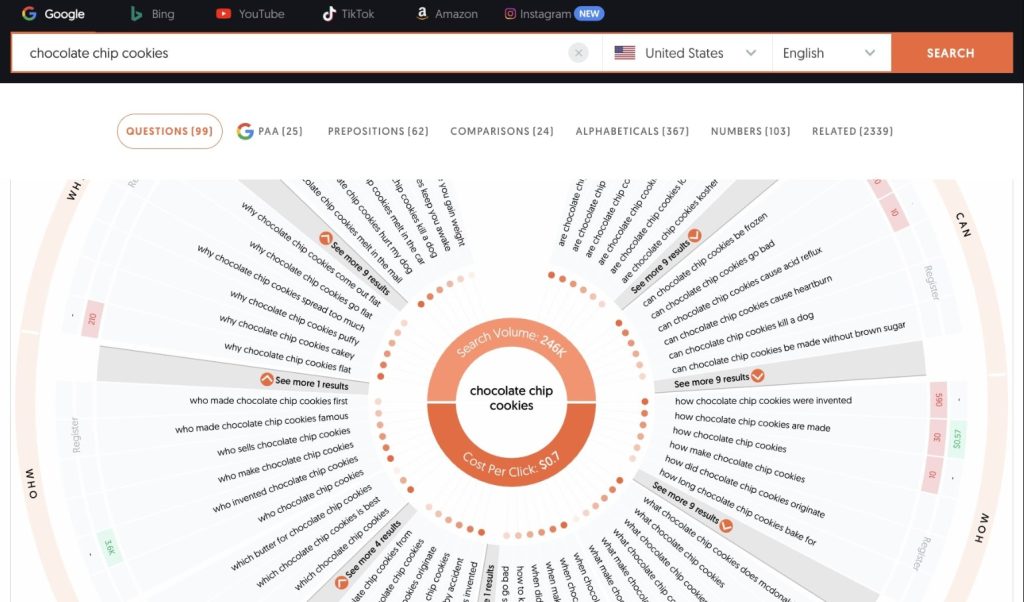
AnswerThePublic visualizes question-based keywords in an intuitive interface. It shows questions organized by modifiers like what, how, why, when, and where, plus includes People Also Ask data.
I use this to generate content ideas and identify questions to answer in articles. The visual mind map makes it easy to understand the relationships between questions.
The tool now works across multiple platforms, including Google, Bing, YouTube, TikTok, Amazon, and Instagram. This multi-platform approach makes it versatile for different content marketing types.
AnswerThePublic Pricing
- Individual: $11/month (1 user, 100 searches/day)
- Pro: $99/month (up to 3 users, unlimited searches/day)
- Expert: $199/month (unlimited users, unlimited searches/day)
All include CPC and search volume data, with a 7-day free trial available.
AnswerThePublic Reviews and Ratings
- G2: 4.5/5 stars (37+ reviews)
- Capterra: 4.6/5 stars (10+ reviews)
Users appreciate a visual presentation and a question-focused approach to keyword research.
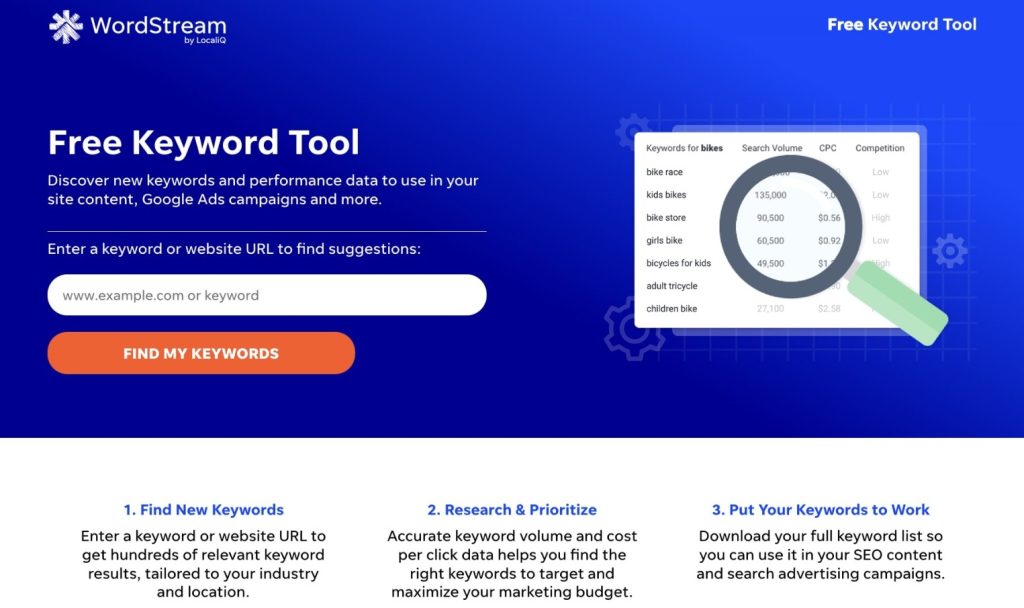
WordStream offers a free keyword research tool pulling data from Google Keyword Planner. While primarily designed for PPC advertisers, it’s useful for quick keyword analysis.
The tool provides search volume estimates and CPC ranges without requiring a Google Ads account. It’s convenient when you need fast keyword data without having to log in to multiple platforms.
Since data comes from Google Keyword Planner anyway, I typically use Google’s tool directly. However, WordStream’s interface is more straightforward for quick lookups.
I’m including ChatGPT with a warning because it can be dangerous for keyword research if misused. ChatGPT doesn’t have real-time search data and cannot tell you if keywords actually have search volume.
Never ask ChatGPT for keyword ideas and blindly target them. The AI might suggest keywords that sound logical but have zero actual search volume.
However, ChatGPT can be useful for topic ideation and understanding user intent. I also use ChatGPT’s autocomplete feature to see what questions people ask in the AI interface, which helps with content planning.
Use ChatGPT carefully as a brainstorming tool, but always validate suggestions with fundamental keyword research tools before creating content.
Which Platform is Best for Keyword Research?
The best platform depends on your experience level, budget, and specific needs.
For beginners on a budget, I recommend starting with Google Keyword Planner, Google Autocomplete, and Google Trends. These free tools provide everything needed to build a solid foundation for keyword research.
If you can invest in one paid tool, Ahrefs offers the most comprehensive features and accurate data. It’s the industry standard for professional SEO work and competitor analysis.
For budget-conscious users needing paid features, KeySearch at $24/month provides excellent value. It includes most essential features without premium price tags.
Advanced users often use multiple tools together. I combine Google Autocomplete for discovery, Ahrefs for analysis, and Clearscope for content optimization. This multi-tool approach gives the most complete picture.
The truth is, no single tool does everything perfectly. The best keyword research strategy combines free and paid tools based on each tool’s strengths. Start with free tools, learn fundamentals, and invest in paid tools as skills and budget grow.
Remember that tools are just that, tools. Your strategy, creativity, and understanding of your audience matter more than having the most expensive software. Focus on finding keywords matching user intent and aligning with business goals, regardless of which tools you use to see them.
Frequently Asked Questions
Q: What is the best free keyword research tool for beginners?
A: Google Keyword Planner combined with Google Autocomplete. Both are completely free and provide all the data you need to start.
Q: How many keywords should I target in one article?
A: Focus on one primary keyword and 3-5 related secondary keywords. Include them naturally without forcing.
Q: Are paid keyword research tools worth the investment?
A: If you create content regularly, yes. Tools like Ahrefs save hours of research time. Start with free tools first.
Q: How often should I do keyword research?
A: Weekly for new content ideas and monthly to review performance. Trends change, so regular research keeps you competitive.
Q: What is keyword difficulty and why does it matter?
A: It estimates ranking difficulty for specific keywords. Target easier keywords as a new website, then advance as your authority grows.