
I remember managing 5 client projects with just email and spreadsheets. Deadlines got buried in my inbox. My team kept asking, “Wait, who’s handling this?” That breaking point came when we missed a major deadline because a task fell through the cracks.
Over the past 4 years, I’ve tested more than 30 project management tools. In this guide, I’m sharing my honest review of the 20 best project management software options available in 2026. You’ll get real pricing, actual pros and cons, and practical advice on which tool fits your team.
Table of Contents
What Is Project Management Software?
Project management software is a digital platform that helps teams plan, organize, track, and finish projects together. Think of it as your team’s central hub, where everyone knows what needs to be done, who’s doing it, and when it’s due.
Instead of juggling emails, spreadsheets, and sticky notes, everything lives in one place. You create tasks, assign them to team members, set deadlines, share files, and track progress automatically.
The best project management software gives you different ways to view your work. Some people love Kanban boards. Others prefer lists or timelines. Good tools let you switch between views instantly.
Task management software has become essential for modern teams. When everyone works remotely, you need digital tools that keep everyone aligned. The software creates accountability. When a task has a clear owner and due date, nothing falls through the cracks.
How Do Project Management Tools Help Your Team?
Project management tools transform how teams work together. All project discussions happen in context. Instead of digging through email threads, team members comment directly on tasks. Everyone sees updates in real time.
Managers can see project status at a glance. Who’s overwhelmed? Which tasks are blocked? Dashboards answer these questions instantly. Automated reminders keep deadlines front and center. Dependencies ensure team members know when they can start their work.
When my agency switched from email to Asana, our missed deadlines dropped by 60%. Team members stopped asking “What should I work on?” because priorities were crystal clear. The right collaboration tools eliminate small frustrations that waste 30 minutes here, an hour there.
What Should You Look For in Project Management Software?
Choosing project management software feels overwhelming. Let me break down what actually matters.
Essential Features
Different people think differently. Some team members love Kanban boards. Others prefer simple task lists. Project managers need Gantt charts to see timelines and dependencies. Look for tools offering at least three views: Board, List, and Calendar.
Complex projects have tasks that depend on each other. Good Gantt chart software shows these relationships clearly. Team members need to attach files, leave feedback, and have conversations about tasks. Look for tools with mobile apps that actually work, not clunky afterthoughts.
Your project management tool needs to connect with Slack for notifications, Google Drive for files, and your calendar for scheduling.
User Experience Matters
If your team needs a week of training, something’s wrong. The best tools feel natural from day one. Look for clean designs with obvious navigation and drag-and-drop functionality. Quality tools guide new users through setup with templates and tutorials.
Team adoption makes or breaks project management software. If people find it confusing, they’ll keep using email. Test the tool yourself before rolling it out. Can you create a project and assign tasks in 5 minutes? Good sign.
Scalability and Pricing
Many tools offer free plans for small teams. However, free plans often limit users or features significantly. Most tools charge monthly per user. A $10/month tool becomes $120/month for 12 people. Budget accordingly.
Your team will grow. Make sure the tool scales with you. Can you add users easily? Do enterprise features kick in at reasonable price points?
20 Best Project Management Tools (Full Breakdown)
I’ve personally tested each of these tools with real projects. Here’s my honest take on what works, what doesn’t, and who each tool serves best.
Asana - Visual Work Management for Modern Teams

Asana is a cloud-based project management tool that helps teams organize, track, and manage their work through multiple customizable views. It’s become one of the most popular options for teams wanting flexibility without complexity.
Best For: Marketing teams, creative agencies, and remote teams needing flexible project visualization.
Key Features:
- Multiple views, including List, Board, Timeline, Calendar, and Gantt.
- Custom fields let you track any project data.
- Automation rules. reduce repetitive work (Premium and above).
- Over 200 integrations, including Slack, Google Drive, and Microsoft Teams.
- An advanced search makes finding. information quick
- Portfolio view for managing multiple projects.
Pricing:
- Free: Up to 15 team members with basic features.
- Premium: $10.99 per user per month.
- Business: $24.99 per user per month.
- Enterprise: Custom pricing.
My Take: I’ve used Asana for 3 years, managing a 12-person team. The timeline view saves hours weekly. The free plan is generous, but you’ll want Premium for custom fields. Automation features eliminate dozens of manual updates weekly. Reporting could be stronger for detailed analytics.
Monday.com - Visual Project Tracking That Everyone Gets
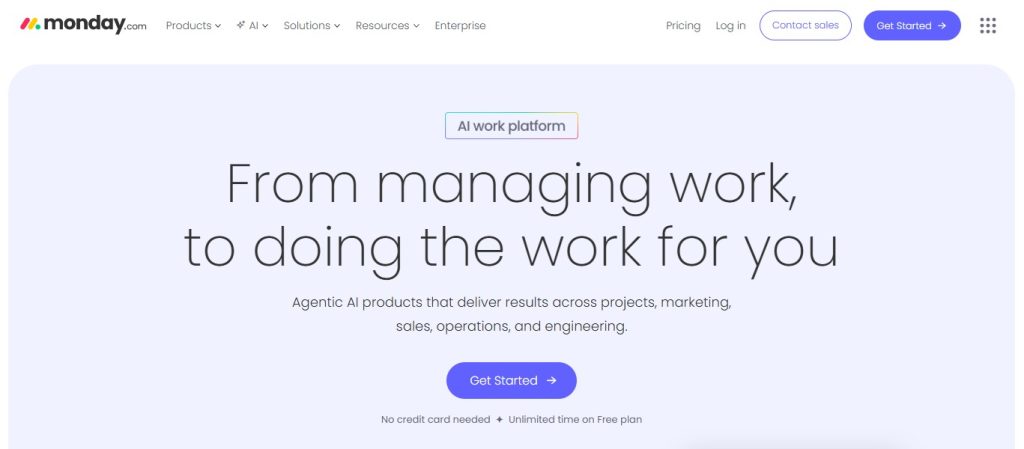
Monday.com is a colorful, highly visual work operating system that centralizes team collaboration through customizable boards. Everything uses color coding, making project status obvious at a glance.
Best For: Sales teams, operations departments, and anyone who prefers visual workflows over text-heavy interfaces
Key Features:
- Color-coded status updates make everything visual.
- Over 20 column types, including status, timeline, people, and files.
- 200+ integrations with popular business tools
- Built-in time tracking without third-party apps.
- Client-facing boards for external collaboration.
- Automation builder with 200+ templates.
Pricing:
- Free: Up to 2 seats (very limited).
- Basic: $12 per user per month.
- Standard: $14 per user per month.
- Pro: $24 per user per month.
- Enterprise: Custom pricing.
My Take: Perfect for teams needing visual project status without clicking menus. The color-coded boards are brilliant. We use it for content calendars, sales pipelines, and events. New team members learn it in 30 minutes. The free plan is too limited for real teams.
Trello - Simple Kanban Boards That Just Work
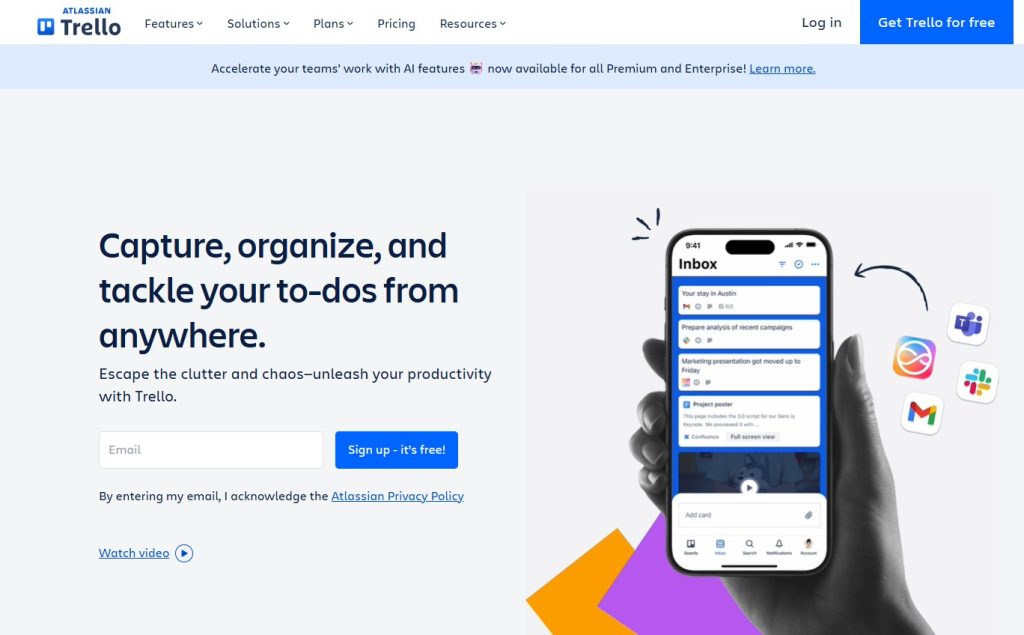
Trello uses the Kanban methodology with cards, lists, and boards to help teams visualize and organize work simply. It’s the tool that made Kanban boards mainstream.
Best For: Freelancers, small teams under 5 people, and anyone new to project management software.
Key Features:
- Intuitive drag-and-drop cards between lists.
- Power-Ups extend functionality (Calendar view, voting, custom fields).
- Butler automation handles repetitive actions.
- Mobile apps for iOS and Android work great.
- Unlimited boards on the free plan.
- Template gallery for quick starts.
Pricing:
- Free: 10 boards per workspace, unlimited cards.
- Standard: $5 per user per month.
- Premium: $10 per user per month.
- Enterprise: $17.50 per user per month.
My Take: Trello was my first PM tool. It’s still the simplest available. Perfect for personal projects or tiny teams. Once you have 5+ people, Trello feels too basic. The free plan is generous with unlimited cards and members.
ClickUp - All-in-One Productivity Platform
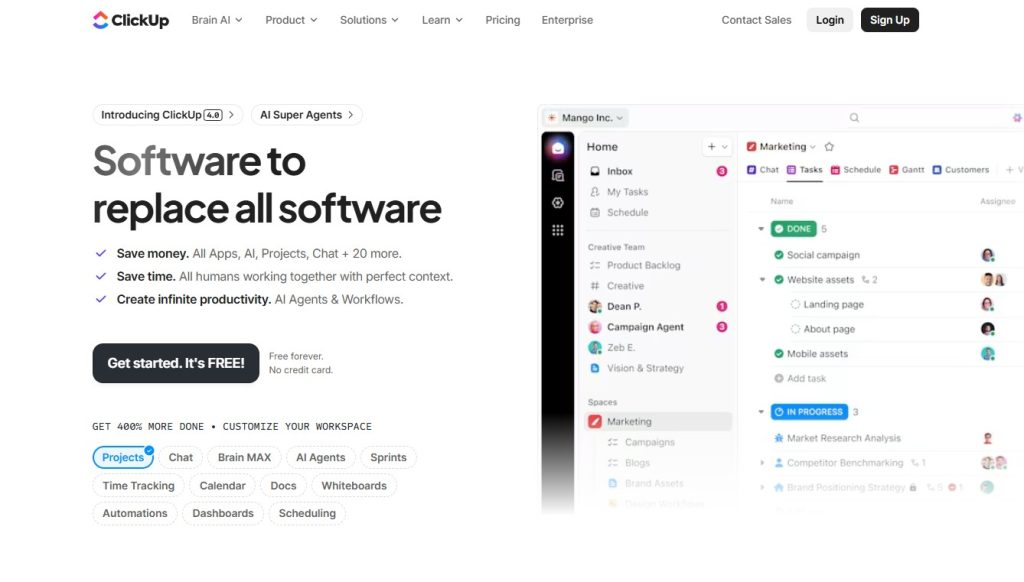
ClickUp combines project management, docs, goals, and chat in a single platform with extensive customization options. It’s trying to be the one tool that replaces everything.
Best For: Tech-savvy teams wanting to replace multiple tools with one comprehensive solution.
Key Features:
- 15+ view types, including List, Board, Gantt, Calendar, and Mind Maps.
- Built-in docs and wikis (no need for separate tools).
- Goal tracking with OKRs and sprint tracking.
- Native time tracking with timesheets.
- Whiteboard collaboration for brainstorming.
- Custom fields and statuses for any workflow.
Pricing:
- Free Forever: Unlimited tasks and members.
- Unlimited: $7 per user per month.
- Business: $12 per user per month.
- Enterprise: Custom pricing.
My Take: ClickUp can do almost everything, which is impressive and overwhelming. We spent 2 weeks learning features. The free plan is incredibly generous with unlimited users and tasks. Having docs inside the same tool keeps everything connected. Start simple then add complexity slowly.
Wrike - Enterprise Project Management Done Right
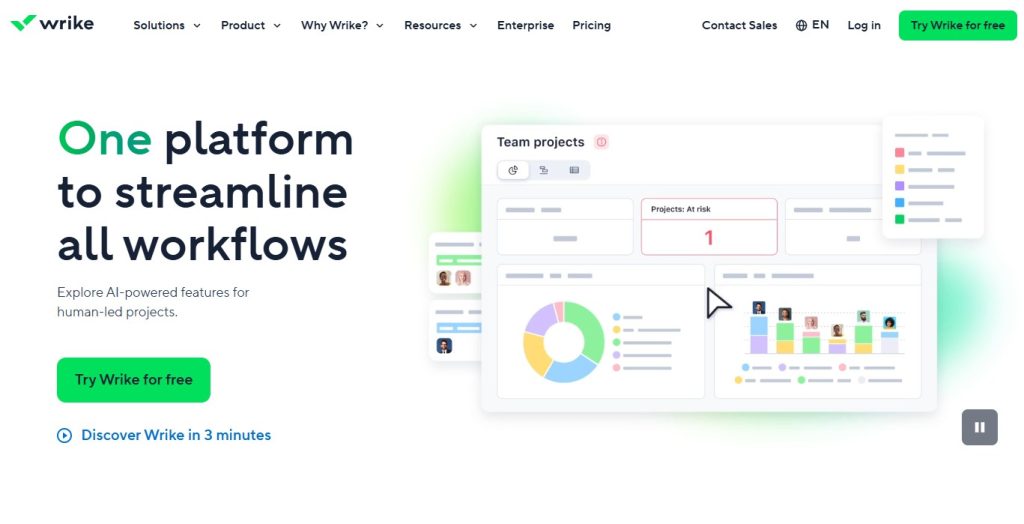
Wrike is a robust project management platform designed for complex workflows and enterprise-level collaboration. It’s built for teams managing multiple projects with lots of stakeholders.
Best For: Large organizations, agencies managing multiple client projects, and teams needing advanced reporting.
Key Features:
- Advanced reporting and analytics dashboards.
- Resource management with workload balancing.
- Custom workflows and multi-stage approval processes.
- Over 400 integrations with enterprise tools.
- Gantt charts with dependencies and critical path.
- Time tracking and expense management.
Pricing:
- Free: Up to 5 users (very limited).
- Team: $9.80 per user per month.
- Business: $24.80 per user per month.
- Enterprise: Custom pricing.
My Take: Wrike handles complex projects better than most competitors. We used it with 30+ people and 50+ client projects. Resource management prevents burnout and distributes work fairly. Overkill for small teams under 10 people. Enterprise features are genuinely enterprise-grade.
Jira - Agile Software Development Central
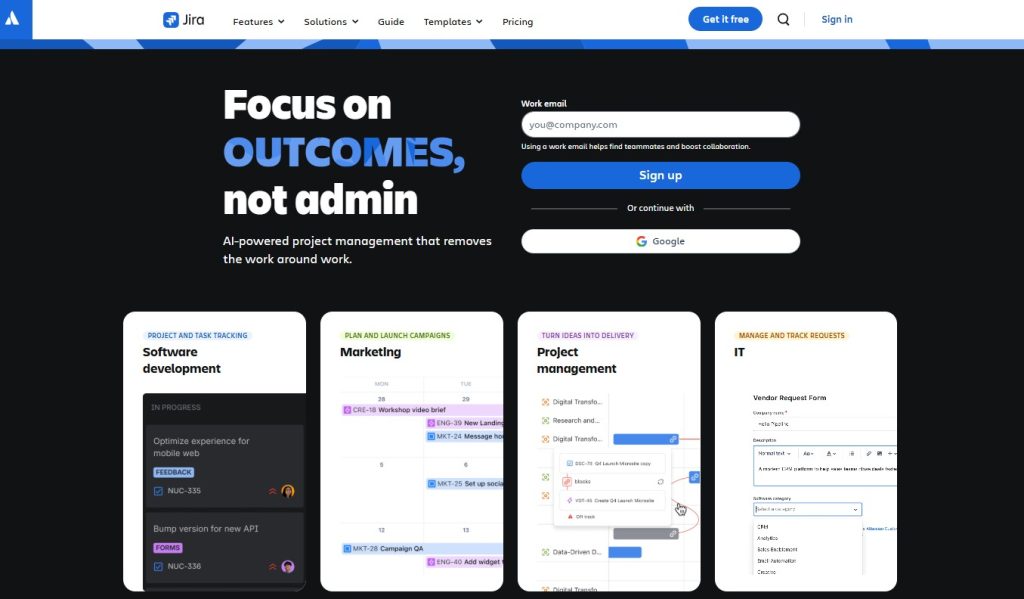
Jira is Atlassian’s project management tool specifically built for software development teams using Agile methodologies. It’s the standard for dev teams worldwide.
Best For: Software development teams, IT departments, and QA teams running Scrum or Kanban sprints.
Key Features:
- Scrum and Kanban boards built for developers.
- Sprint planning and backlog management.
- Bug and issue tracking with detailed fields.
- Advanced reporting, including velocity, burndown, and sprint reports.
- Custom workflows that match your dev process.
- Deep integration with GitHub, Bitbucket, and dev tools.
Pricing:
- Free: Up to 10 users.
- Standard: $7.75 per user per month.
- Premium: $15.25 per user per month.
- Enterprise: Custom pricing.
My Take: If you’re a dev team, Jira is your best choice. Sprint planning is excellent. Bug tracking captures everything developers need. Non-technical teams find it confusing. GitHub integration is seamless, making commits update tickets automatically.
Notion - Workspace and Project Management Hybrid
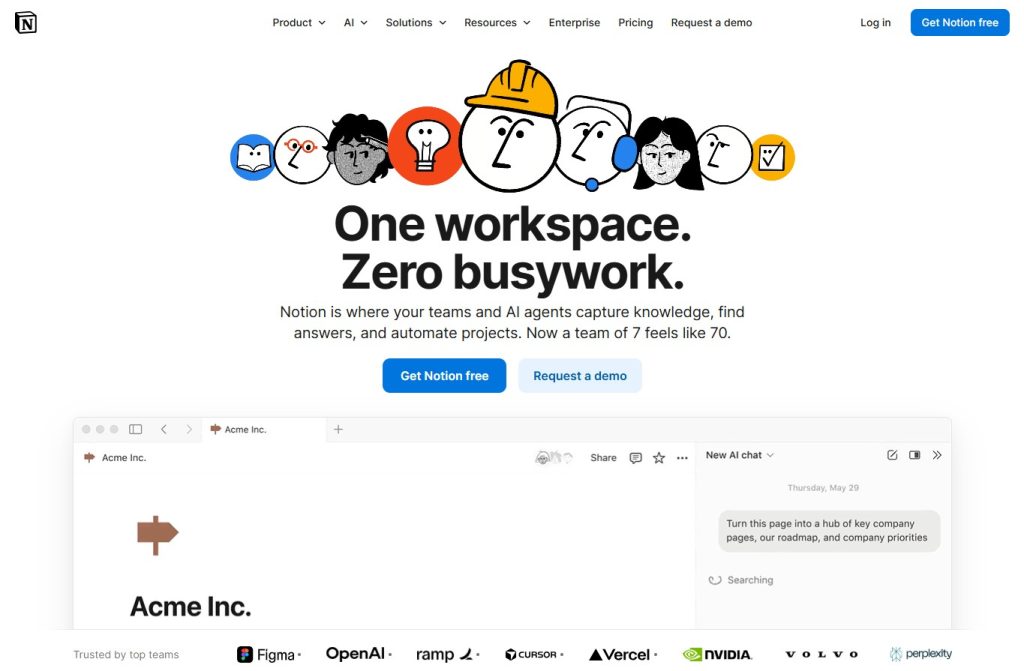
Notion combines notes, docs, wikis, and databases into a flexible all-in-one workspace with project management capabilities. It’s part knowledge base, part task manager.
Best For: Startups, content teams, and anyone who needs both documentation and project tracking in one place.
Key Features:
- Flexible database views (table, board, calendar, timeline).
- Rich text editing with embedding and code blocks.
- Template gallery with hundreds of pre-built options.
- Real-time collaboration with teammates.
- AI writing assistant for content creation (add-on).
- Custom properties for any data structure.
Pricing:
- Free: Unlimited pages for individuals.
- Plus: $8 per user per month.
- Business: $15 per user per month.
- Enterprise: Custom pricing.
My Take: Notion is incredibly versatile but requires serious setup time. We spent a month building our workspace. Having a company wiki, project tracker, and meeting notes in one place is powerful. The learning curve is real with databases.
Basecamp - Simple Team Communication
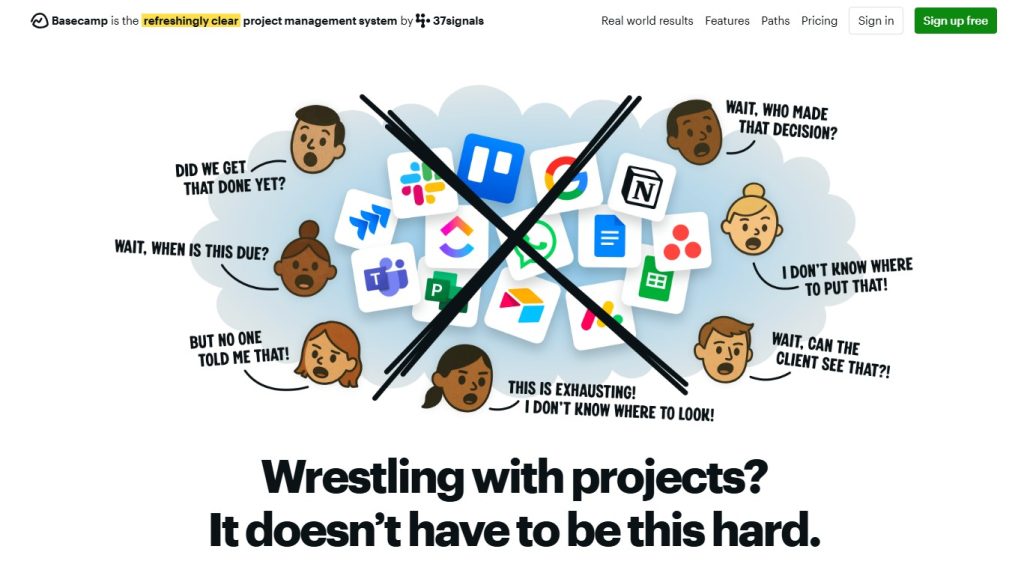
Basecamp focuses on straightforward project organization with built-in messaging, to-dos, schedules, and file storage. It strips away complexity intentionally.
Best For: Small businesses, agencies, and remote teams wanting simplicity over feature complexity.
Key Features:
- Message boards for threaded discussions.
- To-do lists with assignments and due dates.
- Automatic check-ins for status updates.
- Hill Charts for visual progress tracking.
- Client access without extra fees.
- Real-time group chat (Campfires).
Pricing:
- Basecamp: $15 per user per month.
- Basecamp Pro Unlimited: $299 per month flat rate (unlimited users).
My Take: Basecamp’s flat-rate pricing at $299/month is unique and cost-effective for teams of over 20 people. The interface is intentionally simple. Automatic check-ins were perfect for our remote team. Lacks advanced features like time tracking and Gantt charts.
Smartsheet - Spreadsheet-Style Project Management
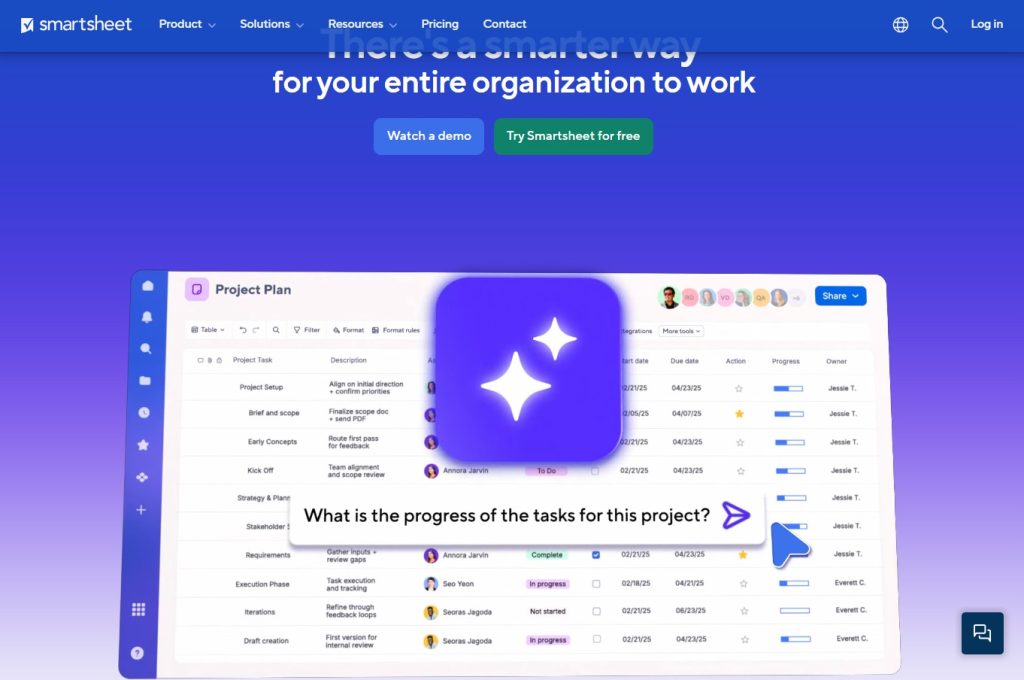
Smartsheet combines the familiarity of spreadsheets with powerful project management features, including automation and reporting. It’s for people who think in rows and columns.
Best For: Teams comfortable with Excel, project managers who think in spreadsheets, and construction or engineering projects.
Key Features:
- Grid, Gantt, Card, and Calendar views.
- Automated workflows with approval routing.
- Resource management with allocation tracking.
- Dynamic reporting dashboards.
- Forms for structured data collection.
- Blueprint templates for repeatable processes.
Pricing:
- Free: 1 user, 2 sheets (basically a trial) .
- Pro: $7 per user per month.
- Business: $25 per user per month.
- Enterprise: Custom pricing.
My Take: If you love spreadsheets but need more functionality, Smartsheet is perfect. The grid view feels exactly like Excel. Budget tracking is excellent with cost columns and formulas. Feels dated compared to modern tools like Asana or ClickUp.
Microsoft Project - Traditional PM for Enterprise
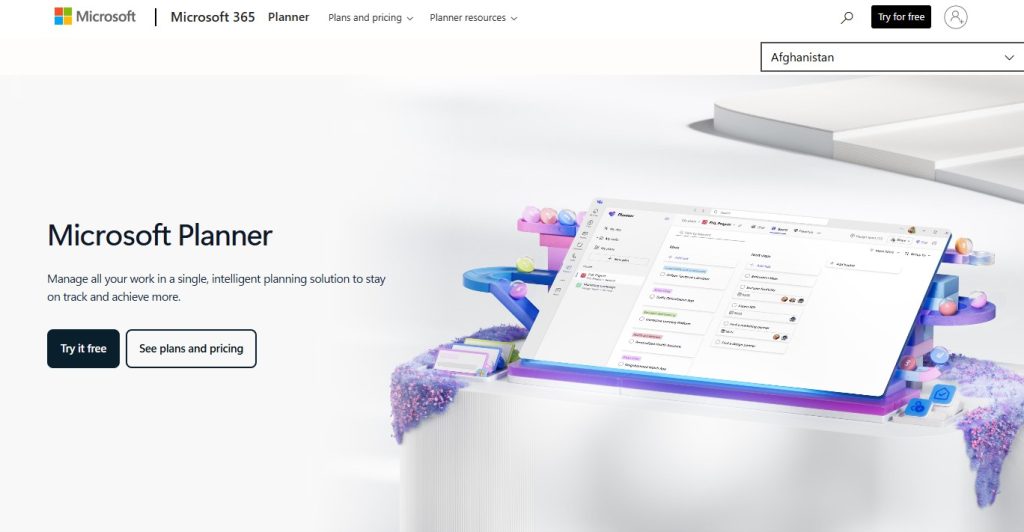
Microsoft Project is the classic desktop project management application, now available as a cloud-based solution within Microsoft 365. It’s been around for decades.
Best For: Enterprise organizations, traditional project managers using the waterfall methodology, and teams already using the Microsoft ecosystem.
Key Features:
- Advanced Gantt charts with baseline tracking.
- Resource leveling algorithms.
- Critical path analysis for identifying bottlenecks.
- Earned value management.
- Deep Microsoft 365 integration.
- Portfolio and program management.
Pricing:
- Project Plan 1: $10 per user per month.
- Project Plan 3: $30 per user per month.
- Project Plan 5: $55 per user per month.
My Take: Microsoft Project is powerful but dated. It’s built for traditional project management, not modern Agile teams. Handles complex dependencies that simpler tools can’t. The learning curve is steep. Skip this for Agile teams.
Teamwork - Client Work Management Specialist
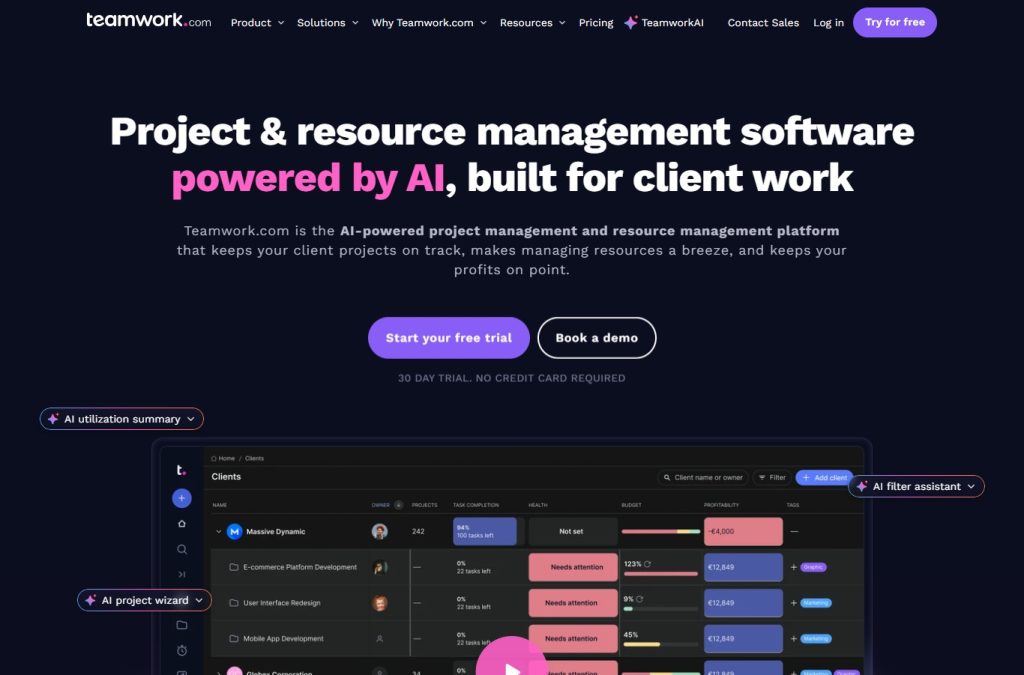
Teamwork is built specifically for client work, combining project management with time tracking, invoicing, and client collaboration. It understands agency needs.
Best For: Agencies, consultants, and professional services firms managing multiple client projects.
Key Features:
- Client portals with custom branding and permissions.
- Time tracking with billable and non-billable hours.
- Profitability tracking showing project margins.
- Retainer management for recurring work.
- Workload management across teams and projects.
- Invoice integration (via Teamwork Desk add-on).
Pricing:
- Free Forever: Up to 5 users (limited features).
- Deliver: $9.99 per user per month.
- Grow: $17.99 per user per month.
- Scale: Custom pricing.
My Take: Teamwork understands client work better than most tools. Client portals give controlled access without cluttering your workspace. Profitability tracking shows which clients drain resources. The time tracking interface can feel clunky, but it works well for billing.
Airtable - Database-Powered Project Management
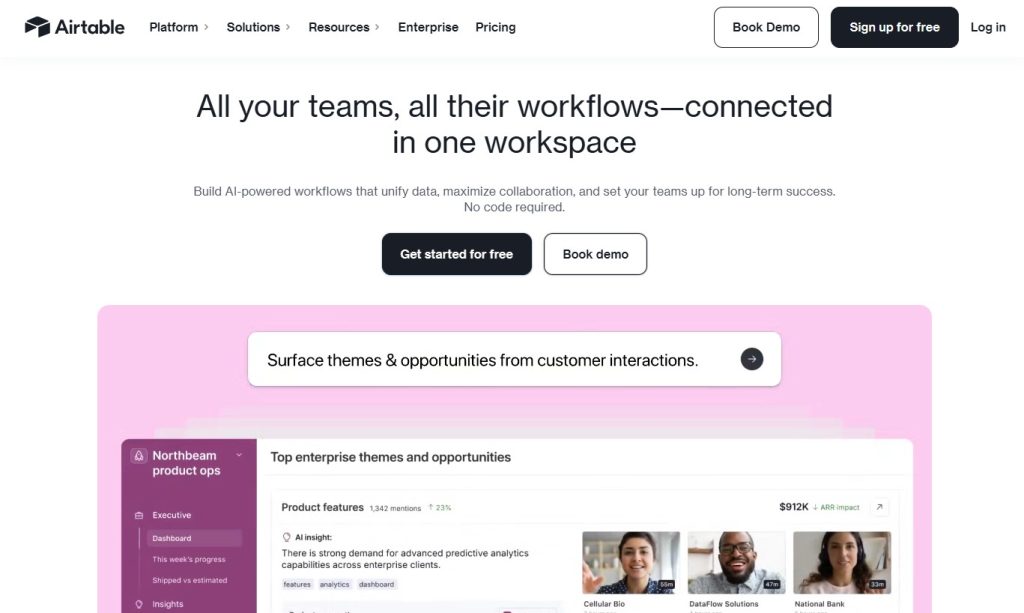
Airtable is a cloud-based database platform that functions like a supercharged spreadsheet with powerful relational database capabilities. It’s incredibly flexible.
Best For: Data-heavy projects, content calendars, inventory management, and teams needing custom workflows
Key Features:
- Multiple linked tables for relational data.
- Rich field types, including attachments, checkboxes, and ratings.
- Form views for structured data collection.
- Automations triggered by record changes.
- Integrations with 1000+ apps via Zapier.
- API for custom development.
Pricing:
- Free: Unlimited bases, 1,200 records per base.
- Plus: $10 per user per month.
- Pro: $20 per user per month.
- Enterprise: Custom pricing.
My Take: Airtable is powerful once you understand relational databases. We use it for our content calendar with linked tables. The learning curve is moderate for database beginners. The free plan fills up fast at 1,200 records per base.
Paymo - Time Tracking Plus Project Management
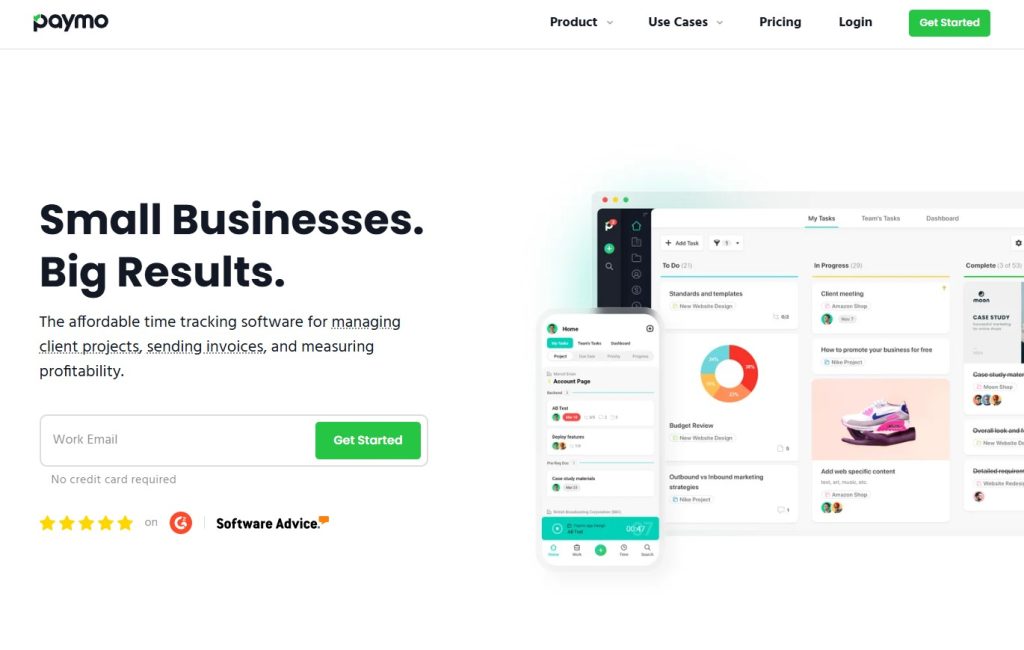
Paymo combines project management with robust time tracking and invoicing specifically designed for small teams and freelancers. It’s built for people who bill by the hour.
Best For: Freelancers, small agencies under 10 people, and consultants who bill by the hour.
Key Features:
- Automatic time tracking desktop app.
- Invoice generation from tracked time.
- Expense tracking for project budgets.
- Kanban and Gantt views for project planning.
- Client collaboration with guest access.
- Detailed reporting on time and profitability.
Pricing:
- Free: 1 user, unlimited tasks, and clients.
- Starter: $4.95 per user per month.
- Small Office: $9.95 per user per month.
- Business: $20.79 per user per month.
My Take: Paymo’s time tracking is the best among project management tools. The desktop app tracks time automatically. Invoicing integration saves hours monthly by generating invoices from tracked time. Perfect for solopreneurs and small agencies billing by the hour.
Zoho Projects - Affordable Enterprise Solution
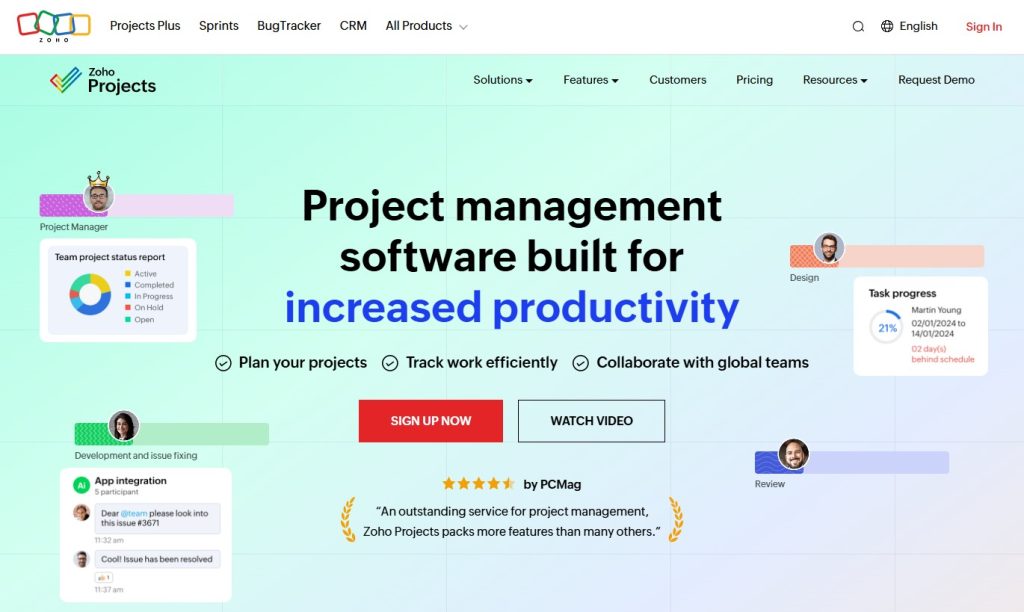
Zoho Projects is part of the Zoho suite, offering comprehensive project management features at a more affordable price point than competitors. It’s great value for money.
Best For: Teams already using Zoho products, budget-conscious organizations, and growing businesses.
Key Features:
- Gantt charts with task dependencies.
- Time tracking with timesheets.
- Issue tracking and bug management.
- Deep integration with Zoho CRM, Invoice, and Books.
- Customizable reports and dashboards.
- Blueprint automation for repeatable workflows.
Pricing:
- Free: Up to 3 users, 2 projects.
- Premium: $4 per user per month.
- Enterprise: $9 per user per month.
My Take: Zoho Projects offers excellent value at $4 per user. Integration with Zoho CRM is seamless, eliminating manual data entry. The interface feels dated but functionality is solid. Blueprint automation creates tasks automatically for standard workflows.
nTask - Simple Task Management on a Budget
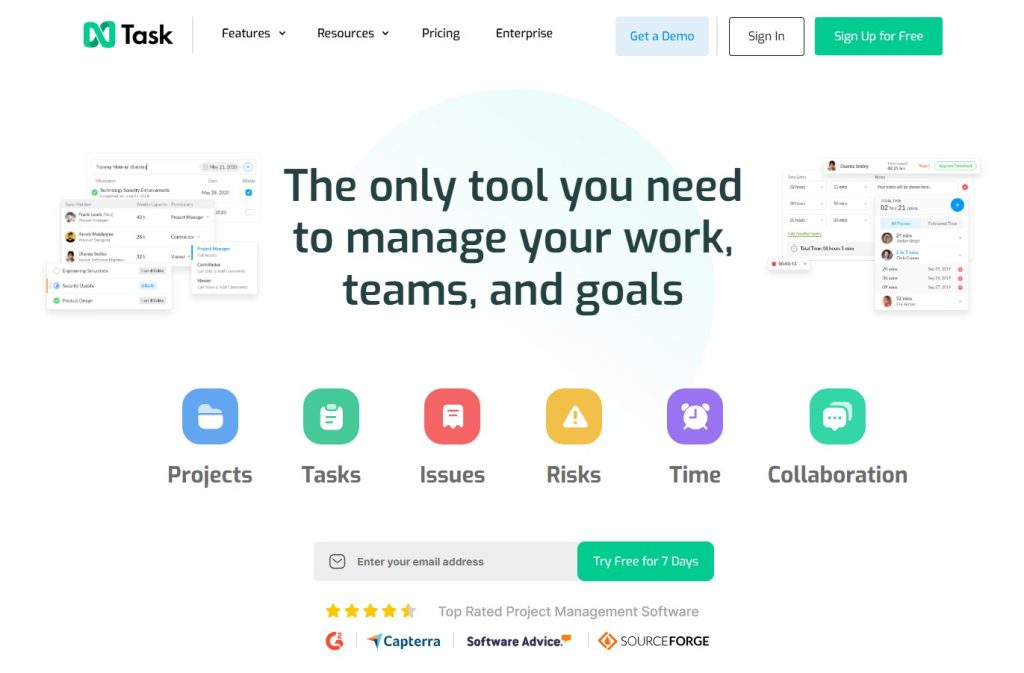
nTask is a straightforward project management tool focused on essential features without overwhelming complexity. It’s deliberately simple.
Best For: Small teams under 10 people, startups with tight budgets, and anyone wanting basic project management without feature bloat
Key Features:
- Task management with priorities and statuses.
- Time tracking with manual and timer options.
- Meeting management with agendas and minutes.
- Risk management for identifying project risks.
- Issue tracking for bugs and problems.
- Basic reporting on tasks and time.
Pricing:
- Free: Up to 5 team members.
- Premium: $3 per user per month.
- Business: $8 per user per month.
- Enterprise: Custom pricing.
My Take: nTask keeps things simple and affordable at $3 per user. We used it when starting with 4 people. The interface is clean, and new team members understand it in 15 minutes. Integration options are limited compared to bigger tools.
Scoro - Professional Services Business Management
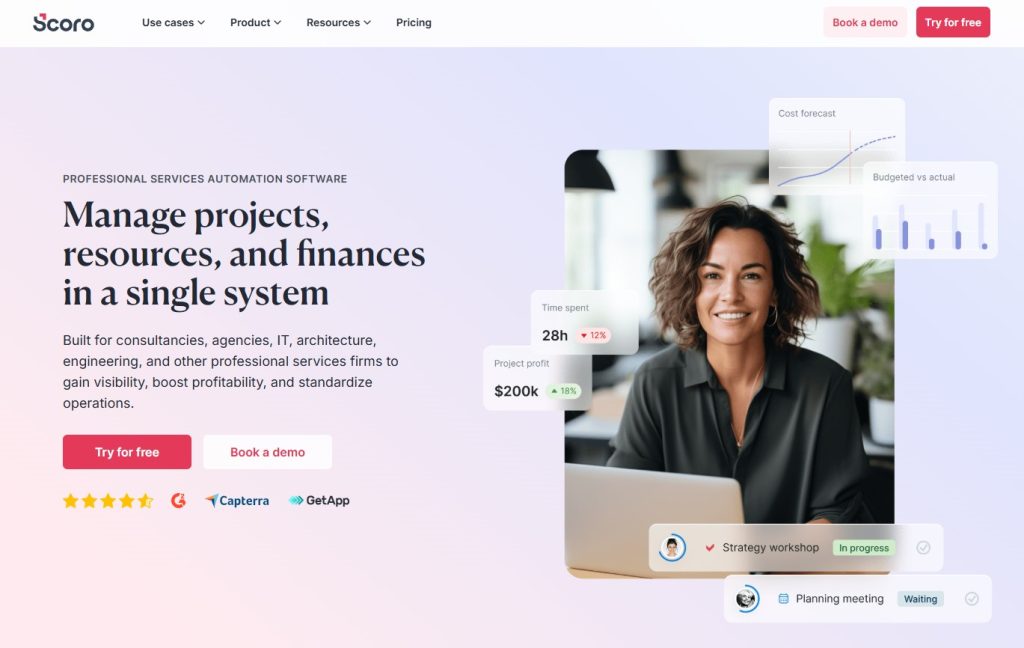
Scoro is an end-to-end work management solution built for professional services with advanced profitability and resource management. It’s more than just project management.
Best For: Consulting firms, creative agencies with over 20 people, and professional services needing detailed financial tracking.
Key Features:
- Project profit and loss tracking.
- Resource scheduling with capacity planning.
- Sales pipeline and CRM.
- Comprehensive reporting and KPI tracking.
- Invoice and quote generation.
- Work management with tasks and projects.
Pricing:
- Essential: $26 per user per month.
- Standard: $37 per user per month.
- Pro: $63 per user per month.
- Ultimate: Custom pricing.
My Take: Scoro is expensive but comprehensive. It’s business management, not just project management. Financial tracking shows project profitability in real time. Overkill for teams under 10 people. CRM means you manage leads through project delivery in one system.
ProjectManager - Traditional PM Meets Modern Collaboration
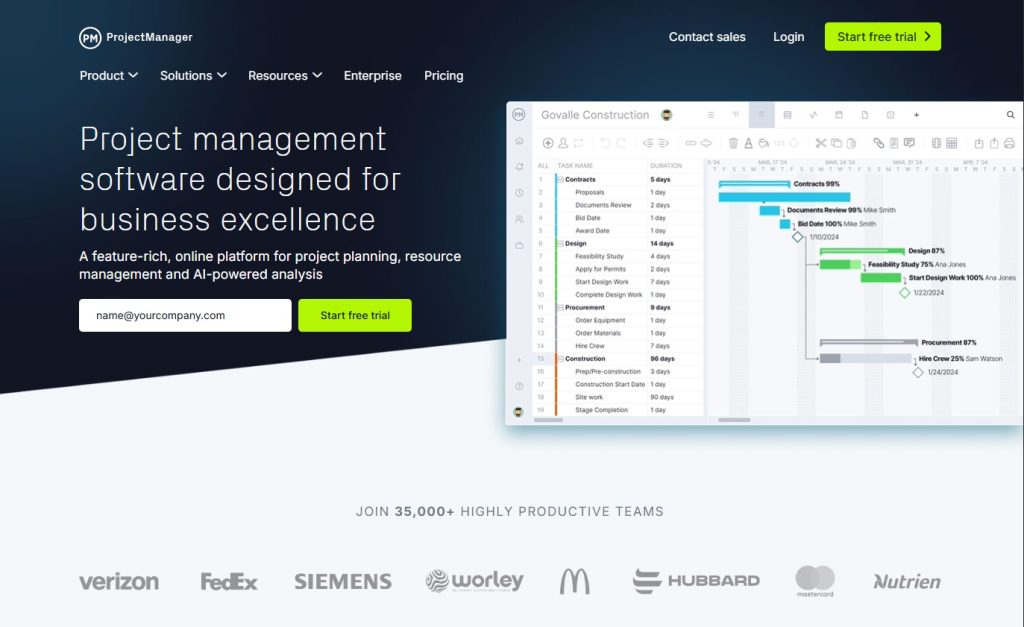
ProjectManager combines traditional project management methodologies with modern cloud-based collaboration tools. It’s built for industries like construction and engineering.
Best For: Construction, engineering, manufacturing, and teams needing traditional PM with modern features.
Key Features:
- Multiple project views, including Gantt, Kanban, and Calendar.
- Resource management with workload tracking.
- Risk management with mitigation planning.
- Timesheets and expense tracking.
- Real-time dashboards for executives.
- Unlimited file storage.
Pricing:
- Team: $13 per user per month.
- Business: $24 per user per month.
- Enterprise: Custom pricing.
My Take: ProjectManager bridges traditional and modern PM well. The Gantt charts are excellent with full dependency management. Risk management is more robust than most PM tools. The interface could be more intuitive for new users.
Miro - Visual Collaboration and Brainstorming
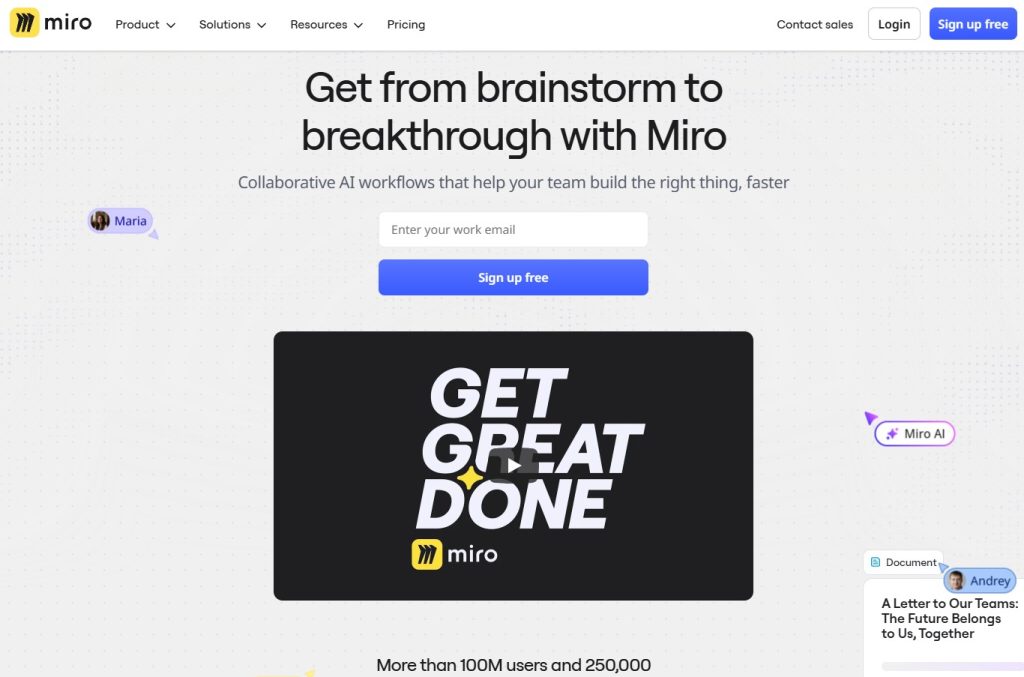
Miro is an infinite canvas workspace for visual collaboration, brainstorming, and project planning through diagrams and workflows. It’s a digital whiteboard on steroids.
Best For: Creative teams, design sprints, workshops, visual thinkers, and distributed teams doing collaborative planning.
Key Features:
- Infinite whiteboard canvas for unlimited space.
- 1000+ templates for various use cases.
- Real-time collaboration with multiple cursors.
- Integration with PM tools like Asana, Jira, and Monday.
- Mind mapping and flowchart tools.
- Voting and timer features for workshops.
Pricing:
- Free: 3 editable boards.
- Starter: $8 per user per month.
- Business: $16 per user per month.
- Enterprise: Custom pricing.
My Take: Miro excels at visual planning and brainstorming. We use it for every project kickoff to map workflows and plan sprints. It’s not a standalone PM tool but pairs well with others. The templates are fantastic for various frameworks.
Freedcamp - Truly Free Project Management

Freedcamp offers comprehensive project management features completely free with unlimited users, projects, and storage. It’s the most generous free plan available.
Best For: Budget-conscious teams, nonprofits, small businesses testing PM software, and anyone wanting free unlimited everything.
Key Features:
- Unlimited projects, users, and storage (free).
- Multiple views, including Kanban, List, and Gantt.
- File storage with version control.
- Time tracking (add-on at extra cost).
- Invoicing capabilities (add-on).
- CRM for managing contacts and deals (add-on).
Pricing:
- Free: Unlimited everything.
- Minimalist: $1.49 per user per month.
- Business: $7.49 per user per month.
- Enterprise: $16.99 per user per month.
My Take: Freedcamp’s free plan is surprisingly robust with unlimited users and projects. We used it when starting our nonprofit with no budget. The interface looks dated, but it works functionally. Add-ons cost extra for time tracking and invoicing.
Forecast - AI-Powered Resource Planning and Project Management
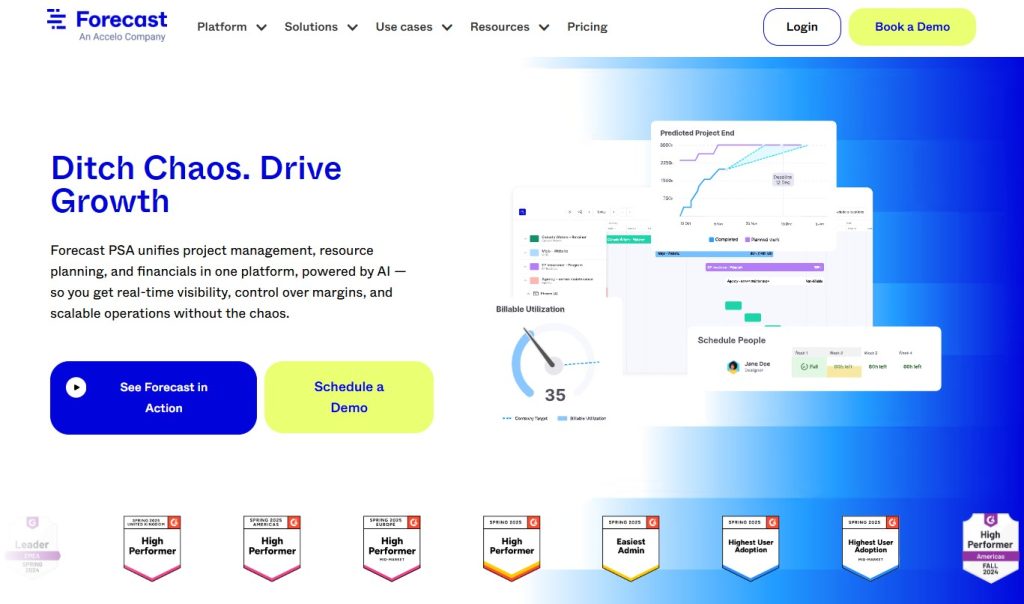
Forecast uses AI to automate resource planning, predict project outcomes, and optimize team workload through intelligent scheduling. It combines project management with advanced resource allocation powered by machine learning.
Best For: Agencies, consulting firms, and project-based businesses needing accurate resource forecasting and budget management.
Key Features:
- AI-powered resource scheduling and capacity planning.
- Automatic time tracking with smart suggestions.
- Budget forecasting and financial management.
- Project profitability tracking in real time.
- Retainer management for recurring client work.
- Integration with tools like Harvest, Slack, and Jira.
Pricing:
- Lite: $29 per user per month.
- Pro: Custom pricing.
- Plus: Custom pricing.
- Enterprise: Custom pricing.
My Take: Forecast excels at resource planning with AI suggesting optimal team assignments. The budget forecasting helps agencies stay profitable. We used it to predict project timelines accurately. The price point is higher than alternatives but justified for agencies billing clients. Integration with time tracking tools works seamlessly.
Project Management Software Comparison Table (2026)
| Tool | Best For | Standout Feature | Price Range |
|---|---|---|---|
| Asana | Marketing & remote teams | Multiple project views + automation | Free – $24.99+/user/month |
| Monday.com | Visual workflow teams | Color-coded customizable boards | Free – $16+/user/month |
| Trello | Small teams & freelancers | Simple drag-and-drop Kanban | Free – $17.50+/user/month |
| ClickUp | All-in-one productivity | 15+ views + built-in docs | Free – $12+/user/month |
| Wrike | Large teams & agencies | Advanced reporting & resource mgmt | Free – $24.80+/user/month |
| Jira | Software development teams | Scrum & sprint tracking | Free – $15.25+/user/month |
| Notion | Startups & content teams | Docs + database flexibility | Free – $15+/user/month |
| Basecamp | Small businesses | Flat-rate unlimited pricing option | $15/user – $299/month flat |
| Smartsheet | Spreadsheet-based PM | Excel-style grid + automation | $7 – $25+/user/month |
| Microsoft Project | Enterprise & waterfall PM | Advanced Gantt & critical path | $10 – $55+/user/month |
| Teamwork | Agencies & consultants | Client portals + billable tracking | Free – $17.99+/user/month |
| Airtable | Data-heavy workflows | Relational database system | Free – $20+/user/month |
| Paymo | Freelancers billing hourly | Automatic time tracking + invoicing | Free – $20.79+/user/month |
| Zoho Projects | Budget teams | Affordable + Zoho ecosystem integration | Free – $9+/user/month |
| nTask | Small budget teams | Simple & affordable PM | Free – $8+/user/month |
| Scoro | Consulting firms | Profitability & business management | $26 – $63+/user/month |
| ProjectManager | Construction & engineering | Risk + resource management | $13 – $24+/user/month |
| Miro | Brainstorming & planning | Infinite visual canvas | Free – $16+/user/month |
| Freedcamp | Budget-conscious teams | Unlimited free users & projects | Free – $16.99+/user/month |
| Height | Tech startups | AI-powered task automation | Free – $6.99+/user/month |
How to Choose the Right Project Management Tool for Your Team?
Team size dramatically affects which tools work best. For 1-5 people, start with simple tools like Trello, Notion, or Freedcamp. For 5-20 people, Asana, Monday.com, or ClickUp hit the sweet spot. For 20-50 people, you need Wrike, Teamwork, or Smartsheet. For 50+ people, enterprise features become necessary with Wrike, Microsoft Project, or Jira.
Different industries have different needs. Agencies need time tracking, client portals, and profitability reporting with Teamwork, Wrike, or Scoro. Software development teams need Jira, Height, or specialized dev tools. Creative teams benefit from Asana, Monday.com, or Notion. Construction and engineering require Smartsheet, ProjectManager, or Microsoft Project.
Project management software costs add up quickly. Calculate total annual cost before committing. Many tools offer annual billing discounts of 15-20%. Watch for hidden costs where tools charge extra for features like time tracking or advanced reporting.
Never buy software without testing it first. Sign up for 3-4 free trials simultaneously to compare tools side-by-side. Test with real projects, not dummy data. Involve your whole team in testing since adoption depends on whether people like using it daily.
Ready to Transform Your Team's Productivity? Discover The Tool Marketer
After testing dozens of project management tools, I learned that finding the right software is just the first step. Understanding how to evaluate, compare, and implement tools across your entire tech stack makes a real difference.
That’s why I created The Tool Marketer. We specialize in honest reviews, detailed comparisons, and practical guides for choosing the best SaaS tools for your business.
What makes The Tool Marketer different:
- Honest, hands-on reviews from someone who actually uses these tools.
- Detailed comparison guides that help you choose between similar options.
- Practical recommendations based on team size, industry, and budget.
- Complete guides covering your entire SaaS stack, not just project management.
Conclusion
Finding the right project management software changed how my team works. Projects finish on time. Team members know their responsibilities. Clients get better updates.
Small teams under 5 people should start with Trello, the ClickUp free plan, or Freedcamp. Growing teams of 5-20 people get the most value from Asana, Monday.com, or ClickUp paid plans. Agencies managing client work should look at Teamwork, Wrike, or Scoro. Software development teams need Jira, Height, or specialized dev tools.
Start with a free trial today. Pick three tools from this list that match your needs. Test them for a week with real projects. Choose the one that feels right. Don’t overthink it. The perfect tool is the one your team will actually use.
Frequently Asked Questions (FAQ)
What is project management software and why do I need it?
Project management software helps teams plan, organize, track, and collaborate on projects. You need it when email threads become confusing, and deadlines slip through the cracks. It centralizes project information, tracks progress automatically, and keeps everyone aligned.
What is the best free project management software in 2026?
ClickUp offers the most generous free plan with unlimited tasks and members. Trello is perfect for visual thinkers. Freedcamp provides unlimited users and projects completely free. Asana’s free tier works well for teams under 15 people.
How do I choose the right project management tool for my small business?
Identify your must-have features, like time tracking or Gantt charts. Consider your team size and budget since per-user pricing adds up quickly. Test 3-4 tools using real projects. Get team feedback since adoption depends on people liking it.
What features should project management software have?
Essential features include task creation and assignment, due dates and reminders, multiple project views, file sharing and attachments, team collaboration through comments, mobile app access, and basic reporting. Advanced features include time tracking, Gantt charts, and automation.
Can project management software integrate with tools I already use?
Yes, most modern tools offer extensive integrations. Common integrations include Slack for notifications, Google Drive for storage, Gmail for email, Zoom for meetings, and Zapier for connecting hundreds of additional apps.
What is the difference between Asana and Monday.com?
Asana focuses on task-oriented workflows with a minimalist design for marketing teams. Monday.com emphasizes visual, color-coded boards for operations teams. Asana offers a more generous free plan supporting 15 users versus Monday’s 2 seats.
Is project management software worth it for remote teams?
Absolutely. Remote teams need PM software even more than in-office teams. It provides centralized information access, eliminates confusion about project status, reduces meeting time, and tracks work across time zones effectively.
How much does project management software cost?
Free plans exist from Trello, ClickUp, and Freedcamp. Budget options range from $3-8 per user monthly. Mid-tier plans cost $10-15 per user monthly. Enterprise solutions run $20-30+ per user monthly. Basecamp offers flat-rate pricing at $299 monthly.
Can I use project management software for Agile and Scrum?
Yes. Jira is purpose-built for Scrum and Kanban with sprint planning and velocity tracking. ClickUp and Monday.com offer sprint views. Asana supports Agile workflows through custom fields. For serious dev teams, stick with Jira.
What project management tool is best for agencies managing client work?
Teamwork is built specifically for client work with billable hours tracking and client portals. Scoro offers comprehensive business management. Paymo combines project management with invoicing. Wrike works well for larger agencies managing multiple simultaneous client projects.
Do I need technical knowledge to use project management software?
No technical knowledge is required. Tools like Trello, Asana, and Monday.com have intuitive drag-and-drop interfaces. You can start managing projects within minutes. Most tools offer free training resources and video tutorials.
Can project management software help with time tracking and invoicing?
Many tools include built-in time tracking. Paymo combines project management, time tracking, and invoicing perfectly. Teamwork and Scoro offer time tracking with billable hours. ClickUp includes native time tracking in all paid plans.
Share