
Your WordPress site is live. You published great content. But Google shows your posts on page five.
WordPress alone does not optimize for search engines. You need the best SEO plugins for WordPress to handle technical SEO work.
SEO plugins automate meta tags, generate sitemaps, add schema markup, and fix issues that keep you invisible. The right plugin moves you from page 10 to page 1.
Here are the 12 best WordPress SEO plugins, what they cost, and which fits your needs.
Table of Contents
What Are WordPress SEO Plugins?
WordPress SEO plugins optimize your website for search engines by handling technical tasks WordPress skips by default.
These plugins control meta descriptions, title tags, XML sitemaps, schema markup, and social previews.
Google uses hundreds of ranking factors. A good plugin automates essentials, so you focus on content.
Why Do You Need the Best SEO Plugins for WordPress?

Your WordPress site’s visibility depends on how search engines rank your content. Without optimization, exceptional content remains buried where readers never find it. SEO plugins automate complex technical tasks, such as generating XML sitemaps, optimizing meta tags, and managing structured data. Instead of hiring expensive consultants or learning SEO fundamentals for months, you access professional-grade tools immediately. These plugins provide actionable insights about content performance, helping you understand what works. Quality SEO plugins represent the difference between guessing at optimization and implementing proven strategies that deliver measurable traffic growth.
How I Tested These WordPress SEO Plugins
My evaluation prioritizes real-world performance over marketing promises. I installed each plugin on live WordPress sites, ranging from blogs to high-traffic business platforms, and monitored its impact over months. Testing tracked page load speeds, server resources, theme compatibility, and beginner usability. I measured the effects of Core Web Vitals and submitted support tickets to evaluate response quality. Pricing analysis included renewal costs and premium features. Every plugin faced identical testing conditions for fair comparison. This methodology ensures recommendations reflect genuine user experiences, helping you make informed decisions based on actual performance.
What Are the 12 Best WordPress SEO Plugins?
I tested these plugins over the past year. Here is what each one offers and its 2026 cost.
1. All in One SEO (AIOSEO)
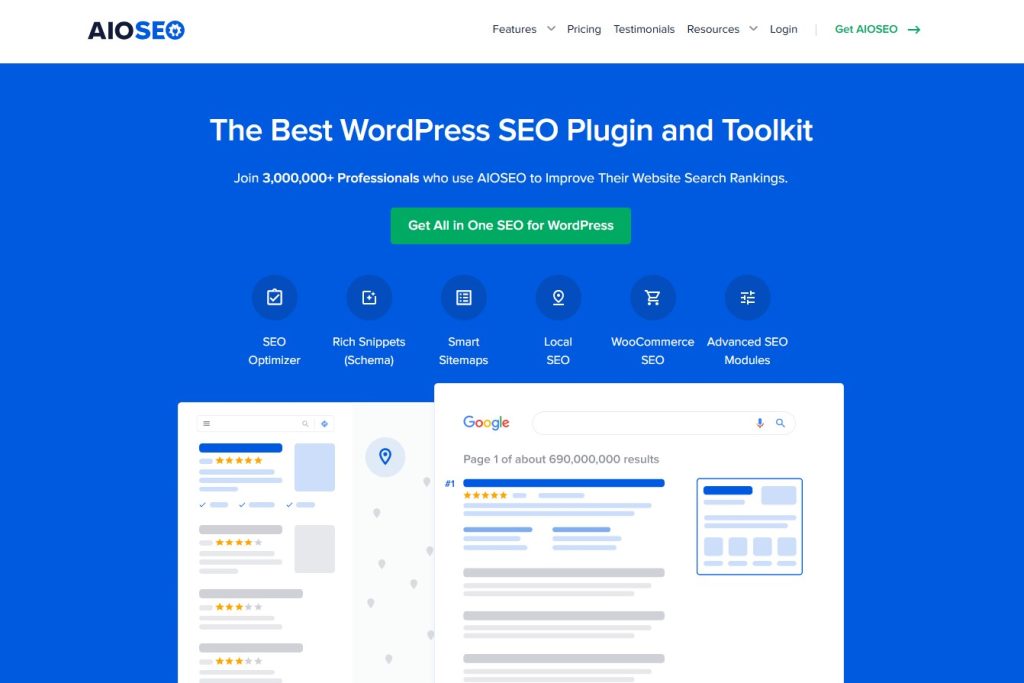
All in One SEO launched in 2007 as the original WordPress SEO plugin. Over 3 million websites trust it for complete SEO management. The plugin removes technical complexity with an intelligent setup wizard that automatically configures everything. AIOSEO includes advanced features like TruSEO scoring, local business optimization, and WooCommerce integration. It bridges the gap between beginner-friendly interfaces and professional-grade capabilities.
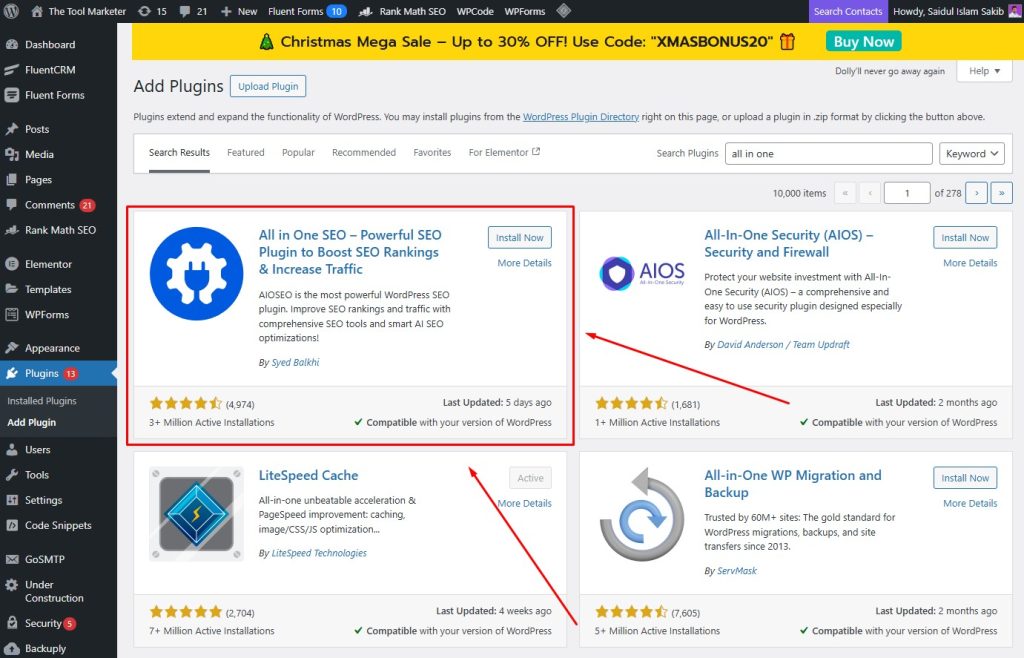
Key features:
- TruSEO score provides real-time content analysis with actionable recommendations
- Smart XML sitemaps automatically update with advanced customization controls
- The schema markup generator covers local businesses, products, and multiple content types
- Link Assistant suggests internal linking opportunities to improve site structure
- Includes local SEO tools, WooCommerce optimization, and a search statistics dashboard
Pros:
- The setup wizard is the most beginner-friendly, with intelligent automatic configuration
- Comprehensive documentation and video tutorials make learning easy for new users
- Migration tools seamlessly import settings from Yoast SEO and other plugins
Cons:
- Advanced features like redirect management require expensive premium plans
- Free version significantly limits schema types and advanced optimization options
Best for: Beginners and small businesses who want comprehensive features without complexity
Pricing: Free version available. Premium starts at $49.50/year for 1 site. Plus plan at $99.50/year for 3 sites. Pro at $199.50/year for 10 sites.
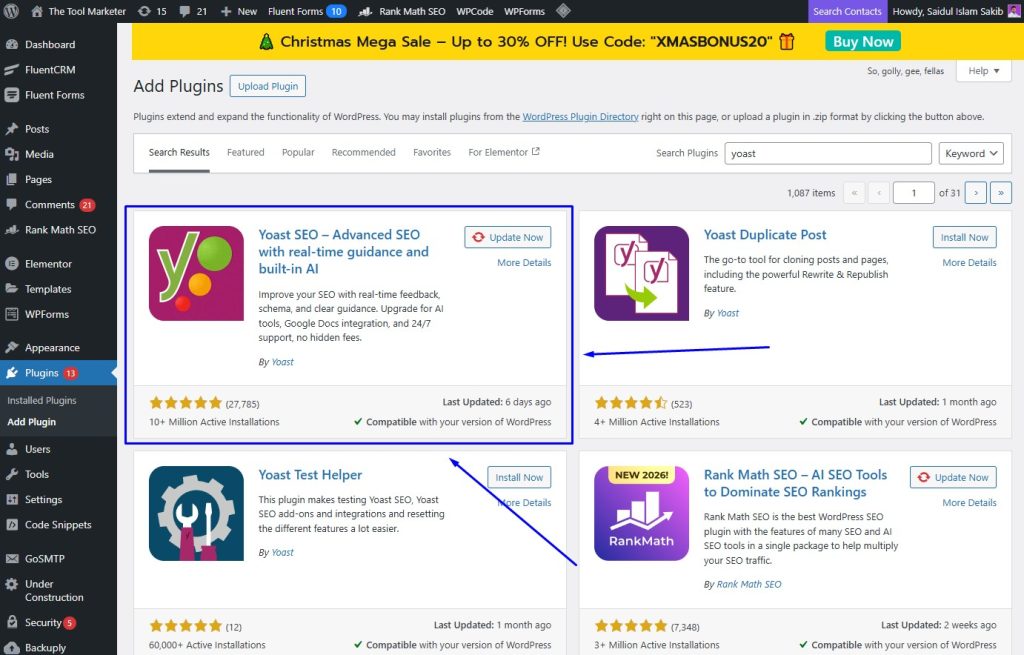
2. Yoast SEO
Yoast SEO holds the crown for popularity with over 13 million active installations worldwide. Launched in 2008, it pioneered the traffic light system for content optimization that everyone now copies. The plugin combines readability analysis with SEO scoring to help content creators write better. Yoast’s massive community and extensive documentation make it the safest choice for WordPress beginners seeking proven, reliable tools.
Key features:
- Content analysis combines readability scoring with SEO optimization using a traffic light system
- Focus keyphrase optimization tracks keyword density and placement throughout your content
- Internal linking suggestions help build a better site structure in the premium version
- XML sitemaps and schema markup automatically update without manual intervention
- Social media preview controls show how content appears on Facebook and Twitter
Pros:
- Massive 13 million user community provides extensive support and troubleshooting help
- SEO Academy and educational content teach optimization while you work
- Regular security updates and feature releases keep the plugin current
Cons:
- The premium version costs $118.80/year, which is higher than most competitors
- WooCommerce SEO requires a separate $178.80/year add-on purchase for store optimization
Best for: Bloggers and content creators who want trusted, well-documented SEO tools
Pricing: Free version available. Yoast SEO Premium costs $118.80/year for 1 site. WooCommerce SEO add-on costs $178.80/year.
3. Rank Math
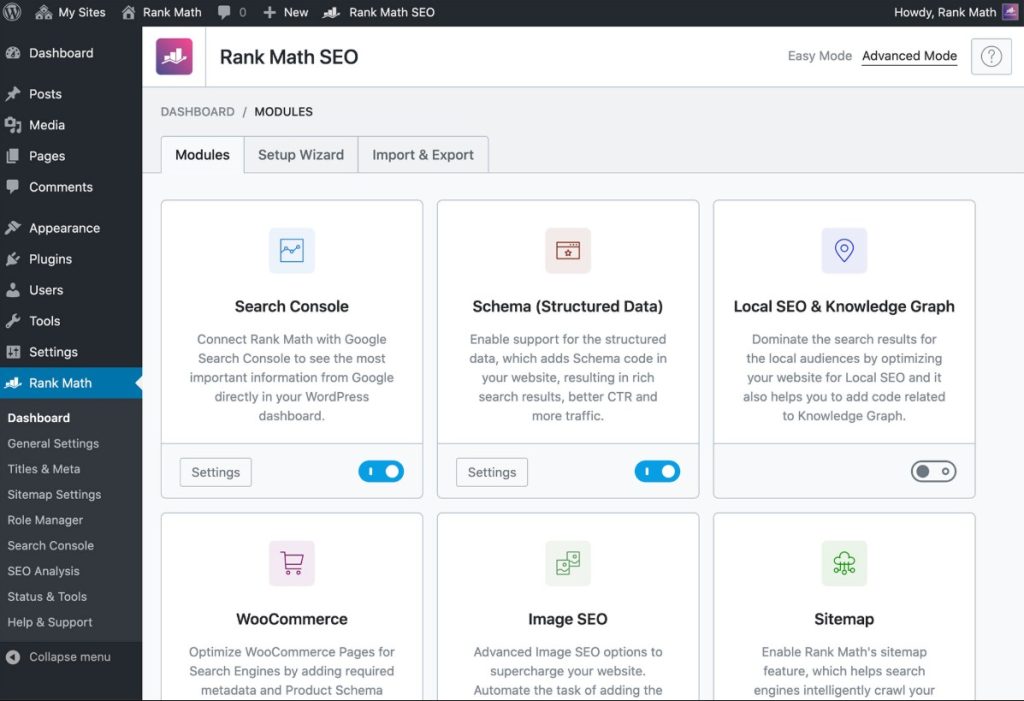
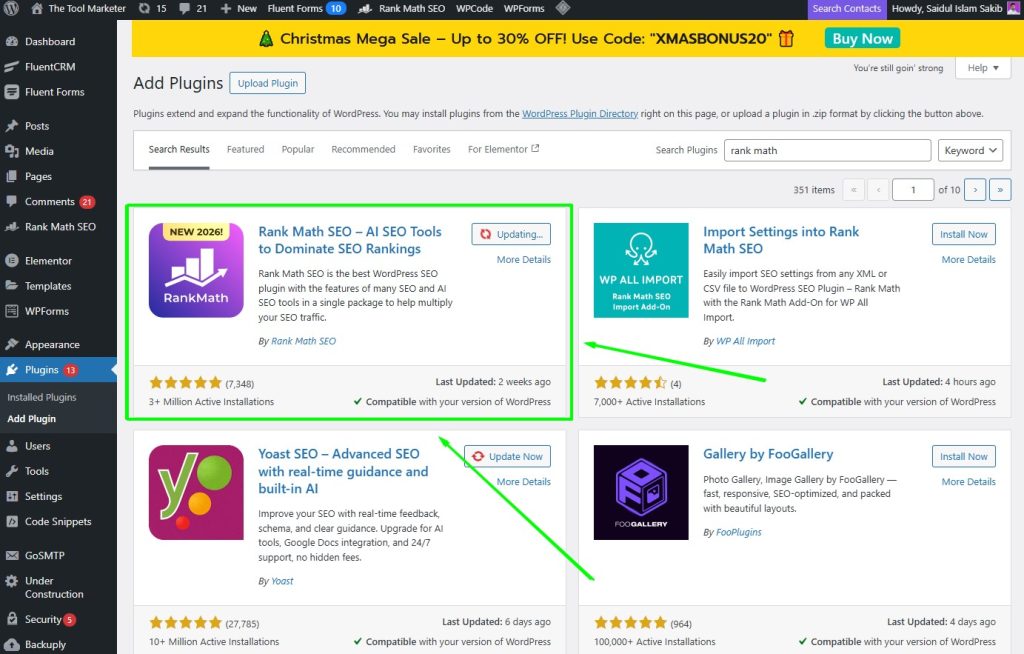
Rank Math disrupted the WordPress SEO market by offering premium features completely free. Launched in 2018, it quickly became the fastest-growing SEO plugin through aggressive feature releases. The plugin tracks five focus keywords per post for free, includes advanced schema markup, and provides Google Search Console integration. Rank Math proves you do not need expensive plugins for professional SEO results.
Key features:
- Track up to 5 focus keywords per post completely free, while competitors charge
- Advanced schema markup supports 25+ types, including FAQ, HowTo, and product schemas
- Google Search Console integration displays ranking data directly in the WordPress dashboard
- Built-in redirect manager handles 301 redirects without additional plugins required
- Local SEO support includes business hours, locations, and Google My Business integration
Pros:
- Free version includes premium features that competitors lock behind expensive paywalls
- Clean, modern interface loads quickly without slowing down your WordPress site
- Migration wizard transfers all settings from Yoast SEO or AIOSEO in minutes
Cons:
- Extensive options and settings can overwhelm beginners unfamiliar with SEO
- Free version support is limited to community forums without priority assistance
Best for: Users who want maximum features without paying, or power users who need advanced control
Pricing: Free version is very robust. Rank Math Pro starts at $79/year (currently discounted) for unlimited personal sites. Business plan at $24.99/year for 100 client sites.
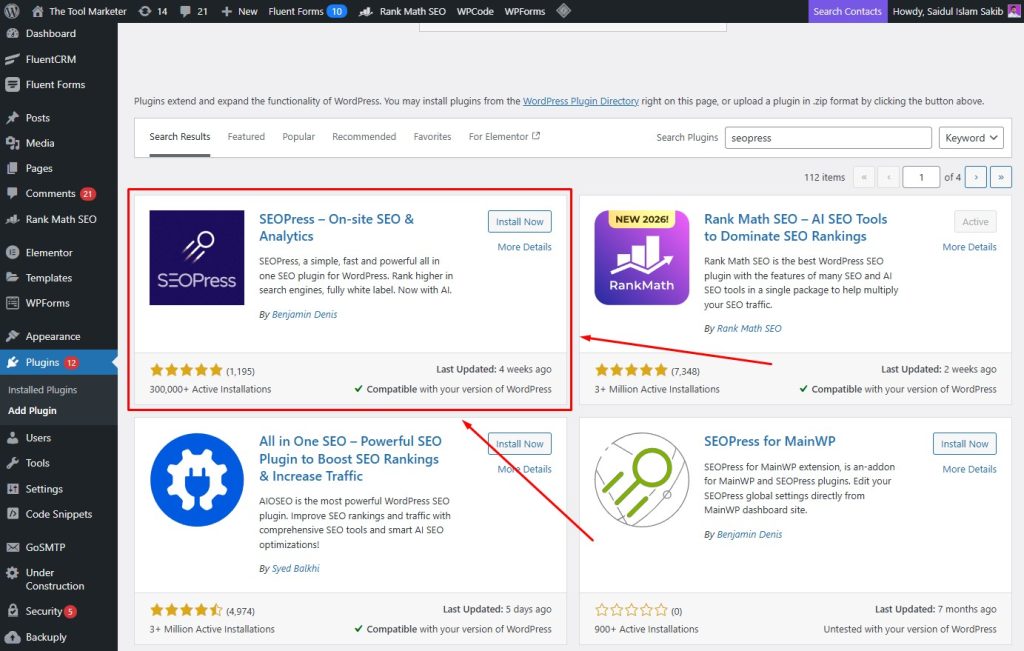
4. SEOPress
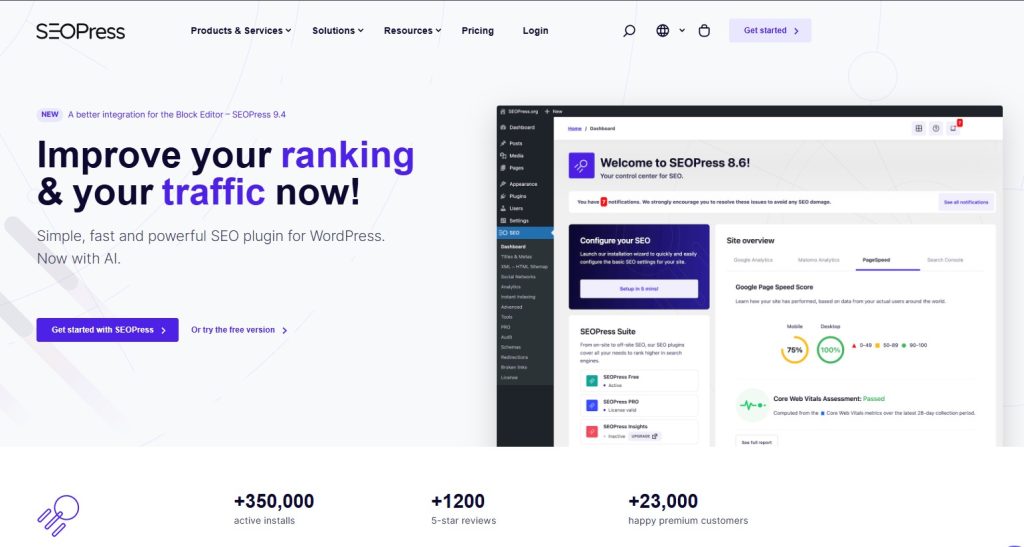
SEOPress positions itself as the white-label, ad-free alternative to Yoast for professionals. The plugin removes all branding, upsells, and promotional content from your WordPress dashboard, giving clients a clean experience. Agencies appreciate the unlimited site license at an affordable price point. SEOPress delivers comprehensive SEO features, including content analysis, schema markup, and Google Analytics integration, without the marketing noise that clutters other plugins.
Key features:
- Completely ad-free interface removes all promotional content and branding from the dashboard
- Content analysis provides real-time suggestions for improving SEO and readability
- XML and HTML sitemaps automatically generate and update with new content
- Schema markup supports multiple types for better search engine understanding
- White-label option lets agencies rebrand the plugin for client websites
Pros:
- Clean interface without upsells or promotional messages cluttering the workspace
- Affordable $49/year pricing covers unlimited sites, making it perfect for agencies
- Complete feature set in paid version includes everything without expensive add-ons
Cons:
- A smaller community than Yoast or Rank Math means fewer tutorials available
- Educational content for beginners is limited compared to major competitors
Best for: Agencies and freelancers managing multiple client websites
Pricing: Free version available. SEOPress Pro costs $49/year for unlimited sites.
5. The SEO Framework
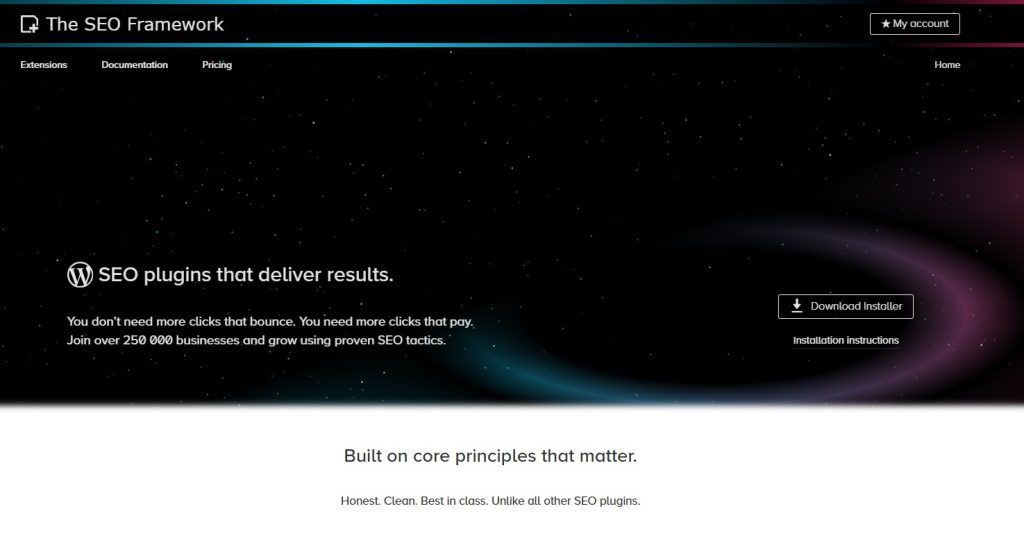
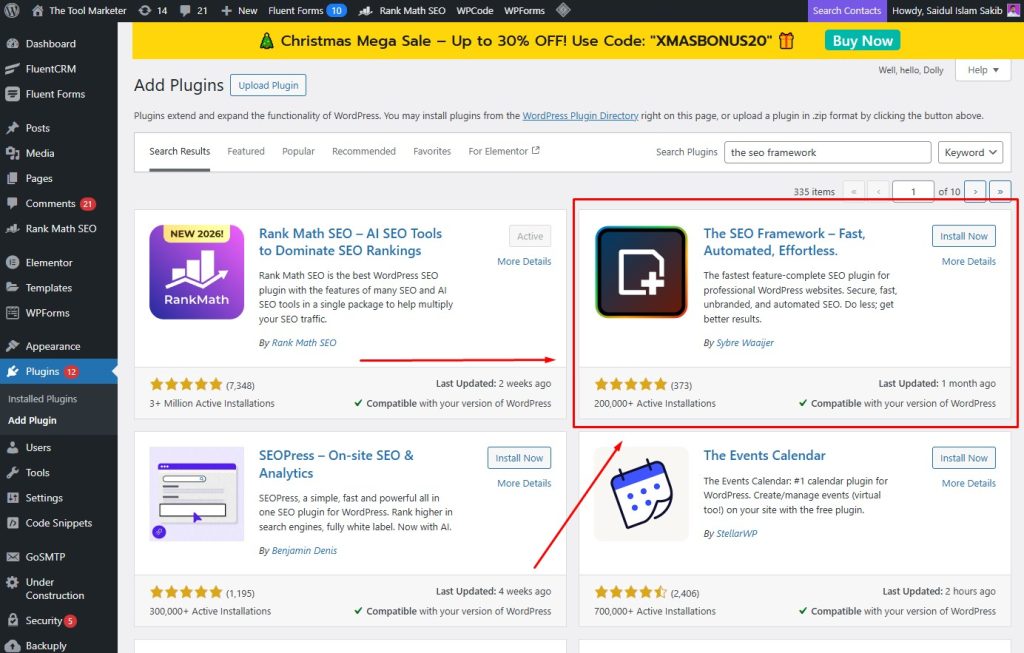
The SEO Framework takes a radically different approach with zero bloat, zero ads, and automatic configuration. This plugin represents the anti-Yoast philosophy where less is more. It automatically optimizes your site without requiring configuration, settings adjustments, or constant attention. The SEO Framework focuses on doing SEO correctly by default rather than overwhelming users with options. Privacy-focused developers will appreciate its security-first design and minimal footprint.
Key features:
- Automatic SEO optimization configures everything perfectly without requiring settings adjustments
- Title and description automation generates optimized meta tags from your content
- JSON-LD structured data implementation helps search engines understand your content
- XML sitemap generation updates automatically whenever you publish new content
- Social media markup ensures proper previews when content is shared
Pros:
- Lightest plugin available with minimal impact on site loading speed
- No upsells, or premium upgrade nags, interrupt your workflow ever
- Works immediately after activation without configuration screens or setup wizards
Cons:
- Lacks hand-holding guidance that helps beginners learn SEO basics
- Fewer advanced features compared to AIOSEO, Yoast, or Rank Math
Best for: Users who want set-it-and-forget-it SEO without configuration headaches
Pricing: Completely free. Extensions are available starting at $7/7/27/month for additional features.
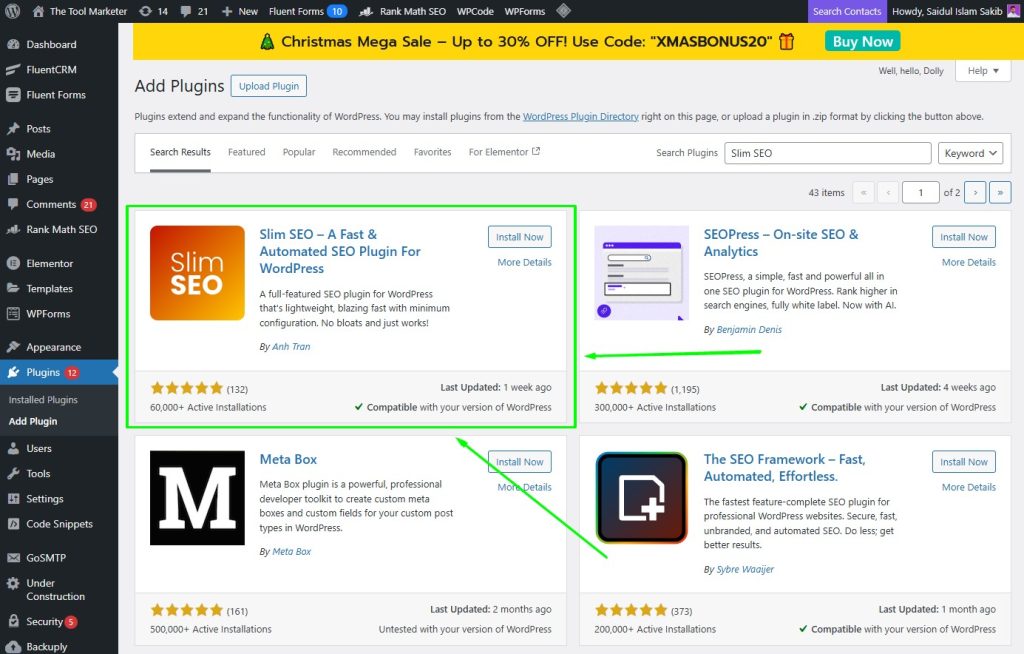
6. Slim SEO
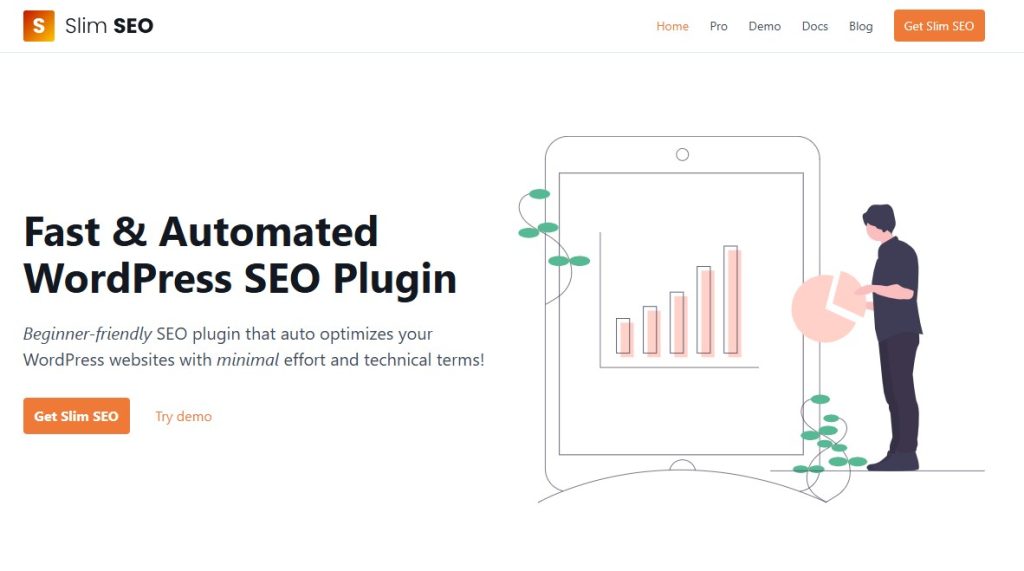
Slim SEO follows the SEO Framework philosophy but takes automation even further, with no settings required. Install it, and the plugin handles everything automatically, including meta tags, sitemaps, image alt text, and schema markup. This ultra-lightweight solution targets non-technical users who want SEO handled invisibly. Slim SEO proves that effective optimization does not require configuration screens, dashboards, or constant monitoring from website owners.
Key features:
- Automatic meta tag generation extracts titles and descriptions directly from content
- Auto-generated XML sitemaps update instantly when you publish new posts
- Automatic image alt text adds SEO-friendly descriptions to all images
- Schema markup implementation requires zero configuration or technical knowledge
Pros:
- Zero configuration required means you install it and it works immediately
- Extremely lightweight code has minimal impact on WordPress site speed
Cons:
- Limited customization options for users who want manual control
- No content analysis or scoring to guide your optimization efforts
Best for: Beginners who want automated SEO
Pricing: Free. Premium costs $59/year for advanced features.
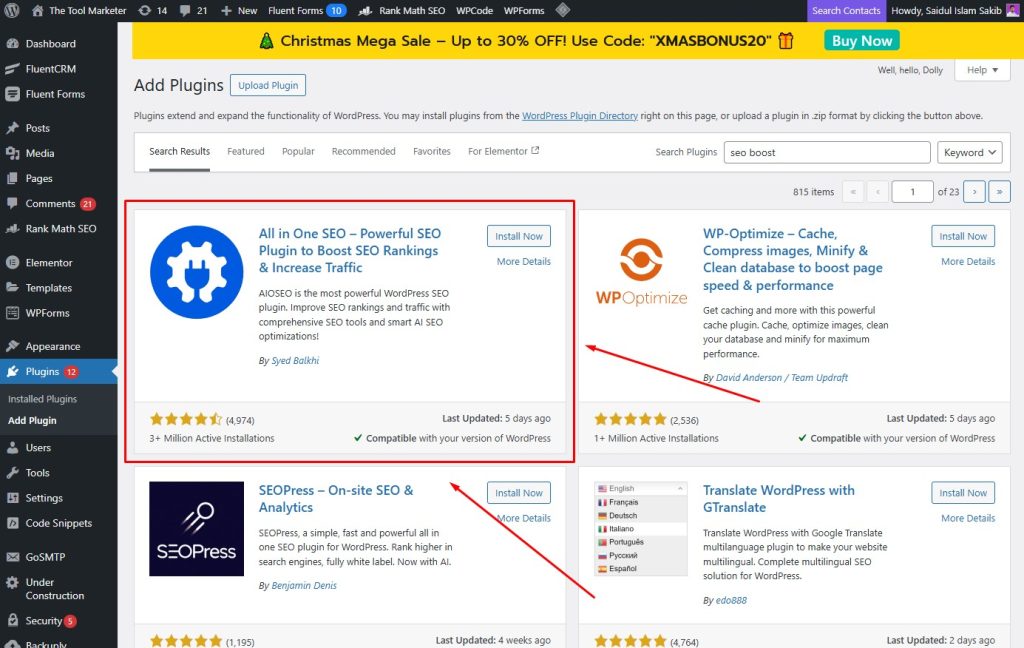
7. SEOBoost

SEOBoost brings artificial intelligence directly into your WordPress content workflow for more intelligent optimization. The plugin combines traditional SEO analysis with AI-powered content suggestions that help you write better, faster. Real-time scoring updates as you type, showing exactly what to improve. SEOBoost integrates with AIOSEO, allowing users to get AI assistance without switching platforms. Beginner content creators appreciate the guided approach that removes guesswork from optimization.
Key features:
- AI content suggestions analyze your writing and recommend specific improvements in real-time
- Real-time SEO scoring updates as you type, showing optimization progress instantly
- Keyword optimization tools help you naturally integrate target keywords throughout content
- Schema markup support covers basic types for better search engine visibility
Pros:
- AI assistance speeds up content creation by suggesting improvements automatically
- Beginner-friendly interface makes complex SEO accessible to new users
- Affordable $29/month pricing includes AI features that many tools charge more for
Cons:
- A newer plugin with a smaller user base means fewer reviews and community support
- Limited integrations compared to established plugins like Yoast or Rank Math
Best for: Content creators wanting AI help
Pricing: Starts at $30/month. Often bundled with AIOSEO.
8. Squirrly SEO
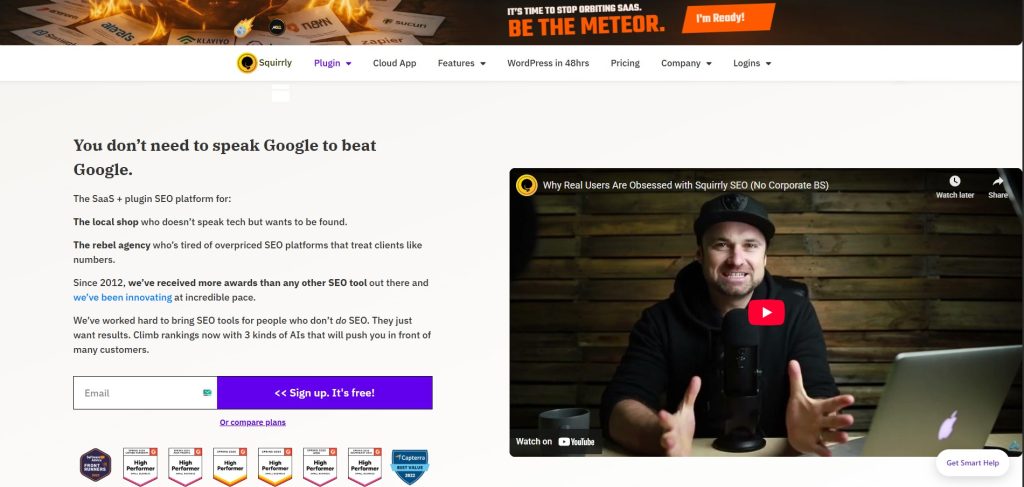
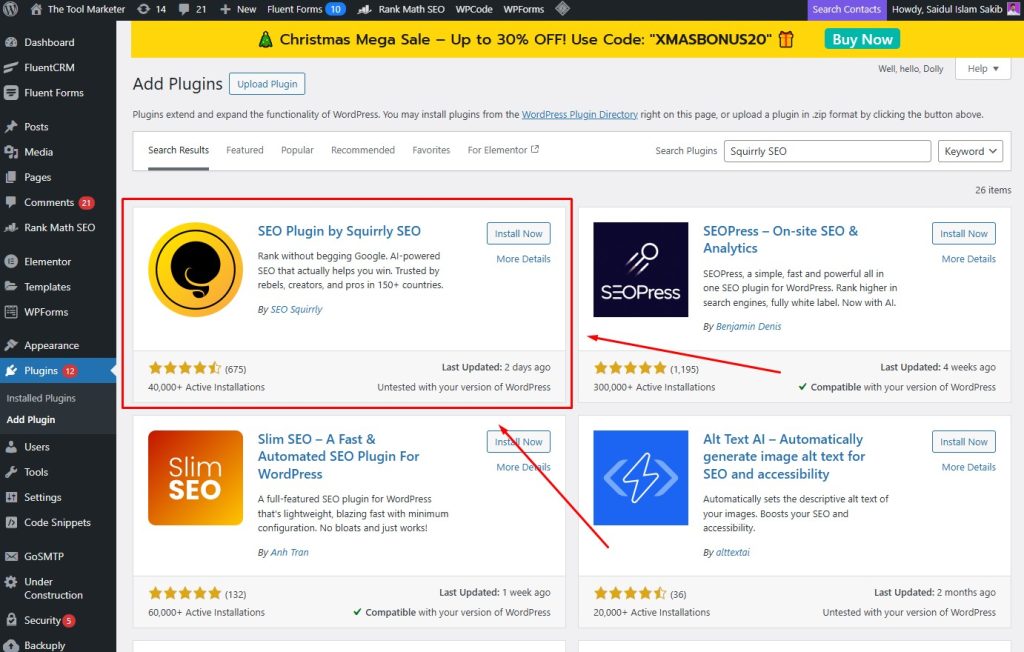
Squirrly SEO acts as your personal SEO teacher, offering extreme hand-holding for complete beginners who know absolutely nothing about optimization. The plugin provides real-time guidance, built-in keyword research, social media automation, and traffic analytics in one dashboard. Squirrly treats users like students, explaining every recommendation and teaching SEO principles as you work. While experienced users find it simplistic, newcomers appreciate the constant education and the confidence it builds.
Key features:
- Real-time SEO assistant provides step-by-step guidance as you write content
- Built-in keyword research tool eliminates the need for separate keyword planning software
- Social media automation schedules and shares content across multiple platforms
- Traffic analytics dashboard shows rankings, visitors, and performance metrics
Pros:
- Extreme hand-holding is perfect for people who know absolutely nothing about SEO
- Built-in keyword research saves money on additional subscription tools
- An integrated analytics dashboard consolidates all your data in one place
Cons:
- Premium pricing at $29.99/month is more expensive than most competitors
- Features feel too simplistic for experienced users who need advanced controls
Best for: Complete SEO beginners
Pricing: Starts at $9.99/month (billed annually).
9. SmartCrawl
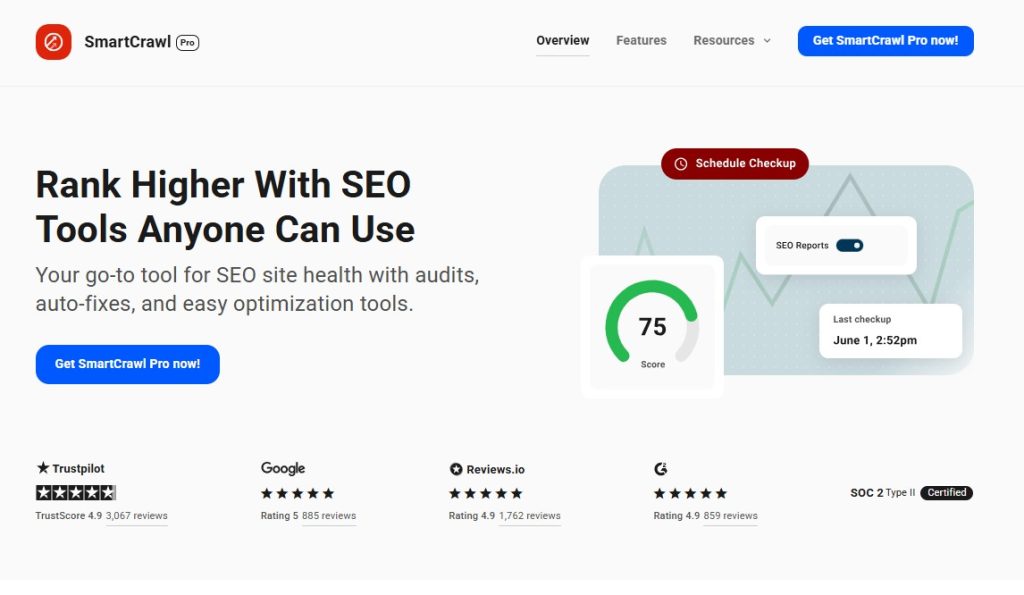
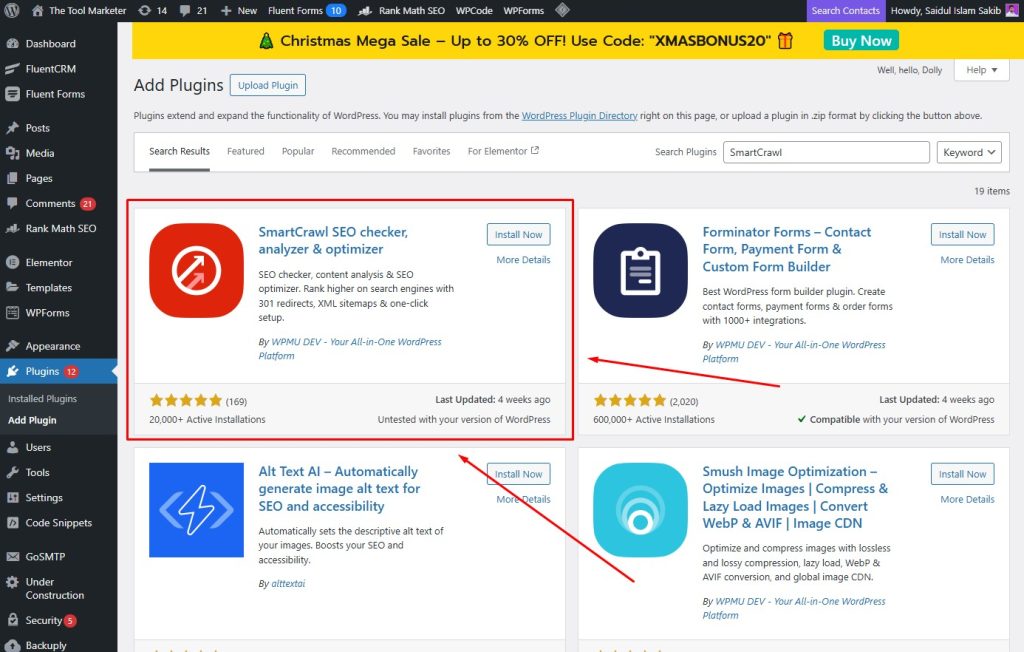
SmartCrawl comes from WPMU DEV and uniquely integrates Moz keyword research data directly into your WordPress dashboard. This plugin works best as part of the broader WPMU DEV ecosystem for hosting and site management. SmartCrawl handles automatic linking, SEO checkups, sitemap generation, and social integration with minimal configuration. Multi-site network administrators appreciate its centralized control. The Moz integration distinguishes it from competitors that lack professional keyword data.
Key features:
- Moz keyword research integration provides professional keyword data in the WordPress dashboard
- Automatic linking suggestions find relevant internal link opportunities as you write
- SEO checkup and reporting identify issues and provide detailed improvement recommendations
- XML sitemap generation and submission automates technical SEO requirements
Pros:
- Unique Moz integration delivers professional keyword research data that competitors lack
- Part of the WPMU DEV suite works seamlessly with their hosting and tools
- Multi-site network support manages SEO across unlimited WordPress installations
Cons:
- Full features require a WPMU DEV membership with a minimum $30/yearly subscription
- Less feature-rich than standalone plugins like Rank Math or AIOSEO
Best for: WPMU DEV members
Pricing: Free. Pro requires a WPMU DEV membership at $30/yearly subscription
10. WP Rocket

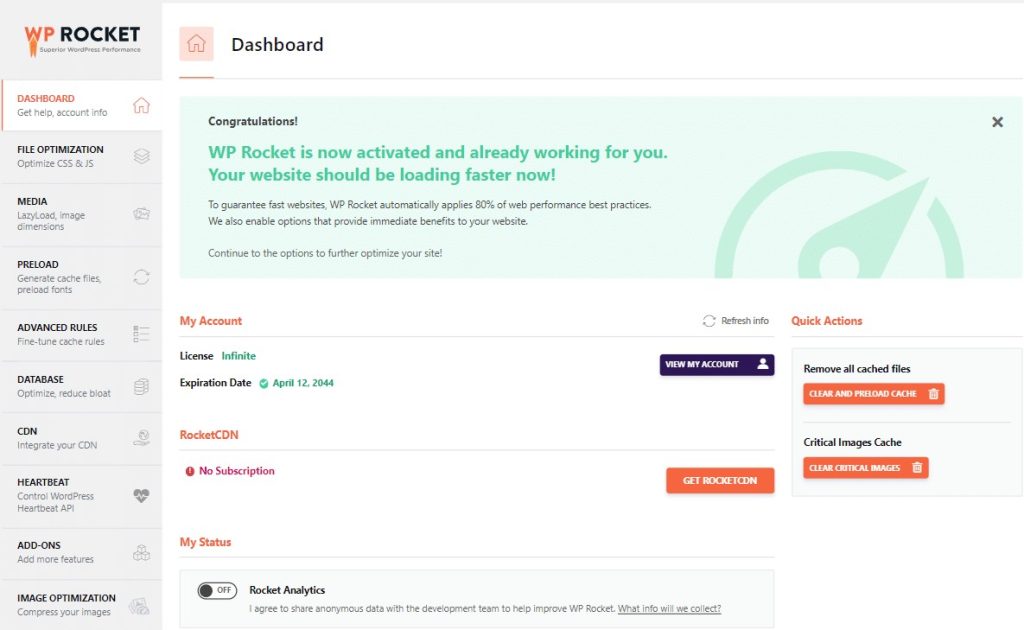
WP Rocket is technically a caching and performance plugin rather than traditional SEO software. Still, site speed significantly impacts search rankings. This premium plugin delivers page caching, file compression, lazy loading, database optimization, and CDN integration through an easy setup wizard. Google rewards fast-loading sites with better positions. WP Rocket makes WordPress sites load faster, improving user experience and SEO simultaneously. Use it alongside your main SEO plugin for maximum impact.
Key features:
- Page caching stores static versions of pages for dramatically faster loading times
- File compression and minification reduce CSS, JavaScript, and HTML file sizes
- Lazy loading delays image loading until users scroll, improving initial page speed
- Database optimization cleans unnecessary data that slows down WordPress sites
- CDN integration connects easily with content delivery networks for global speed
Pros:
- Significant speed improvements often reduce load times by 50% or more
- Easy one-click setup wizard configures optimal settings automatically without technical knowledge
- Works seamlessly with any SEO plugin as a complementary performance enhancement
- Excellent priority support team responds quickly to technical issues
Cons:
- Not a traditional SEO plugin, so it requires separate SEO software
- Premium-only pricing with no free version starting at $59/year
Best for: Anyone serious about site speed
Pricing: Starts at $59/year for 1 site.
11. Link Whisper
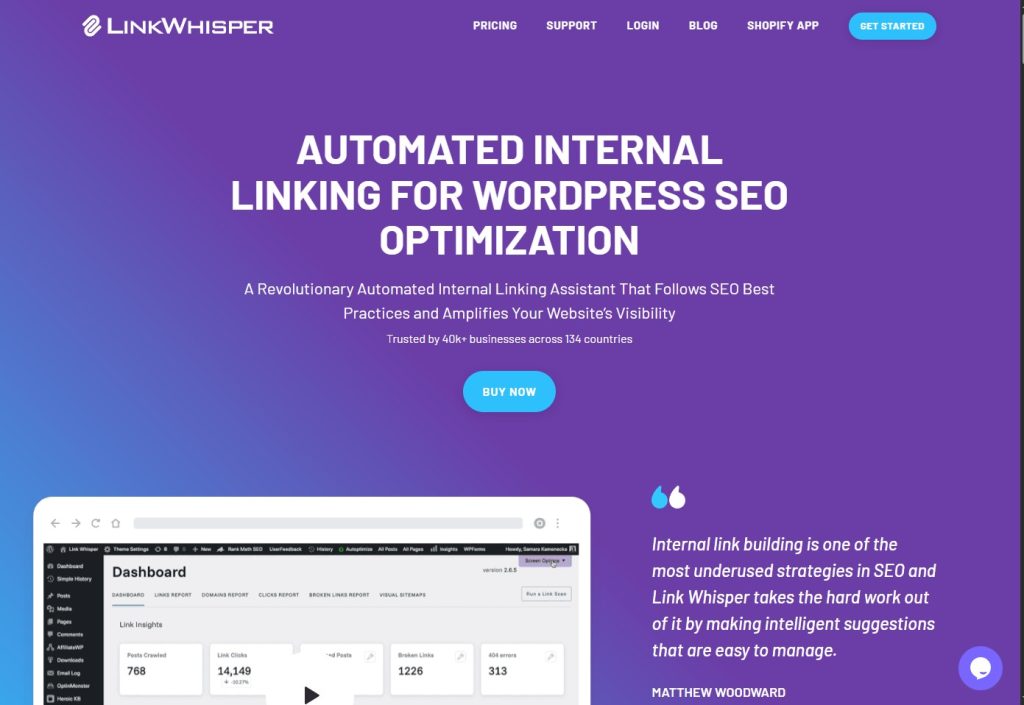
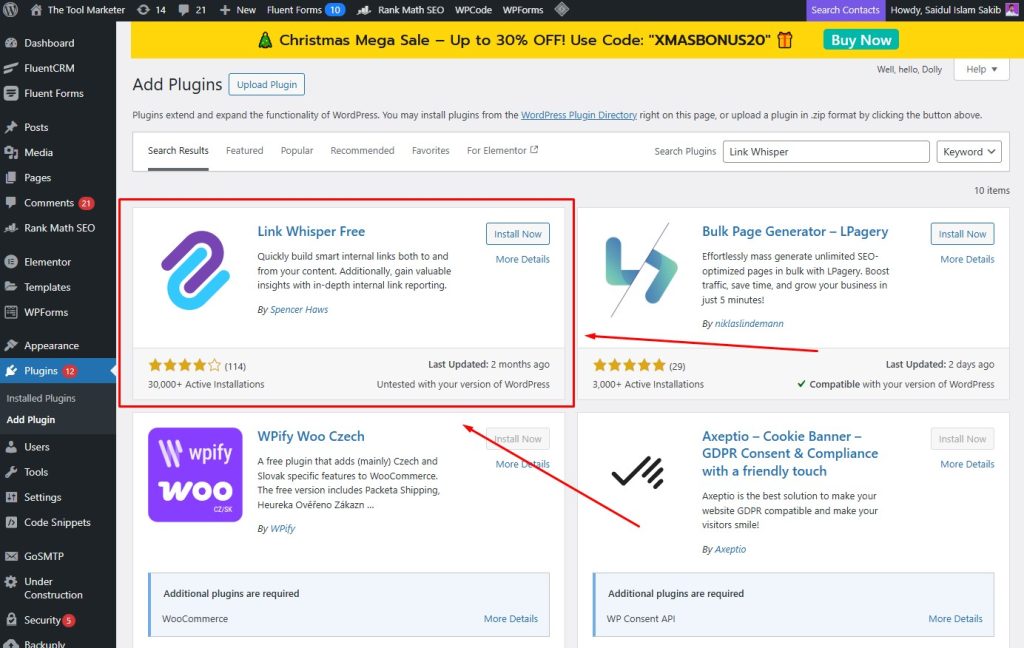
Link Whisper specializes exclusively in internal linking, a crucial but frequently neglected SEO factor that distributes page authority throughout your site. The plugin uses AI to suggest relevant internal links as you write, detects orphaned content without incoming links, enables bulk link addition, and generates comprehensive link reports. Content-heavy sites with fifty-plus posts benefit most. Link Whisper saves hours of manual work while significantly improving your site’s overall SEO architecture.
Key features:
- AI-powered internal link suggestions analyze content and recommend relevant linking opportunities
- Orphaned content detection finds posts with no incoming links that need attention
- Bulk link adding enables you to insert multiple internal links simultaneously
- Comprehensive link reports show your entire site’s internal linking structure
Pros:
- Saves hours of manual work by automating the internal linking discovery process
- Works perfectly alongside any main SEO plugin as specialized functionality
- Particularly valuable for content-heavy sites with 50 or more published posts
Cons:
- Only handles internal linking, so you still need a complete SEO plugin
- Premium pricing at $8/month. $97/Yearly with no free version available
Best for: Content-heavy sites with 50+ posts
Pricing: Premium pricing at $8/month. $97/Yearly with no free version available
12. Broken Link Checker
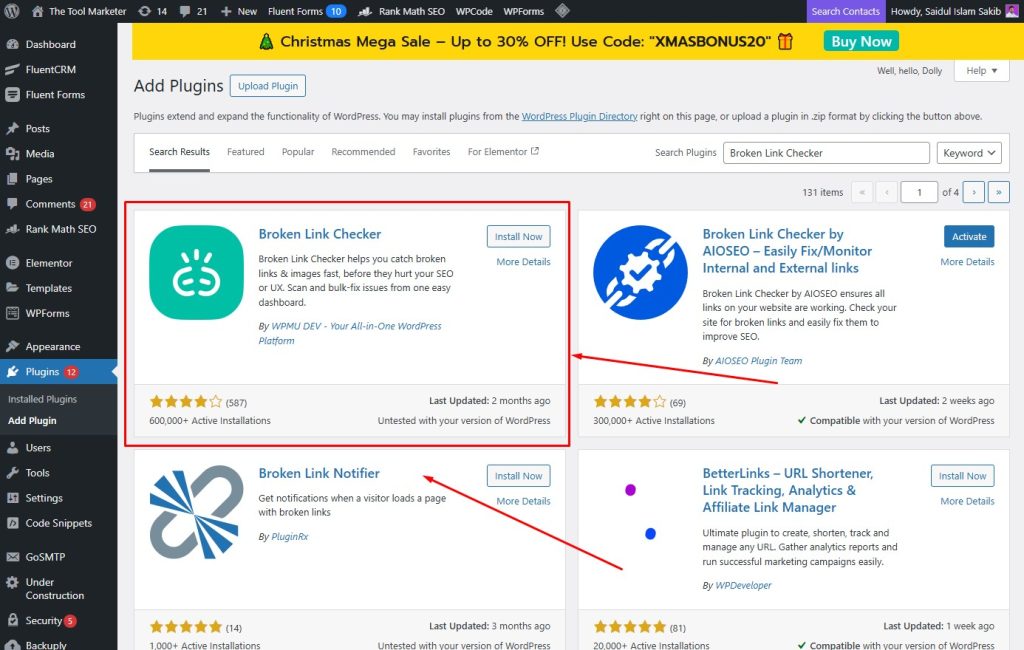
Broken Link Checker automatically monitors your WordPress site for broken links that damage SEO and frustrate visitors. The plugin detects broken internal and external links, sends email notifications when problems arise, enables bulk editing and fixing, and redirects broken URLs to working pages. Established sites with extensive content and numerous external references need this protection. Broken links signal poor maintenance to Google, hurting rankings before you notice the problem manually.
Key features:
- Automatic broken link detection continuously monitors all internal and external links
- Email notifications alert you immediately when new broken links are discovered
- Bulk editing tools let you fix multiple broken links simultaneously
- Automatic redirect options send visitors to working pages instead of 404 errors
Pros:
- Prevents SEO damage by catching broken links before Google penalizes you
- Set-and-forget monitoring runs automatically in the background without attention
- Works seamlessly with any main SEO plugin as complementary protection
Cons:
- Database-intensive scanning can slow down huge sites during checks
- Only handles link monitoring, so you need a complete SEO plugin
Best for: Established sites with lots of content
Pricing: Free. Pro costs $39/year.
Final Thoughts
The best SEO plugins for WordPress depend on your experience and budget.
Beginners should start with All in One SEO or Yoast SEO for excellent setup wizards.
Budget-conscious users win with Rank Math’s free version that rivals paid plugins.
Agencies benefit from SEOPress or AIOSEO for white-label features.
Pick one plugin, install it, run the setup wizard, and start optimizing. Any plugin on this list beats having none at all. To complement your plugin and maximize your rankings, explore the best on-page SEO tools that work alongside these WordPress solutions.
Your content deserves to rank. Give it the technical foundation with the right SEO plugin.
Frequently Asked Questions
What is the best SEO plugin for WordPress in 2026?
All in One SEO (AIOSEO) is the best overall choice for beginners thanks to its setup wizard. Rank Math offers the best free option. Yoast SEO works best for extensive documentation. Choose based on your experience and budget.
Is Yoast SEO better than Rank Math for WordPress?
Rank Math offers more free features, including multiple keywords and advanced schema. Yoast provides better education and a larger community. Rank Math costs less for the premium. Most users find Rank Math a better value, but Yoast wins for complete beginners.
What is the best free SEO plugin for WordPress?
Rank Math Free is the most potent free option with features that other plugins charge for. The SEO Framework works better for automatic optimization without configuration.
Which is the lightest SEO plugin for WordPress?
The SEO Framework and Slim SEO are lightest with minimal code and automatic optimization. Both have almost no impact on site speed.
Do I need a paid SEO plugin, or is a free one enough?
Free plugins work fine for personal blogs and small websites. Upgrade when you need automated internal linking, multiple site licenses, priority support, local SEO, or WooCommerce optimization.
What is the best SEO software for WordPress beginners?
All in One SEO (AIOSEO) is best for complete beginners. The setup wizard configures everything automatically. Yoast SEO also works well with its traffic light system.
Which SEO plugin is best for WooCommerce stores?
Rank Math includes free WooCommerce features. AIOSEO offers good support in its Pro plan. Yoast requires a $178.80/year WooCommerce add-on. For budget stores, choose Rank Math.
How do SEO plugins help WordPress sites rank on Google?
SEO plugins automate technical tasks for ranking. They create XML sitemaps, add schema markup, optimize meta titles, generate heading structures, fix broken links, and improve page speed.
How do I install and set up an SEO plugin on WordPress?
Go to Plugins, click Add New, search for your plugin, click Install, then Activate. Most plugins launch a setup wizard automatically. Answer questions and connect to Google Search Console.
Can I use Yoast SEO and Rank Math together on WordPress?
Never run two full SEO plugins simultaneously. They conflict, leading to duplicate meta tags and broken sitemaps. Choose one main plugin.
Which SEO plugins are safe to use together?
Use one main SEO plugin (AIOSEO, Yoast, or Rank Math) plus specialized plugins like WP Rocket (speed), Link Whisper (internal linking), and Broken Link Checker.
How do SEO plugins impact WordPress site speed?
The SEO Framework and Slim SEO add minimal load time. AIOSEO, Yoast, and Rank Math add slightly more but remain reasonable—poor-quality plugins slow sites significantly.
What is the fastest SEO plugin for WordPress?
The SEO Framework is the fastest, adding almost no load time. Slim SEO comes second. All three major plugins perform acceptably on modern hosting.
How do I migrate from Yoast SEO to All in One SEO?
Install AIOSEO. Go to settings, find Import/Export, select Yoast, and click Import. AIOSEO transfers all data automatically. Verify, then deactivate Yoast. Takes about 5 minutes.
How do I switch from Rank Math to another SEO plugin?
Install your new plugin. Find Import or Migration in settings, select Rank Math, and start importing. Check that the settings were transferred correctly. Deactivate Rank Math, then delete. Always back up first.
Share