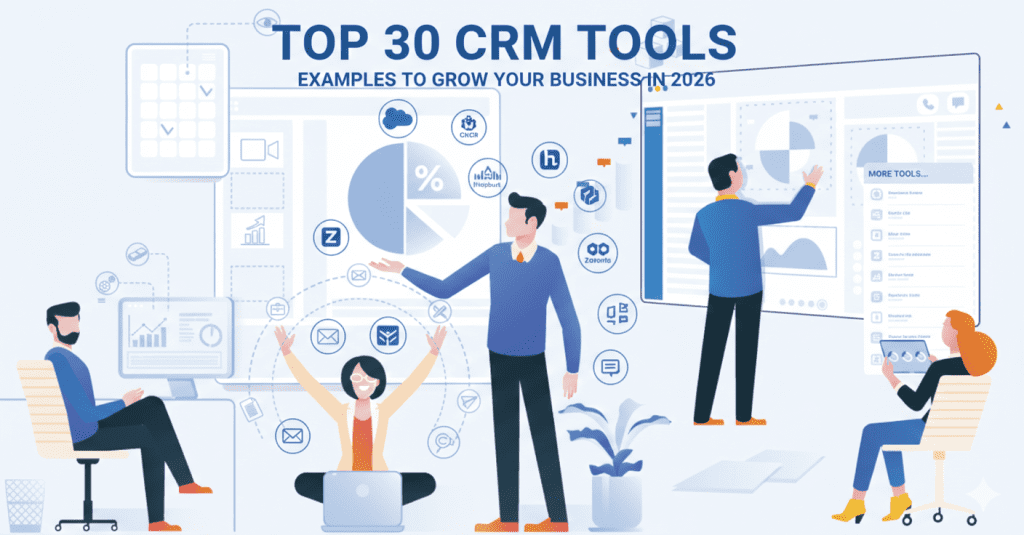
Finding the right customer relationship management software can feel overwhelming. With hundreds of options available, how do you know which CRM tool will actually help your business grow?
Whether you’re a startup founder juggling multiple tasks or a marketing professional looking to streamline your workflow, choosing the right CRM can make or break your customer relationships. The good news? You’re about to discover 30 real CRM tools examples that successful businesses use every day.
In this guide, you’ll learn what CRM tools do, see actual CRM tools examples with pricing, and find the perfect solution for your team. Let’s dive in.
Table of Contents
What Are CRM Tools?
CRM tools are software systems that help businesses manage their customer relationships and sales processes. Think of them as your digital command center for everything related to your customers.
A CRM tool stores contact information, tracks every interaction with prospects and customers, and helps your team work together more effectively. Instead of scattered spreadsheets and sticky notes, everything lives in one organized place.
Modern CRM tools go beyond simple contact management. They automate repetitive tasks, provide insights about your customers, and help you spot opportunities to grow your business. Whether you’re sending follow-up emails or analyzing sales trends, a good CRM handles the heavy lifting.
Small businesses use CRM tools to compete with larger companies. Sales teams use them to close more deals. Marketing professionals rely on them to run targeted campaigns. The common thread? Everyone saves time and builds stronger customer relationships.
What Does a CRM Tool Do?
A CRM tool manages the entire customer journey from first contact to long-term relationship. Here’s what happens behind the scenes.
When someone visits your website or calls your business, the CRM automatically captures their information. It tracks emails, phone calls, meetings, and every touchpoint with your team. This creates a complete history you can review anytime.
Your sales team sees exactly where each prospect stands in the buying process. They get reminders to follow up at the right time. Marketing can send personalized messages based on customer behavior. Support teams access past conversations to solve problems faster.
CRM tools also generate reports that show what’s working and what’s not. You can forecast sales, track team performance, and identify your most valuable customers. These insights help you make smarter business decisions.
The best part? Most CRMs automate routine tasks like data entry, appointment scheduling, and follow-up emails. This frees your team to focus on building relationships instead of pushing paperwork.
What Are the Main Features of CRM Tools?
Every CRM tool offers different capabilities, but the best ones share some core features that drive real results.
Contact Management sits at the heart of any CRM. It stores names, email addresses, phone numbers, and company details in one searchable database. You can segment contacts into groups, add custom fields, and automatically track every interaction.
Sales Pipeline Tracking shows you exactly where each deal stands. Visual boards let you drag and drop opportunities through different stages. You’ll spot bottlenecks quickly and forecast revenue more accurately.
Marketing Automation helps you nurture leads without manual work. Set up email sequences that trigger based on customer actions. Create landing pages, track campaign performance, and automatically score leads.
Customer Service Tools bring support requests into your CRM. Your team can manage tickets, track response times, and access customer history instantly. Happy customers stick around longer.
Analytics and Reporting turn raw data into actionable insights. Built-in dashboards show sales trends, team performance, and ROI. Custom reports help you answer specific business questions.
Mobile Access keeps you connected on the go. Modern CRMs offer mobile apps that let you update deals, respond to customers, and check your pipeline from anywhere.
Integrations connect your CRM with other business tools. Link it to your email, calenda
What Are CRM Tools Used For?
Businesses use CRM tools to solve real problems and create better customer experiences. Here are the most common ways teams use CRMs.
Lead Management keeps potential customers organized from the moment they show interest. Capture leads from your website, social media, and advertising campaigns. Track which marketing efforts bring in the best prospects.
Sales Tracking gives your team visibility into every deal. Identify opportunities that need attention, track sales activities, and measure progress toward goals. Sales managers can coach reps based on actual performance data.
Marketing Campaigns become more effective with CRM tools. Segment your audience, send targeted messages, and measure results. You’ll know which campaigns drive revenue instead of guessing.
Customer Support improves when your team has complete context. Support reps see purchase history, past issues, and preferences before answering questions. This speeds up resolution and increases satisfaction.
Team Collaboration gets easier with shared customer data. Everyone sees the same information and can add notes, assign tasks, and coordinate activities. No more asking “who talked to this customer last?”
Data Analysis reveals patterns you’d otherwise miss. Identify your most profitable customers, spot seasonal trends, and predict future sales. Make decisions based on facts, not hunches.
What Are the Best CRM Tools Examples?
Let’s look at 30 real CRM tools that businesses use to manage customer relationships and drive growth. Each one offers unique strengths for different needs and budgets.
1. HubSpot CRM

HubSpot revolutionized CRM by offering a robust platform completely free, eliminating barriers for startups. The platform seamlessly integrates marketing, sales, and service hubs, with an intuitive interface that requires minimal training.
The free tier includes unlimited contacts and users. Start free and add paid features as you scale, transforming into an enterprise solution without switching platforms.
Key Features:
- Unlimited contacts and users on the free plan.
- Email tracking and templates.
- Meeting scheduler.
- Pipeline management.
- Marketing automation (paid plans).
Best For: Businesses wanting an all-in-one platform that grows with them.
Pricing: Free forever. Paid plans start at $15/month per seat.
2. Salesforce
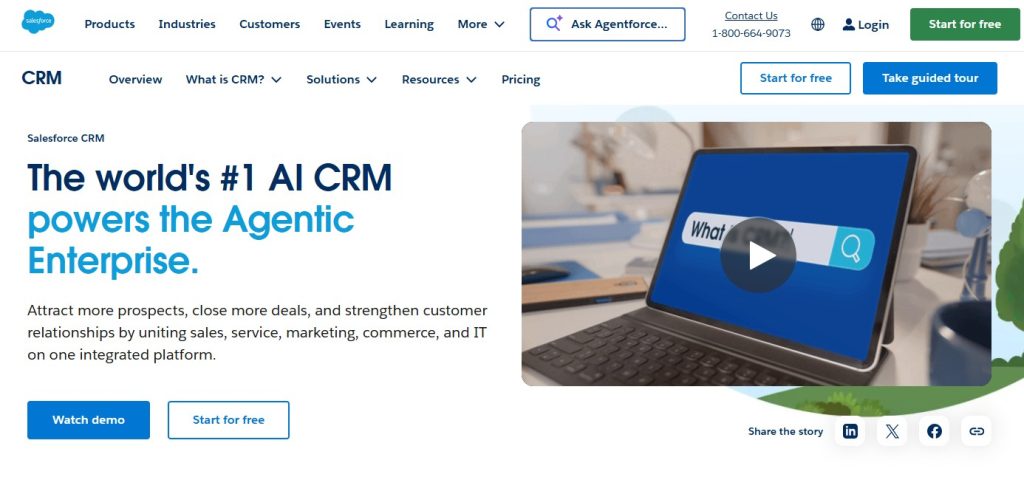
Salesforce leads enterprise CRM serving 150,000+ companies with unparalleled customization. Einstein AI adds predictive analytics, while AppExchange offers thousands of integrations.
Requires dedicated administrators and a steep learning curve, but delivers unmatched capabilities for complex sales processes.
Key Features:
- Advanced workflow automation.
- Einstein AI predictions.
- Extensive reporting capabilities.
- AppExchange marketplace.
- Multi-cloud solutions.
Best For: Medium to large businesses needing highly customizable solutions.
Pricing: Starts at $25/user/month.
3. Zoho CRM
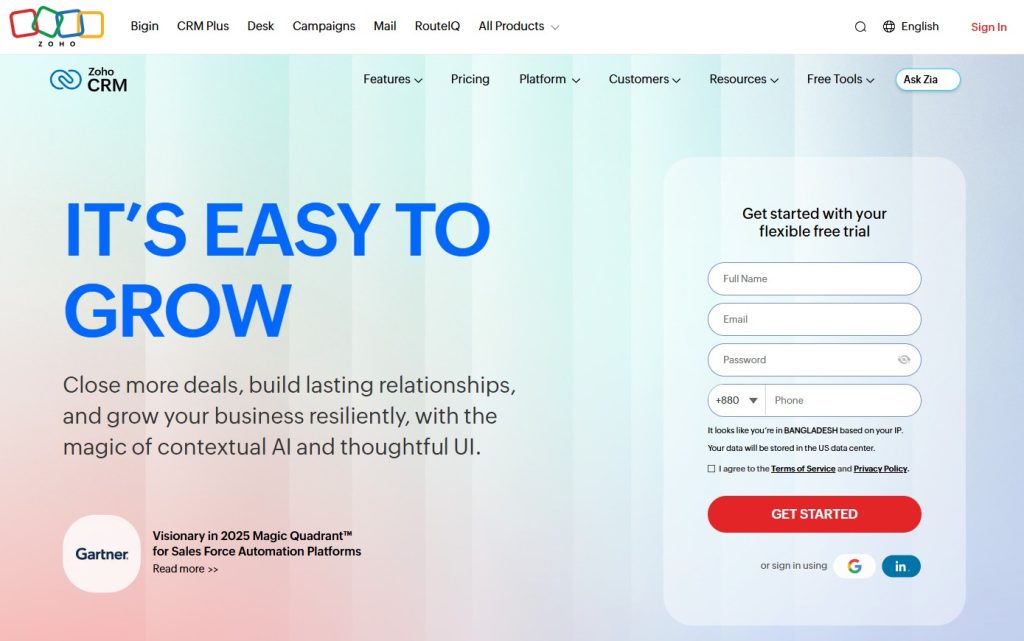
Zoho delivers enterprise-grade functionality at small-business prices, integrating with 40+ applications to eliminate data silos.
Zia AI predicts deals and recommends actions. Canvas creates custom interfaces without coding, while social integration tracks mentions alongside sales.
Key Features:
- AI sales assistant (Zia).
- Social media integration.
- Inventory management.
- Canvas design studio.
- Advanced analytics.
Best For: Cost-conscious businesses wanting enterprise features.
Pricing: Free for up to 3 users. Paid plans start at $14/user/month.
4. Pipedrive
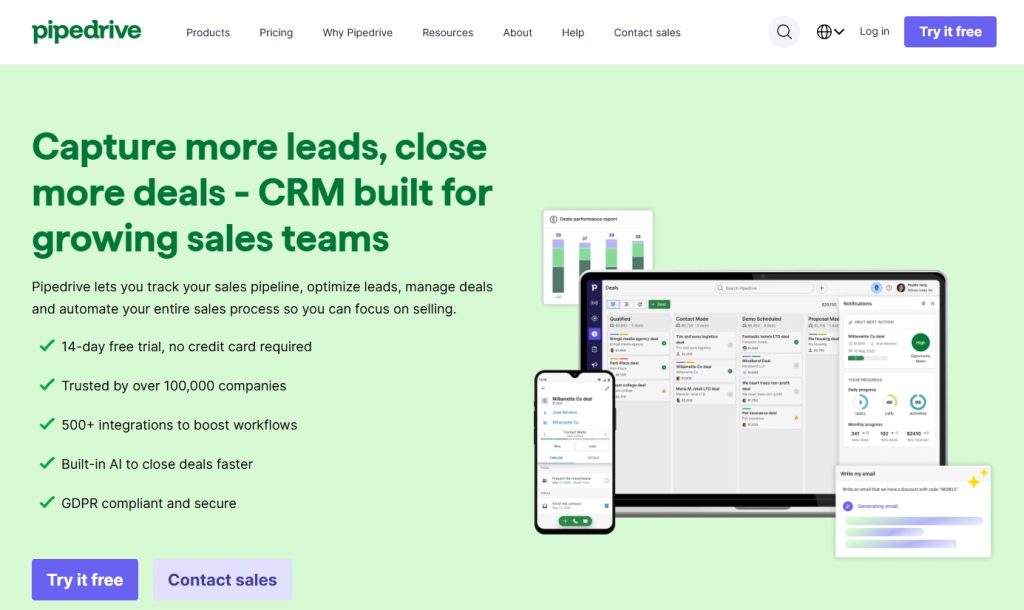
Built by salespeople for salespeople, Pipedrive‘s visual pipeline shows deal status and bottlenecks instantly. Activity-based selling emphasizes concrete tasks over abstract goals.
Email integration and mobile functionality keep field sales productive anywhere with automatic Tracking.
Key Features:
- Visual sales pipeline.
- Activity reminders.
- Email integration.
- Goal tracking.
- Sales reporting.
Best For: Sales-focused teams wanting intuitive pipeline management.
Pricing: Starts at $14/user/month.
5. Monday Sales CRM
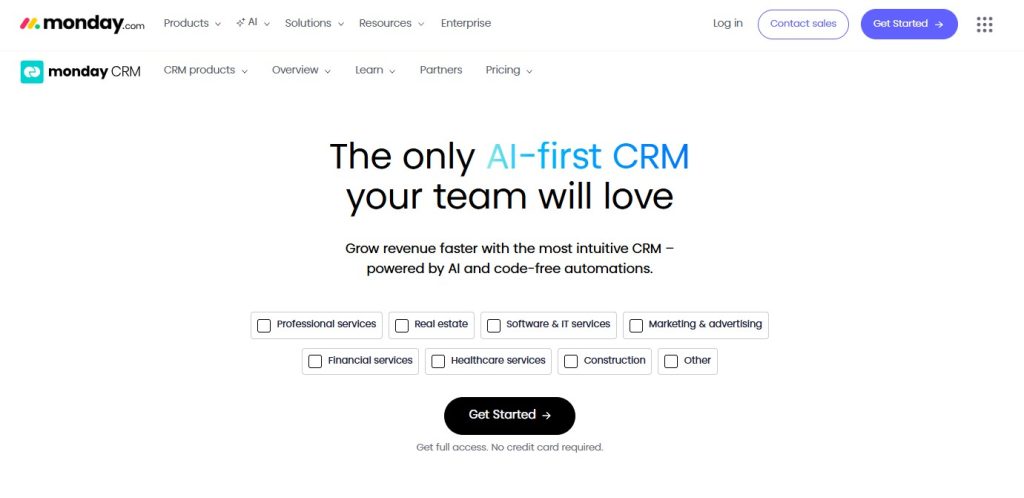
Monday brings colorful visual boards with extensive customization, matching exact workflows without forcing adaptation.
No-code automation eliminates repetitive tasks while providing real-time visibility across teams.
Key Features:
- Customizable workflows.
- Email sync and Tracking.
- Lead-capturing forms.
- Automation recipes.
- Integration hub.
Best For: Teams already using Monday.com or wanting visual customization.
Pricing: Starts at $10/seat/month (3 seats minimum).
6. Freshworks (Freshsales)
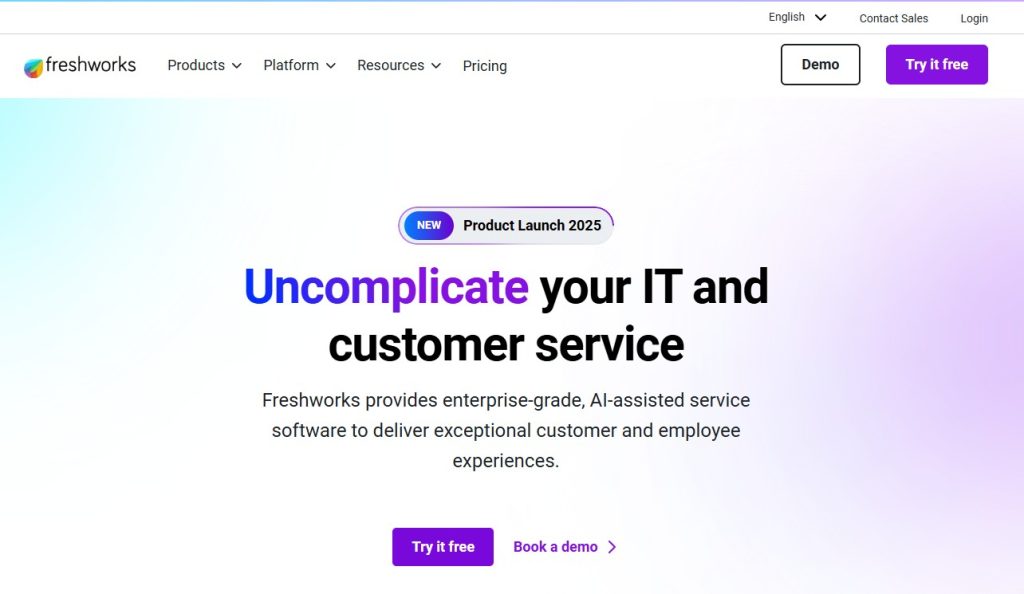
Freshworks provides built-in calling, emailing, and communication tracking, eliminating the need for third-party integrations.
Freddy AI analyzes deal health and identifies high-probability opportunities. Visual sequences ensure consistent campaigns across teams.
Key Features:
- Built-in phone and email.
- AI-based lead scoring.
- Sales sequences.
- Deal management.
- Freddy AI assistant.
Best For: Teams wanting built-in communication tools.
Pricing: Free plan available. Paid plans start at $9/user/month.
7. ActiveCampaign
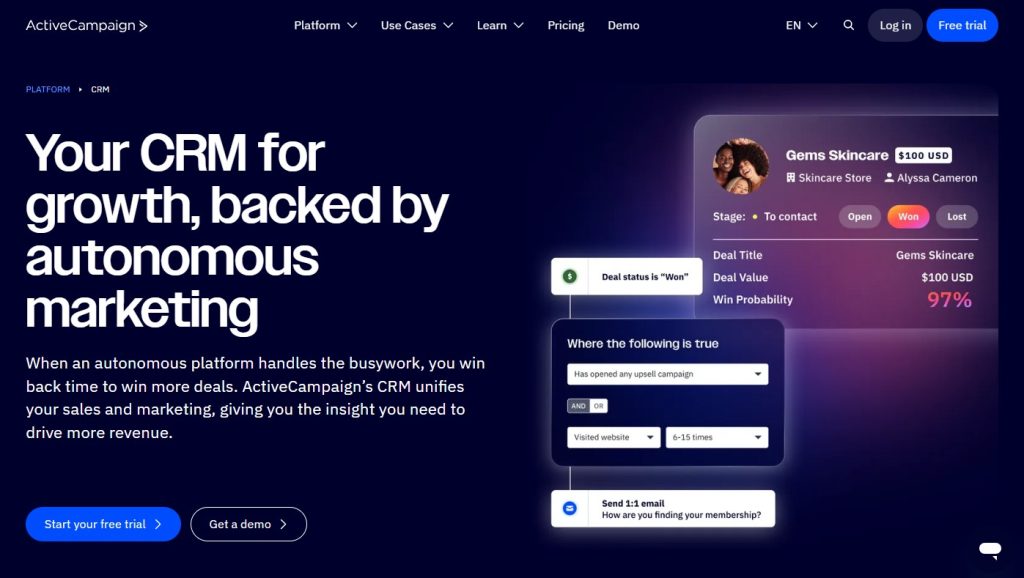
ActiveCampaign combines email marketing with a comprehensive CRM and automation, rivalling dedicated platforms. Create sophisticated workflows based on customer behavior.
Advanced segmentation enables precise targeting. CRM integration triggers campaigns at deal stages for seamless journeys.
Key Features:
- Advanced email marketing.
- Marketing automation.
- Lead Scoring.
- Sales automation.
- Customer segmentation.
Best For: Marketing teams prioritizing email campaigns and automation.
Pricing: Starts at $15/month.
8. Salesflare
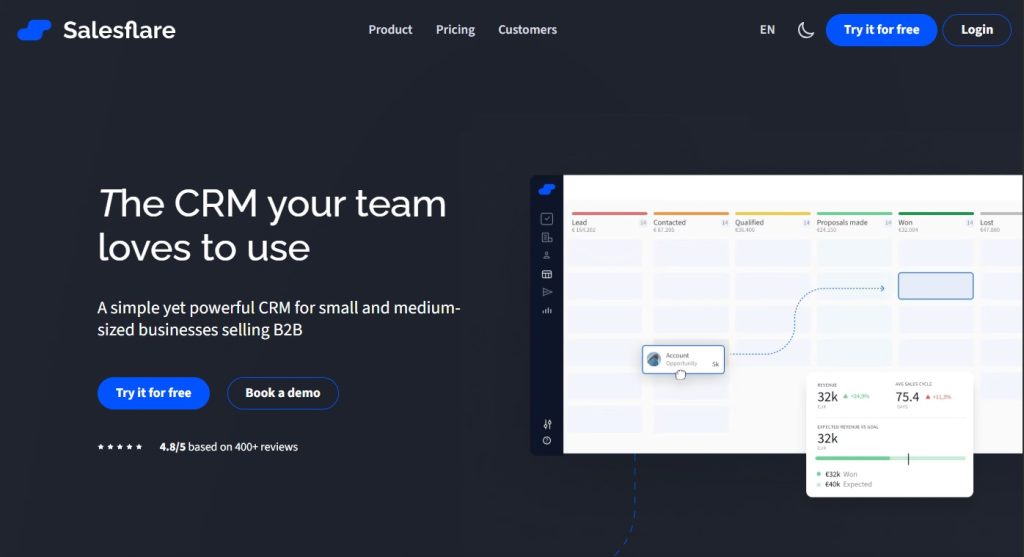
Salesflare eliminates data entry by automatically capturing contact information and tracking interactions without manual logging.
B2B-focused automation surfaces relevant information at the right moments. LinkedIn integration and mobile keep small teams productive.
Key Features:
- Automated data entry.
- Email tracking.
- Meeting tracking.
- LinkedIn integration.
- Mobile app.
Best For: B2B sales teams wanting automated data management.
Pricing: Starts at $29/user/month.
9. Close
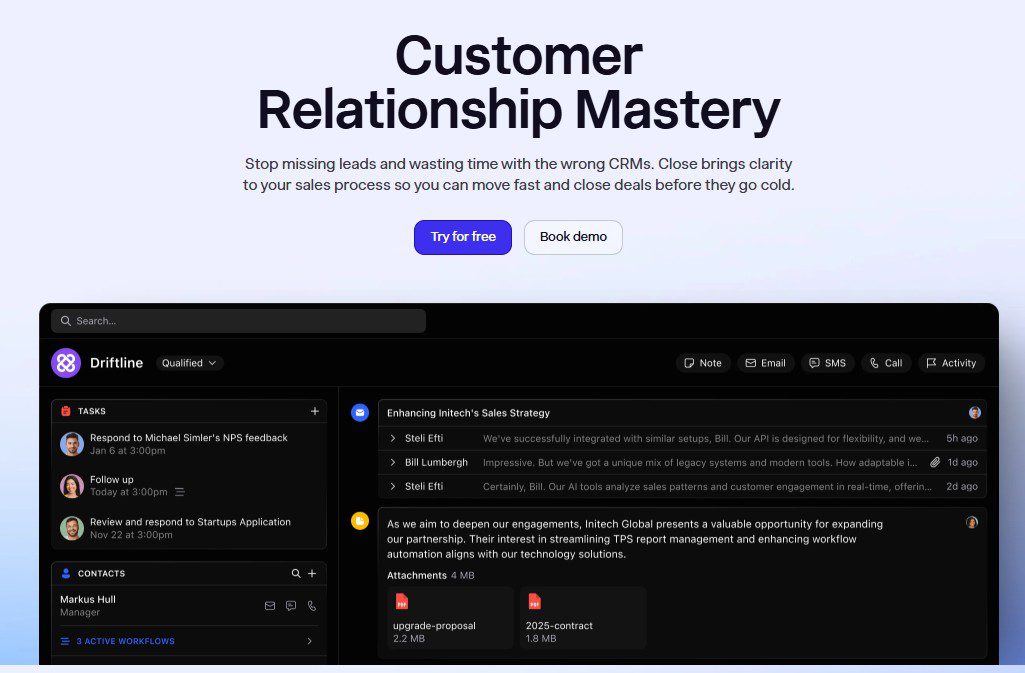
Close is purpose-built for inside sales, with built-in calling and SMS, eliminating the need for a separate phone system.
Power dialer blasts through call lists efficiently. Email sequences integrate calling and emailing into automated campaigns.
Key Features:
- Built-in calling.
- SMS messaging.
- Email sequences.
- Pipeline management.
- Power dialer.
Best For: Inside sales teams making lots of calls.
Pricing: Starts at $19/user/month.
10. EngageBay
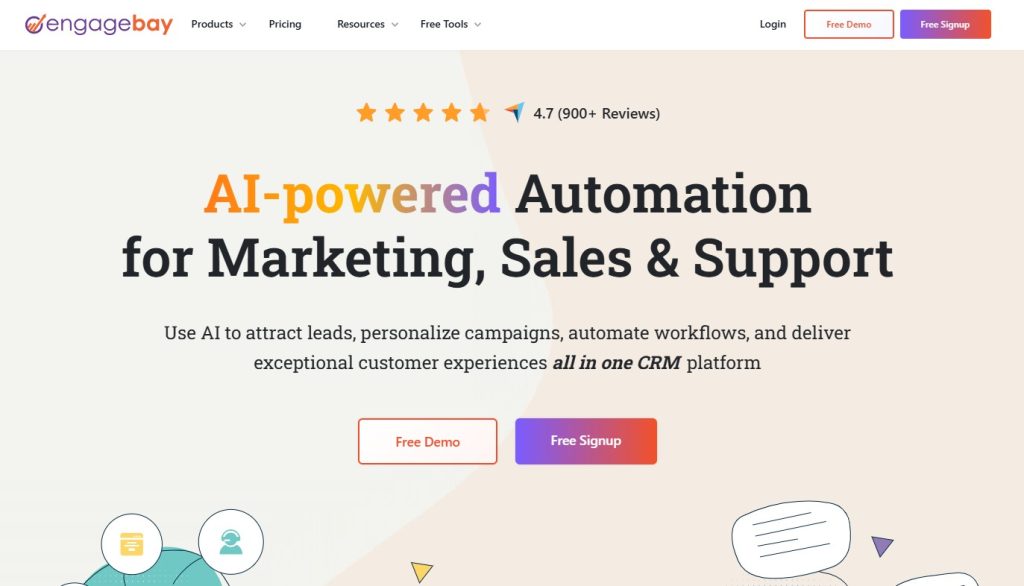
EngageBay offers all-in-one CRM, marketing automation, and helpdesk at affordable prices, consolidating subscriptions.
360-degree customer view unifies marketing, sales, and service data. Marketing automation rivals standalone platforms with campaigns and live chat.
Key Features:
- 360-degree customer view.
- Marketing automation.
- Live chat.
- Email templates.
- Landing pages.
Best For: Small businesses wanting all-in-one affordability.
Pricing: Free plan available. Paid plans start at $13.79/user/month.
11. Microsoft Dynamics 365
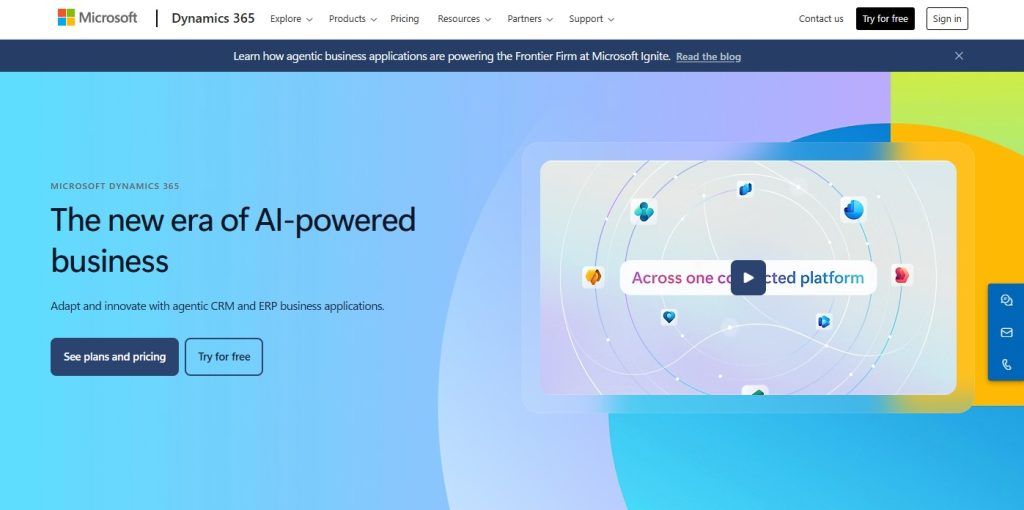
Microsoft Dynamics integrates deeply with Office 365 and Teams, providing seamless data flow for Microsoft-standardized organizations.
Combines CRM and ERP, eliminating silos. LinkedIn Sales Navigator integration offers exclusive social selling capabilities powered by AI-driven insights.
Key Features:
- Office 365 integration.
- AI insights.
- Customer service tools.
- Field service management.
- LinkedIn Sales. Navigator integration
Best For: Microsoft-centric enterprises needing CRM and ERP.
Pricing: Starts at $65/user/month.
12. Insightly
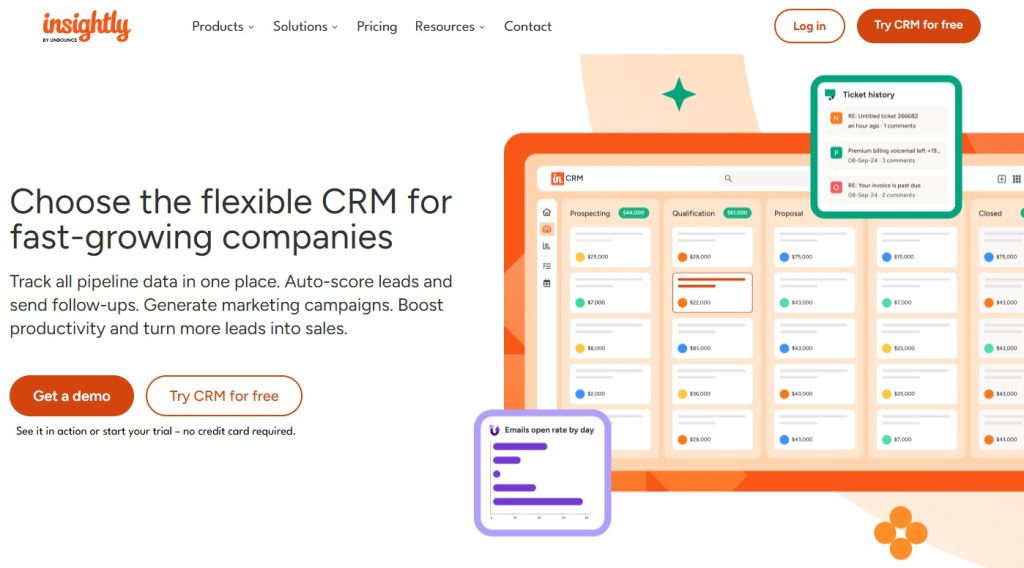
Insightly bridges CRM and project management for service businesses. Convert won deals into projects with milestones to prevent detail loss.
Project capabilities include Gantt charts and time tracking. Workflow automation ensures consistent client experiences across phases.
Key Features:
- Project management.
- Workflow automation.
- Lead routing.
- Email tracking.
- Custom reporting.
Best For: Service businesses that need project tracking within their CRM.
Pricing: Free for 2 users. Paid plans start at $29/user/month.
13. Nimble
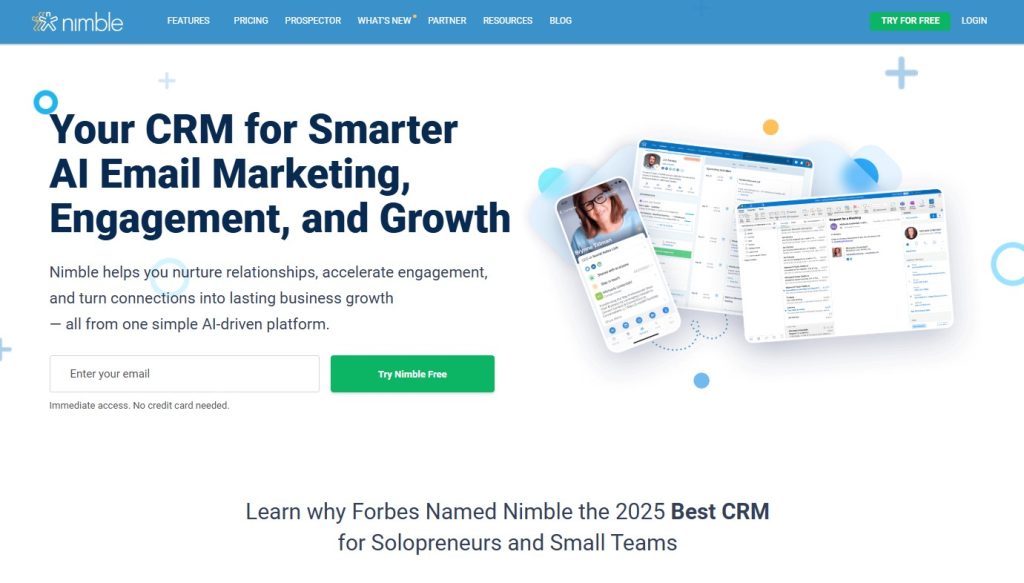
Nimble enriches contacts with social media data, pulling LinkedIn profiles, Twitter activity, and news mentions for conversation context.
Browser extension transforms social networks into CRM interfaces. Group messaging enables personalized bulk outreach, maintaining individual context.
Key Features:
- Social media integration.
- Contact enrichment.
- Group messaging.
- Pipeline management.
- Browser extension.
Best For: Businesses leveraging social selling.
Pricing: Starts at $24.90/user/month.
14. Keap (Infusionsoft)
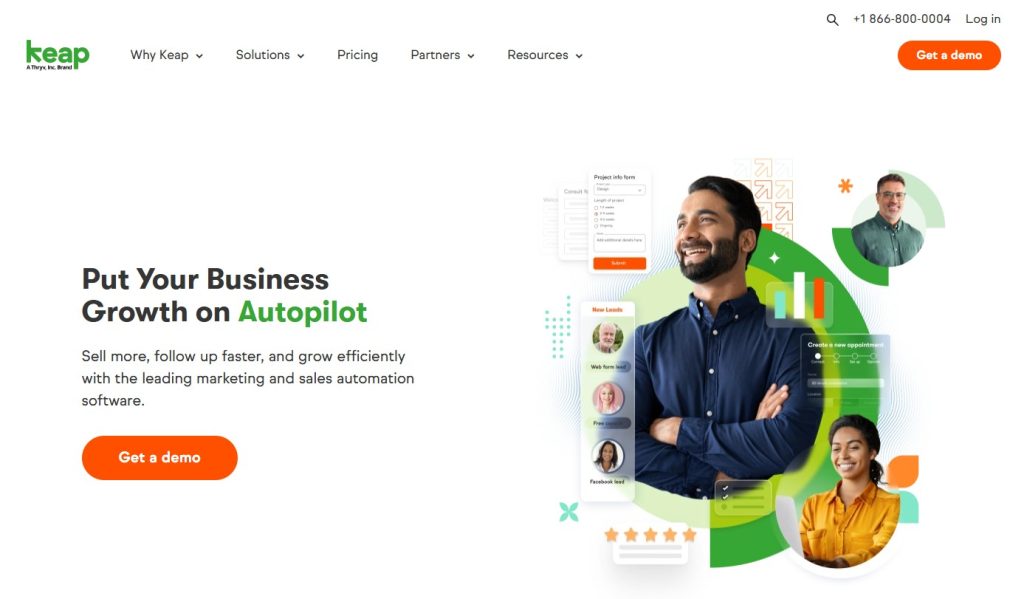
Keap specialises in small-business automation, combining CRM with marketing and sales tools to automate first contact and post-sale follow-up.
Landing pages capture leads and feed them into automated sequences. Payment processing and appointment scheduling integrate directly, streamlining the buyer experience.
Key Features:
- Marketing automation.
- Landing pages.
- Payment processing.
- Appointment scheduling.
- Text marketing.
Best For: Small businesses wanting comprehensive automation.
Pricing: Starts at $159/month.
15. Agile CRM
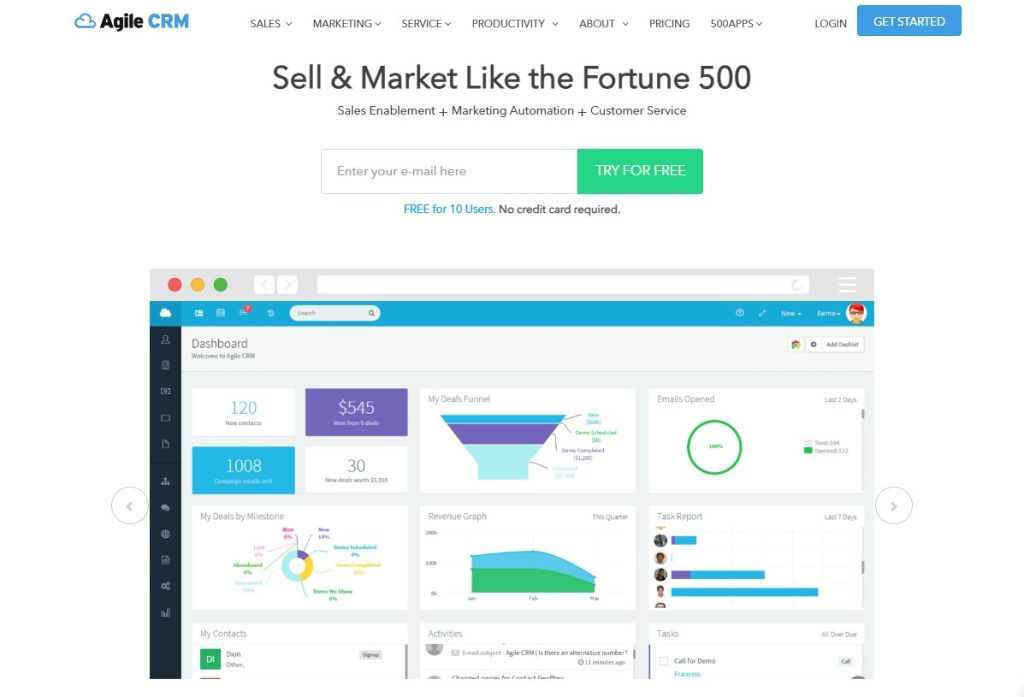
Agile delivers sales, marketing, and service automation at competitive prices. Free tier supports 10 users for bootstrapped startups.
Marketing automation includes campaigns and social integration. Built-in telephony makes calls with automatic logging alongside helpdesk support.
Key Features:
- Marketing automation.
- Telephony integration.
- Web analytics.
- Helpdesk.
- Mobile app.
Best For: Budget-conscious teams wanting all-in-one functionality.
Pricing: Free for up to 10 users. Paid plans start at $14.99/user/month.
16. Capsule CRM
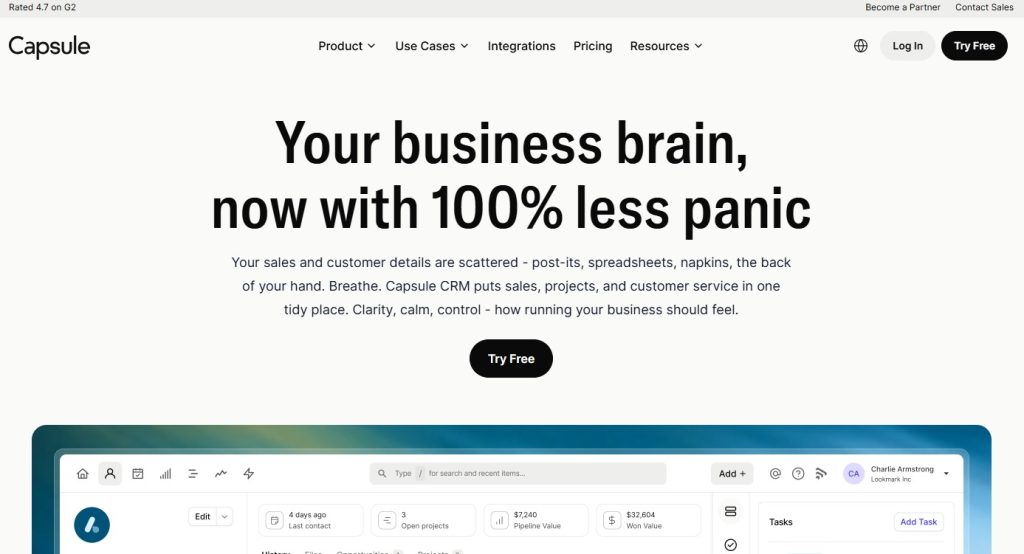
Capsule focuses on essentials without overwhelming features. A clean interface makes users productive within hours.
Unlimited custom fields track business-specific data. The sales pipeline provides visibility through email and calendar integration, reducing manual entry.
Key Features:
- Contact management.
- Sales pipeline.
- Task management.
- Email integration.
- Custom fields.
Best For: Small teams wanting simplicity and ease of use.
Pricing: Free for 2 users. Paid plans start at $18/user/month.
17. Nutshell
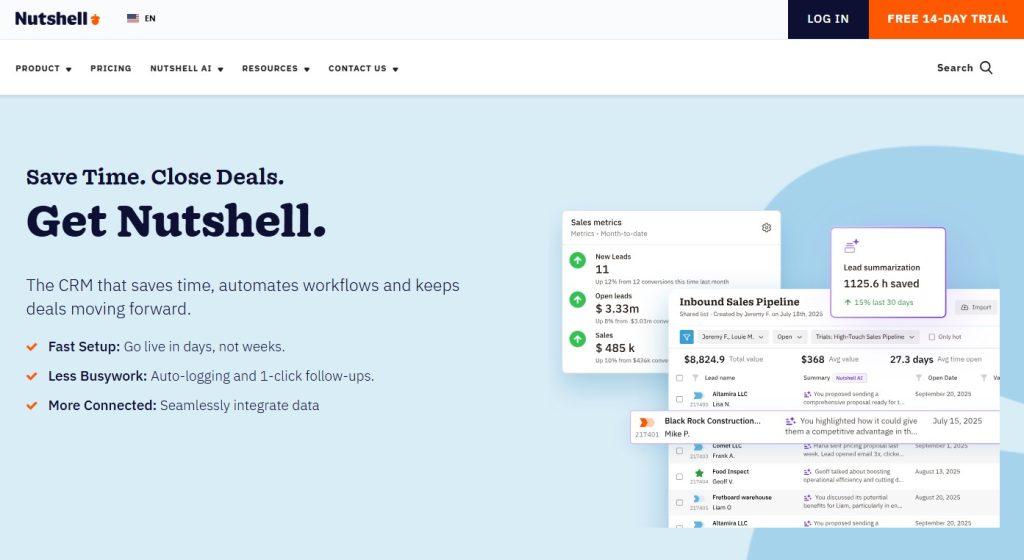
Nutshell combines CRM and email marketing for B2B companies, eliminating complexity while maintaining power.
Built-in email marketing shows revenue generation, not just engagement. Pre-built dashboards transform data into insights without technical expertise.
Key Features:
- Sales automation.
- Email marketing.
- Lead generation.
- Reporting dashboards.
- Mobile app.
Best For: Small to mid-size B2B companies.
Pricing: Starts at $16/user/month.
18. Less Annoying CRM
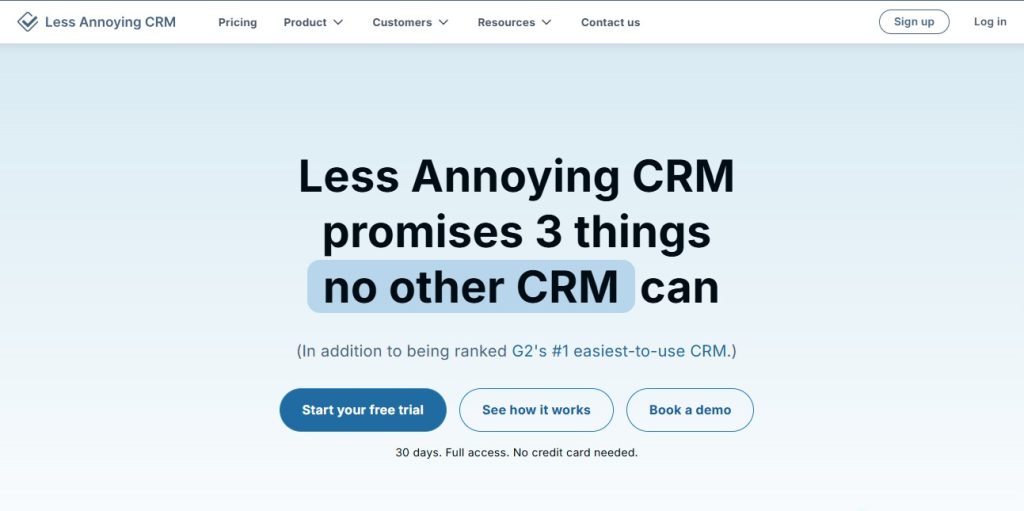
Less Annoying eliminates CRM frustration with simple management at one flat rate. No complex features, confusing tiers, or pushy upsells.
Interface prioritizes usability with quick loading. Real human support answers questions without chatbots or outsourcing.
Key Features:
- Contact management.
- Calendar.
- Task management.
- Pipeline tracking.
- Simple interface.
Best For: Very small businesses looking for a no-frills CRM.
Pricing: $15/user/month (flat rate).
19. Copper CRM
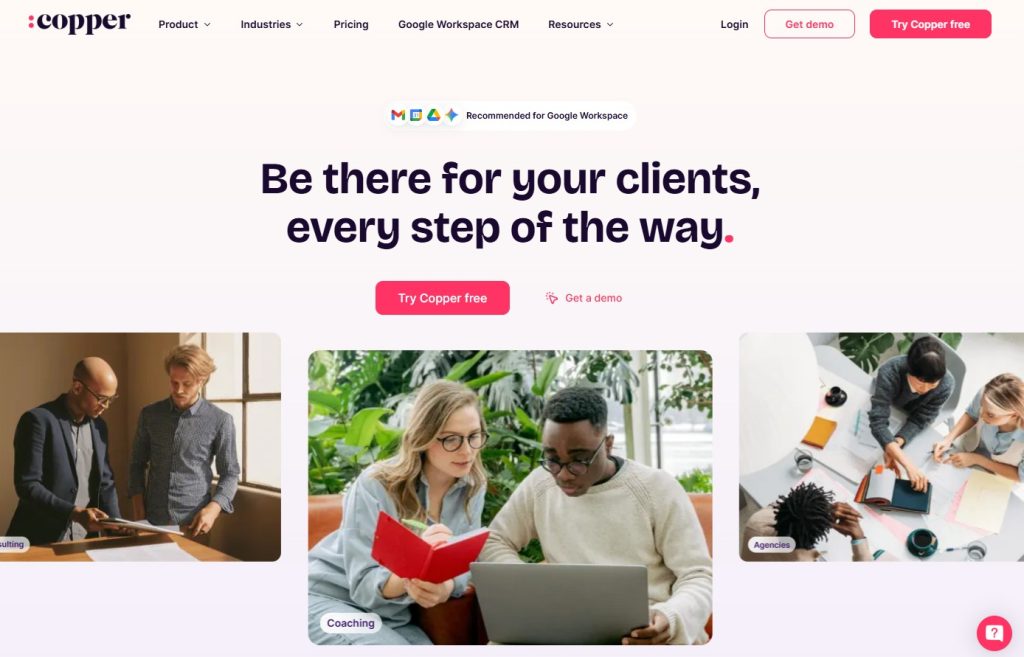
Copper integrates deeply with Google Workspace, feels like a native Google application, and eliminates context switching.
Contact information appears in the Gmail sidebar. View deals and update records without leaving the inbox. Google Calendar syncs logs meetings automatically.
Key Features:
- Gmail integration.
- Google Calendar sync.
- Chrome extension.
- Relationship intelligence.
- Pipeline management.
Best For: Teams living in Google Workspace.
Pricing: Starts at $12/user/month.
20. Streak CRM
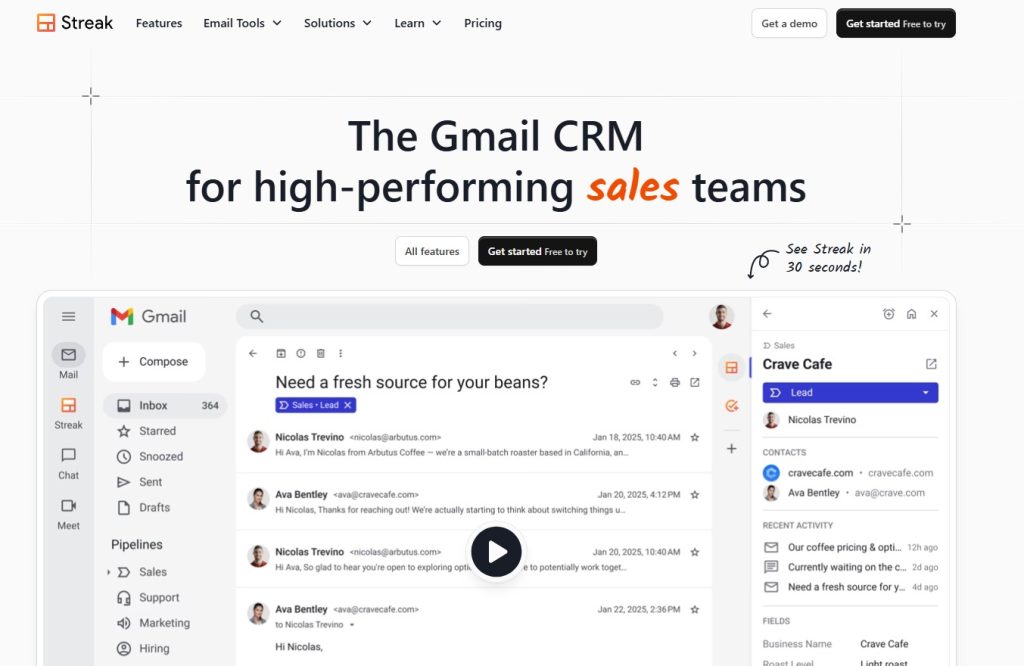
Streak runs entirely inside Gmail, transforming the inbox into a complete CRM for small teams managing business through email.
Pipeline management happens in Gmail through customizable views. Email tracking shows opens for perfect follow-up timing. Mail merge enables personalized outreach.
Key Features:
- Gmail sidebar.
- Email tracking.
- Pipeline management.
- Mail merge.
- Snippets.
Best For: Solo entrepreneurs and small teams using Gmail.
Pricing: Free plan available. Paid plans start at $59/user/month.
21. Zendesk Sell
Zendesk Sell focuses on sales productivity with a modern, mobile-optimised interface that makes updates effortless.
Email intelligence analyzes communication patterns to surface essential conversations. Integration with Zendesk Support unifies sales and service with shared profiles.
Key Features:
- Sales engagement.
- Pipeline visualization.
- Email intelligence.
- Mobile app.
- Reporting.
Best For: Sales teams already using Zendesk Support.
Pricing: Starts at $19/user/month.
22. Apptivo
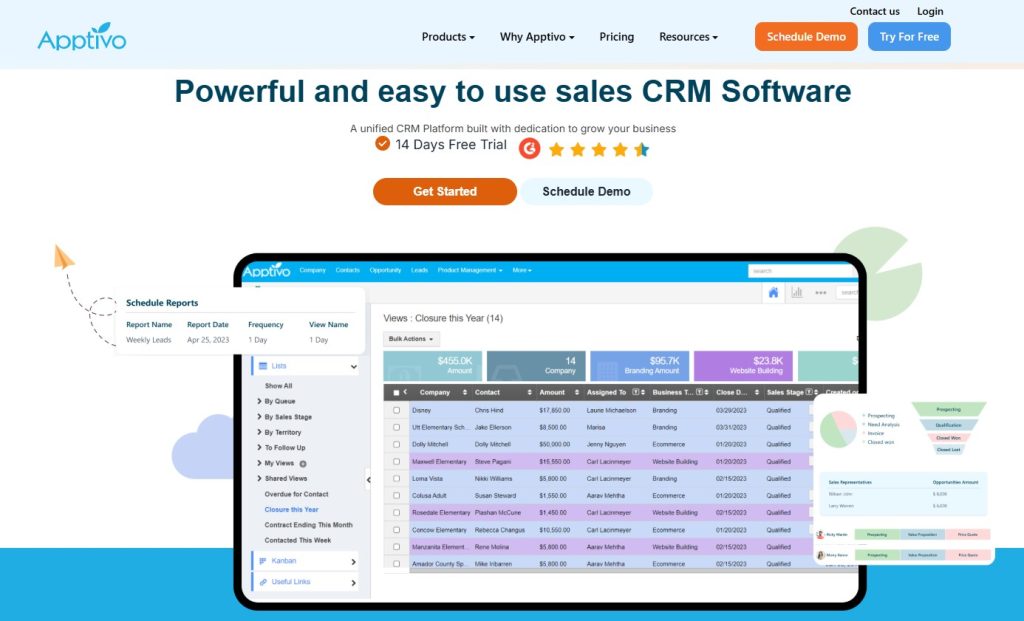
Apptivo offers extensive customization with modular apps for invoicing and projects. Start with CRM, then add functionality as needed.
The customization engine modifies everything without coding. Create custom objects and workflows. API access enables technical integrations.
Key Features:
- Customizable apps.
- Project management.
- Invoicing.
- Supply chain management.
- Mobile access.
Best For: Businesses looking for a customizable all-in-one solution.
Pricing: Free for up to 3 users. Paid plans start at $20/user/month.
23. NetSuite CRM
NetSuite provides enterprise CRM integrated with ERP, ecommerce, and financial management, eliminating data silos.
Order management connects sales, fulfillment, and invoicing. Global capabilities support multi-currency transactions and international compliance.
Key Features:
- ERP integration.
- Order management.
- Customer service.
- Ecommerce.
- Financial planning.
Best For: Large enterprises needing CRM with ERP.
Pricing: Custom pricing (typically starts around $1,999/month).
24. SugarCRM
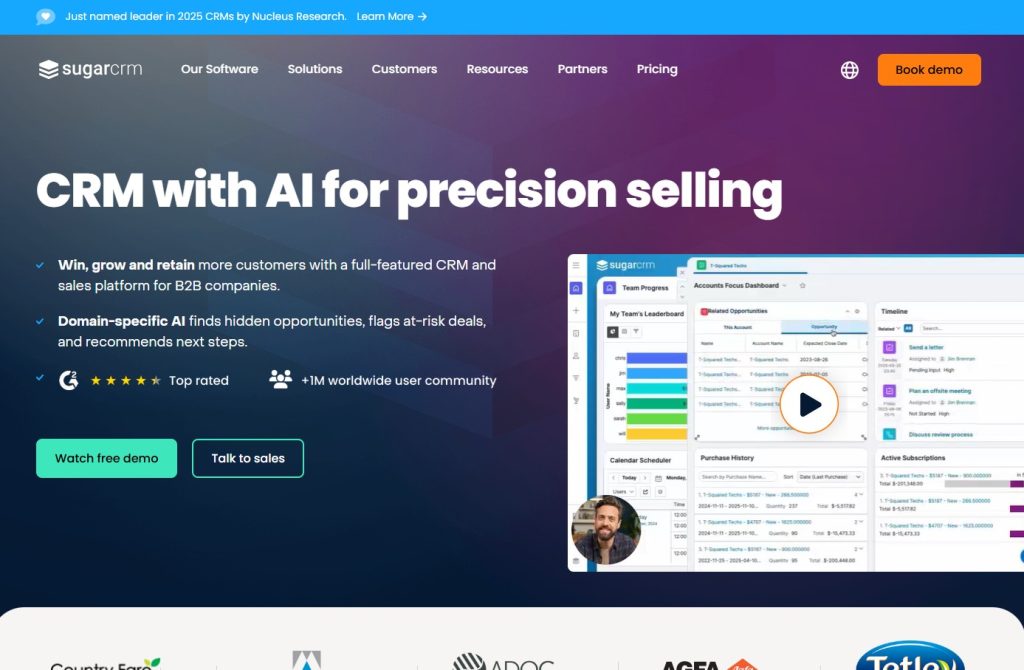
SugarCRM offers open-source flexibility, enabling complete platform control and extensive customization for specific requirements.
Marketing automation rivals dedicated platforms with campaign management. Customer service includes case management, knowledge base, and self-service portals.
Key Features:
- Sales automation.
- Marketing automation.
- Customer service.
- Mobile app.
- Customization options.
Best For: Businesses wanting open-source flexibility.
Pricing: Starts at $59/user/month.
25. Bitrix24
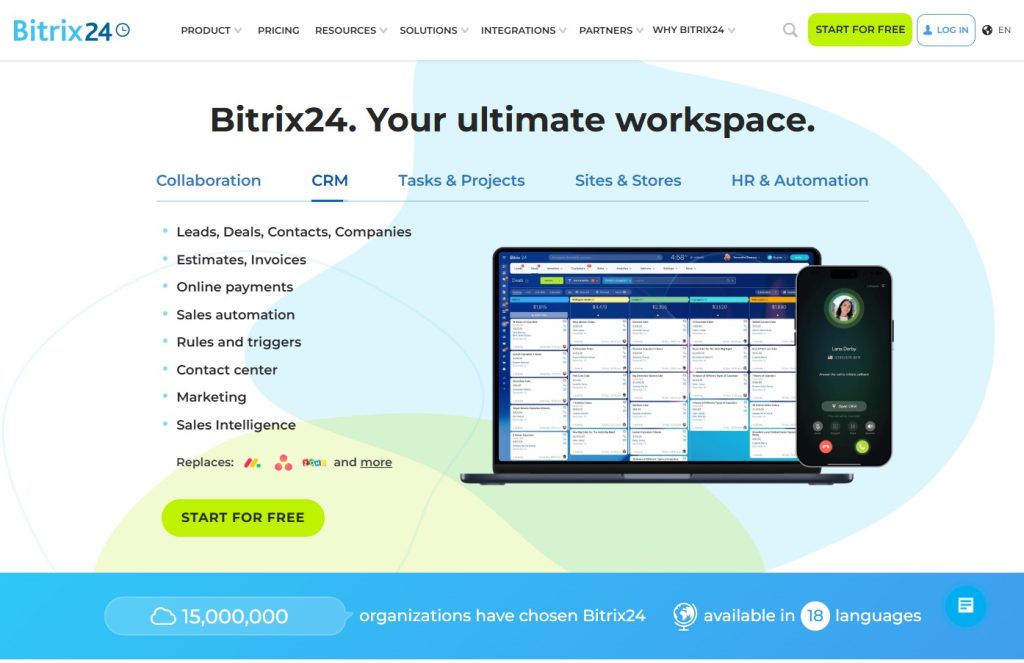
Bitrix24 combines CRM with collaboration tools. Free plan supports unlimited users, making it exceptionally accessible.
Includes project management, document sharing, and video conferencing. The contact centre consolidates phone, email, chat, and social into a unified inbox.
Key Features:
- Free for unlimited users.
- Collaboration tools.
- Project management.
- Website builder.
- Contact center.
Best For: Teams wanting CRM plus internal collaboration.
Pricing: Free plan available. Paid plans start at $49/month for 5 users.
26. Creatio
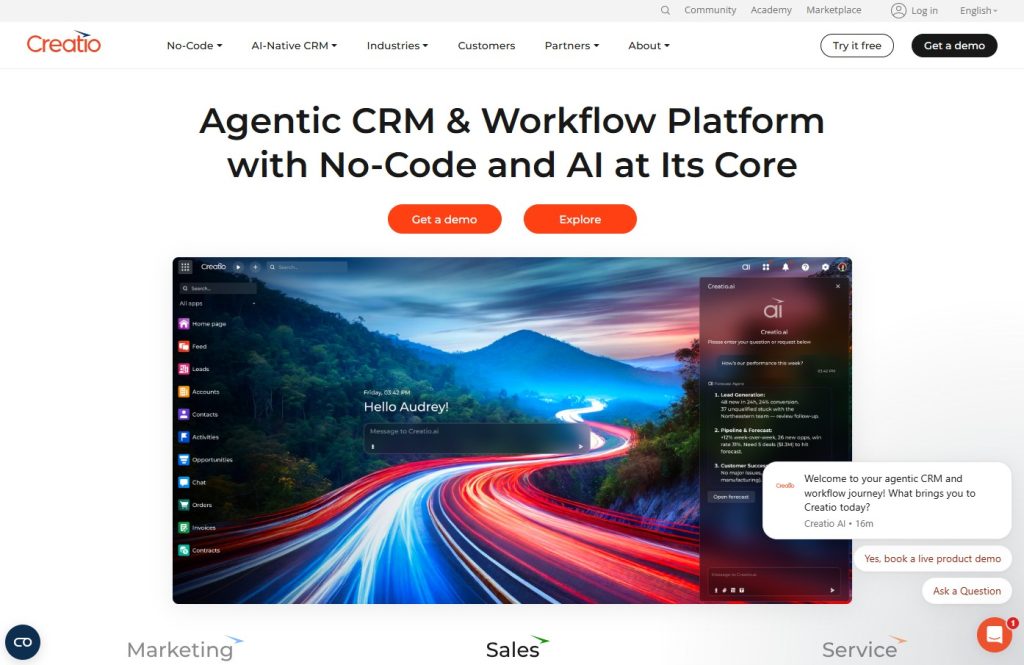
Creatio’s low-code platform enables customization without IT dependency. Visual designer maps complex workflows through drag-and-drop.
Industry solutions accelerate deployment with pre-built templates. Unified platform covers marketing, sales, and service with deep automation.
Key Features:
- Low-code customization.
- Process automation.
- Marketing campaigns.
- Service management.
- Industry solutions.
Best For: Businesses wanting customizable processes.
Pricing: Starts at $25/user/month.
27. Maximizer CRM
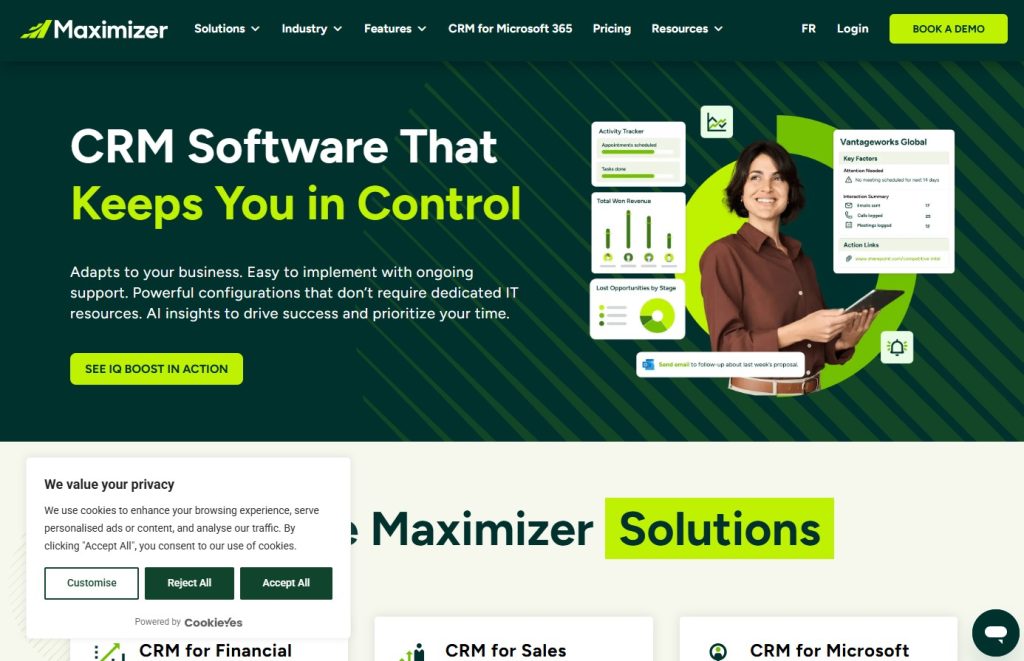
Maximizer delivers industry-specific CRM with customer service emphasis. Thirty years of evolution have provided deep expertise and proven workflows.
Customer service includes case management and SLA tracking. The marketing tools segment audiences and executes campaigns with attribution tracking.
Key Features:
- Customer service module.
- Marketing campaigns.
- Sales automation.
- Document management.
- Industry templates.
Best For: Service-focused businesses in specific industries.
Pricing: Starts at $90/user/month.
28. Salesmate
Salesmate focuses on sales teams with built-in communication. Call, text, and email without switching platforms, keeping communication contextual.
Email sequences automate follow-up while maintaining personalization. Product catalog builds quotes with line items, discounts, and professional proposals.
Key Features:
- Built-in calling and texting.
- Email sequences.
- Pipeline management.
- Product catalog.
- Team collaboration.
Best For: Sales teams wanting built-in communication.
Pricing: Starts at $29/user/month.
29. TeamWave
TeamWave provides integrated CRM, project management, and HR tools, eliminating the need for multiple subscriptions and enabling seamless data flow.
Project management transitions sales to delivery with tasks and milestones. HR includes employee databases and time-off tracking.
Key Features:
- Project management.
- HR management.
- Sales pipeline.
- Email integration.
- Mobile app.
Best For: Small businesses managing projects and clients together.
Pricing: Starts at $39/month for the entire team.
30. VTiger CRM
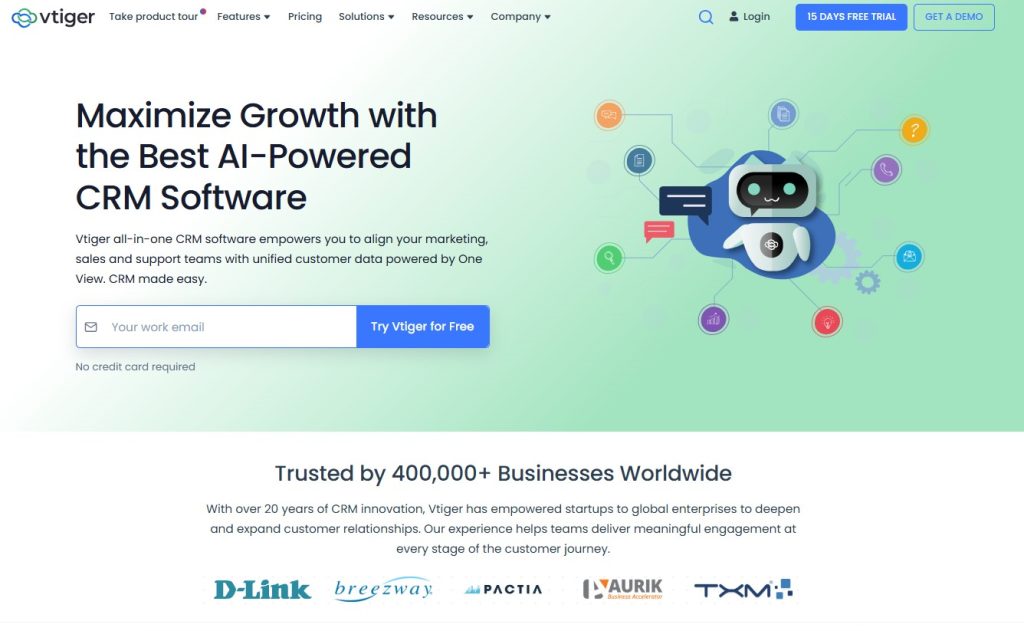
VTiger offers an open-source CRM with sales, marketing, support, and inventory modules, providing flexible customization.
Sales automation includes lead scoring and quote generation. Marketing and sales work together to ensure smooth transitions through the funnel. Helpdesk manages support with tickets and a knowledge base.
Key Features:
- Sales automation.
- Marketing campaigns.
- Helpdesk.
- Inventory management.
- Customization.
Best For: Businesses looking for an affordable, customizable CRM.
Pricing: Free open-source version. Cloud plans start at $12/user/month.
What Are the Different Types of CRM Tools?
CRM tools fall into different categories based on how they help your business. Understanding these types enables you to choose the right solution.
Operational CRM automates sales, marketing, and customer service processes. These tools streamline daily tasks, including contact management, email campaigns, and support tickets. HubSpot and Salesforce fit this category.
Analytical CRM emphasizes data analysis and customer insights. They help you understand customer behavior, forecast sales, and identify trends. Microsoft Dynamics and SugarCRM offer strong analytical capabilities.
Collaborative CRM enables different departments to share customer information seamlessly. Sales, marketing, and support teams work from the same data. These tools improve internal communication and customer experience.
Strategic CRM takes a long-term approach to customer relationships. It focuses on customer retention, loyalty programs, and lifetime value. Many enterprise CRMs include strategic features.
Campaign Management CRM specializes in marketing automation and campaign tracking. ActiveCampaign and similar tools excel at email marketing and lead nurturing.
Many modern CRMs blend these categories. For example,comprehensive SaaS tools often combine operational, analytical, and collaborative features into a single platform.
How Do CRM Tools Improve Cross-Sell and Upsell Opportunities?
CRM tools help you generate more revenue from existing customers through smarter cross-selling and upselling strategies.
Customer Behavior Tracking shows what products or services each customer uses. When you see their complete purchase history, you can suggest relevant add-ons they might need.
Purchase History Analysis reveals patterns across your customer base. If customers who buy product A often purchase product B within 3 months, you can proactively offer product B to them.
Automated Suggestions trigger at the perfect time. Your CRM can send personalized recommendations based on customer actions, increasing the chances they’ll buy.
Targeted Campaigns reach the right customers with the right offers. Segment your audience by what they’ve purchased and send tailored upsell messages that feel helpful, not pushy.
How to Score Leads with Modern CRM Tools
Lead Scoring helps your sales team focus on prospects most likely to buy. Modern CRM tools automate and improve the accuracy of this process.
Traditional Lead Scoring assigns points based on demographics and behavior. Someone who visits your pricing page gets more points than someone who reads a blog post.
AI-Powered Scoring takes it further by analyzing thousands of data points. The CRM learns which characteristics predict conversions and automatically adjusts scores.
Automation Benefits mean your sales team always knows which leads deserve attention first. Hot leads get immediate follow-up, while cold leads enter nurture campaigns.
Practical Examples show the power of lead scoring. A B2B company might score leads higher if they work at companies with 50+ employees, visited the demo page, and opened three emails.
Can You Integrate Omnichannel Marketing Platforms with CRM Tools?
Yes, modern CRM tools integrate seamlessly with omnichannel marketing platforms to create unified customer experiences.
Integration Possibilities connect your CRM with email, SMS, social media, live chat, and advertising platforms. Customer data flows automatically between systems.
The benefits of the omnichannel approach mean customers get consistent messaging whether they contact you via Facebook, email, or phone. Your team sees all interactions in one place.
Popular Integrations include connecting your CRM with Facebook Ads, Google Ads, Mailchimp, Intercom, and marketing automation platforms. Most CRMs offer native integrations or support Zapier integrations.
Best Practices involve mapping your customer journey across channels, syncing data in real time, and defining when to use each channel. Start with your most essential touchpoints first.
How to Choose the Right CRM Tool for Your Business
Selecting the right CRM requires evaluating your specific needs, not just picking the most popular option.
Budget Considerations go beyond monthly fees. Factor in setup costs, training time, and potential integrations. Free CRMs work great for startups, but paid plans unlock powerful features.
Team Size and Needs matter significantly. A solo entrepreneur needs different features than a 50-person sales team. Consider how many users you’ll have and what they’ll do daily.
Industry-Specific Requirements influence your choice. Real estate agents need property tracking, while healthcare providers need HIPAA compliance. Some CRMs specialize in specific industries.
Scalability ensures your CRM grows with your business. Check if the platform can handle more contacts, users, and data as you expand.
Integration Needs depend on your current tech stack. Make sure your CRM connects with your email, calendar, accounting software, and marketing tools. Most businesses need at least a few key integrations.
Test drive 2-3 options with free trials before committing. Get your team involved in testing to ensure everyone will actually use it.
Ready to Transform Your Business with The Tool Marketer?
Choosing the right CRM tool is just the beginning of building better customer relationships and growing your business.
At The Tool Marketer, we help startups, small businesses, and marketing teams find the perfect software solutions for their unique needs. Our comprehensive guides go beyond surface-level reviews to show you how real companies use these tools to drive results.
Whether you’re looking for CRM software, marketing automation, or project management tools, we’ve tested and reviewed hundreds of options. Stop wasting time on tools that don’t fit your business.
Visit The Tool Marketer today and discover how the right software stack can transform your operations, delight your customers, and accelerate your growth. Your perfect CRM is waiting.
Conclusion
CRM tools have become essential for businesses of all sizes. Whether you’re a solo entrepreneur or part of a growing team, the right CRM helps you build stronger customer relationships and work more efficiently.
The 30 CRM examples we covered offer something for every business need and budget. Start with free trials, involve your team in testing, and choose the solution that fits your workflow.
Remember, the best CRM is the one your team will actually use. Keep it simple, focus on your most essential needs, and scale up as you grow. Your customers will thank you for it.
Frequently Asked Questions
What is a CRM tool?
A CRM tool is software that helps businesses manage customer relationships, track interactions, and organize sales processes. It stores contact information, automates tasks, and provides insights to improve customer experiences.
What are CRM tools used for?
CRM tools are used to manage leads, track sales pipelines, run marketing campaigns, provide customer support, and analyse business data. They help teams work together more effectively and build stronger customer relationships.
What are examples of CRM software?
Popular CRM software examples include HubSpot, Salesforce, Zoho, Pipedrive, and Freshworks. Each offers different features and pricing to match various business needs and budgets.
What is the best CRM tool?
The best CRM tool depends on your specific needs. HubSpot offers the best free option, Salesforce provides the most customization, and Pipedrive excels at sales pipeline management. Small businesses often prefer Zoho or EngageBay for affordability.
Does Google have a CRM tool?
Google doesn’t offer a standalone CRM, but Google Workspace integrates well with CRMs like Copper and Streak. These tools work inside Gmail and Google Calendar to provide CRM functionality without leaving Google’s ecosystem.
Is Mailchimp a CRM tool?
Mailchimp started as an email marketing platform but now includes basic CRM features. However, dedicated CRM tools such as HubSpot or ActiveCampaign offer more comprehensive contact management and sales-tracking capabilities.
What are the CRM tools for customer service?
CRM tools for customer service include Freshworks, Zendesk Sell, HubSpot Service Hub, and Zoho. These platforms help support teams manage tickets, track response times, and access customer history to resolve problems faster.
How do social media tools integrate with CRM?
Social media tools can integrate with CRM via native integrations or third-party apps like Zapier. They sync contact data, track social interactions, and enable social selling. Nimble and HubSpot offer strong social media integration.
What are the most popular AI-native CRM tools?
Popular AI-native CRM tools include Salesforce with Einstein AI, HubSpot with AI features, and Freshworks with Freddy AI. These tools use artificial intelligence for lead scoring, sales predictions, and automated task recommendations.
What are some CRM tools for startups?
Best CRM tools for startups include HubSpot (free plan), Zoho (affordable pricing), Pipedrive (simple interface), and EngageBay (all-in-one value). These options balance functionality with budget constraints that startups face.
Can you integrate cash collection software with a CRM tool?
Yes, many CRM tools integrate with payment and cash collection software through APIs or third-party connectors. This enables automatic payment tracking, invoice management, and financial reporting within your CRM.
What are CRM tools for marketing?
CRM tools for marketing include ActiveCampaign, HubSpot Marketing Hub, Salesforce Marketing Cloud, and Zoho Marketing Plus. These platforms offer email marketing, campaign management, lead scoring, marketing automation, and CRM functionality.
Share